How Real Estate Photographers Can Make Listing Videos From a Photo Shoot
A repeatable workflow for real estate photographers who want to turn an approved still-photo delivery into a clearly scoped listing-video add-on.
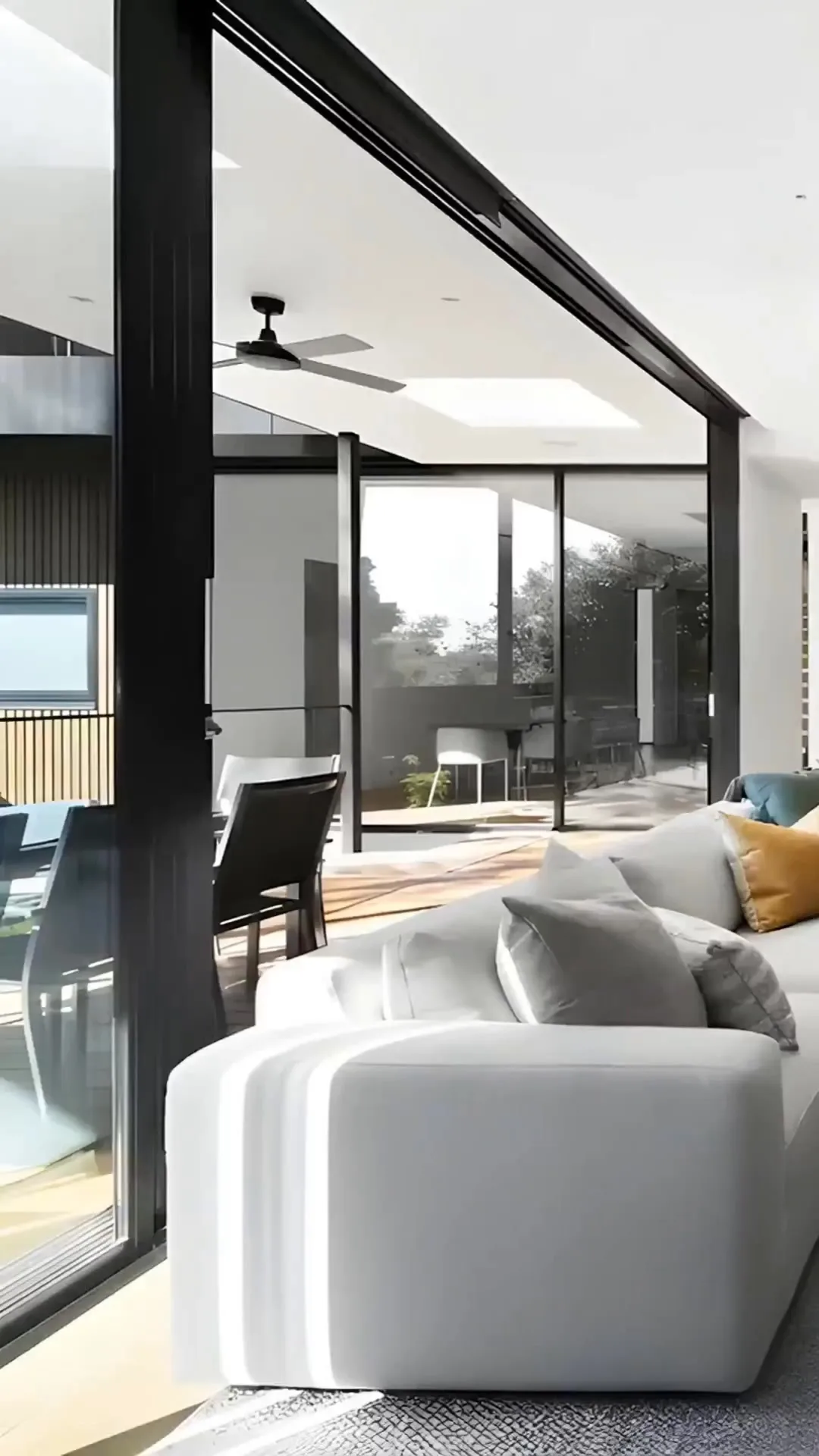
Real estate photographers can offer a listing-video add-on by turning the already approved photo set into a short, branded property video. The cleanest service has a fixed image count, runtime, aspect ratio, revision limit, delivery window, and clear rules for music, branding, and media rights.
Why photo-based listing video fits a photography workflow
- The property has already been photographed and the images have been approved
- The photographer already understands the strongest rooms, angles, and details
- The agent can receive an additional deliverable without scheduling a second shoot
- The video can reuse the photographer's existing intake, brand, delivery, and invoicing process
Define the deliverable before you automate it
Do not sell an undefined 'AI video.' Sell a specific client deliverable. State the approximate runtime, photo count, included format, whether listing copy is included, how branding works, the number of revisions, and where the agent may publish the result.
- Core listing video: approved photo set, music, simple text, branded outro, one aspect ratio
- Social package: vertical cut plus a shorter teaser and optional captions
- Premium package: expanded art direction, narration, multiple formats, and a more detailed review
Build a repeatable photographer-to-video workflow
1. Confirm rights and client approval
Make sure the license for the listing photos covers the proposed video use. Get approval for logos, agent details, property facts, music, and any narration before the final render.
2. Use the final photo selects
Start with the delivered edits, not an unreviewed contact sheet. Remove alternate angles and choose a concise visual order that reflects how a buyer would understand the property.
3. Direct motion scene by scene
Treat generated movement as another creative decision. Choose restrained movement for architecture, review straight lines and room boundaries, and replace any scene that changes the property materially.
4. Apply a reusable brand finish
Keep a small set of approved type styles, colors, logo positions, music treatments, and outro layouts. A repeatable system makes the service easier to deliver while still letting the photography lead.
5. Deliver with a review note
Tell the client what was generated, what was not changed, which facts they must verify, and which file is intended for each publishing destination.
Questions to settle in the service agreement
- Who owns the final video and who may publish it?
- Does the photo license cover animated or derivative marketing use?
- Who verifies price, room counts, dates, location wording, and claims?
- How many revisions and aspect ratios are included?
- What happens when a generated scene needs to be replaced?
- How long will the files remain available for download?
How to price without guessing
Measure the full delivery cost: client communication, image curation, motion review, copy, music, branding, rendering, quality control, revisions, storage, and support. Then price the product around the promised scope and turnaround rather than treating generation time as the whole cost.
Build a listing-video add-on from the finished photo set
Upload the approved delivery, direct the sequence and motion, then hand off a reviewed video with a defined format and scope.