هل يمكنني تحريك رمز تعبيري وتغيير حجمه؟
نعم. يمكن وضع عناصر الرموز التعبيرية وتغيير حجمها على اللوحة، وضبط توقيتها على الخط الزمني للفيديو.
أضف رموزًا تعبيرية متحركة وتفاعلات ولمسات بصرية إلى أي لحظة في مقطع الفيديو الخاص بك. افتح محرر Reeloft الكامل، ثم أضف ملفاتك مباشرةً إلى الخط الزمني.
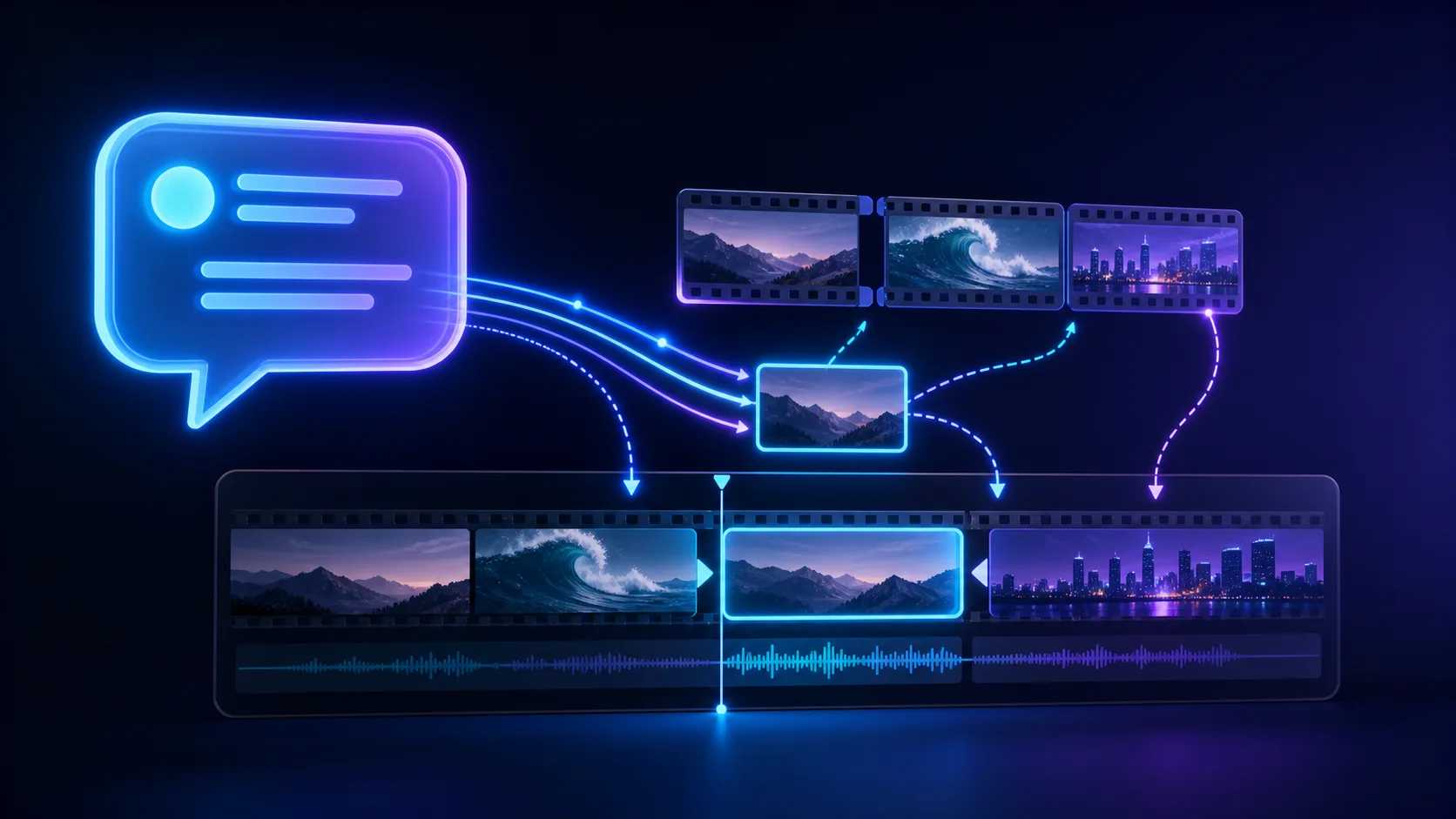
حرّر في مساحة عمل واحدة
ارفع ورتّب واضبط وحرّر دون مغادرة المحرّر.
أضف العناوين والتسميات وعبارات الحث على اتخاذ إجراء وتراكبات النصوص المحددة التوقيت مباشرةً إلى لوحة الفيديو الخاصة بك.
ضع الصور والشعارات والرسومات والملصقات والتراكبات في أي مكان على الفيديو.
حرّك النصوص والصور والعناصر المرئية باستخدام عناصر تحكّم قابلة للتعديل في الحركة والتوقيت.
نعم. يمكن وضع عناصر الرموز التعبيرية وتغيير حجمها على اللوحة، وضبط توقيتها على الخط الزمني للفيديو.
نعم. يتضمن المحرر خيارات للرموز التعبيرية والأصول المرئية المتحركة إلى جانب الصور التي تم تحميلها.