Create a Real Estate Listing Video from a Property URL
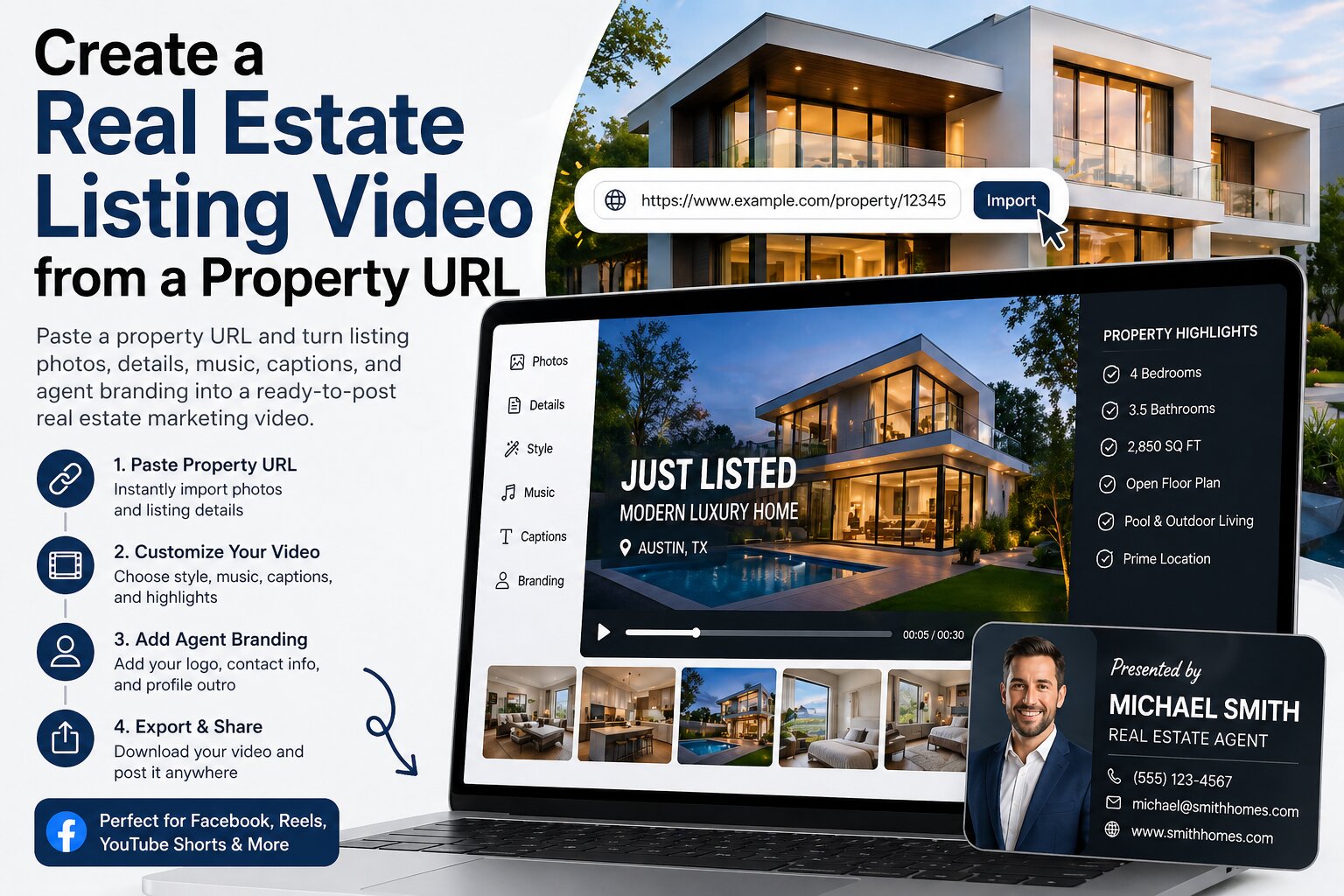
Paste a property URL and turn listing photos, details, music, captions, and agent branding into a ready-to-post real estate marketing video.
Create a Real Estate Listing Video from a Property URL
A property listing already contains most of what you need for a marketing video: photos, location, property details, and selling points. The slow part is turning that information into a clean video that looks ready for social media.
Reeloft helps simplify that workflow. Paste a property URL, select the visuals you want to use, add music and branding, then generate a real estate listing video without manually editing a timeline.
Turn a property URL into a listing video
Paste a property listing URL, choose photos, add music and agent branding, then Reeloft helps create a ready-to-post real estate video.
The Problem: Listing Pages Are Not Built for Social Media
- Property pages are useful, but they are not always scroll-stopping
- Photos need motion, pacing, and structure to work well as video
- Agents often have to manually copy details into editing tools
- Creating a new video for every listing can take too much time
- Seller marketing looks stronger when every listing has polished video content
How Reeloft Turns a Property URL into a Listing Video
1) Paste the Property URL
- Start from an existing property listing page
- Use the listing as the source for photos and property context
- Save time compared with uploading every asset manually
- Quickly move from listing page to video creation workflow
2) Select the Photos You Want to Use
- Choose the strongest exterior or hero image for the opening
- Select key interior spaces such as living room, kitchen, bedroom, and bathroom
- Include memorable details like views, backyard, pool, balcony, or finishes
- Remove duplicate or low-quality photos before generating the video
3) Choose the Video Style
- Luxury cinematic style for high-end homes
- Clean modern style for apartments and rentals
- Warm lifestyle style for family homes
- Fast social-first style for Reels, TikTok, and Shorts
4) Add Background Music and Property Highlights
- Use soft cinematic music for premium listings
- Use upbeat music for social media attention
- Add short text highlights for location, rooms, price, or key features
- Keep captions short so the video stays clean and easy to watch
5) Finish with an Agent Profile Outro
- Show your name and role
- Add your company or brokerage
- Include phone, email, website, or social handle
- Use a clear call-to-action such as “Book a private showing”
- Make every listing video work as both property marketing and agent branding
Turn a property URL into a listing video
Paste a property listing URL, choose photos, add music and agent branding, then Reeloft helps create a ready-to-post real estate video.
The 5-Minute Property URL → Video Workflow
- Minute 1 — Paste the property URL
- Minute 2 — Select the best listing photos
- Minute 3 — Choose a video style and background music
- Minute 4 — Add property highlights and agent profile details
- Minute 5 — Generate, preview, export, and post
Where You Can Use the Listing Video
- Instagram Reels
- TikTok
- YouTube Shorts
- Facebook listing posts
- Agent websites
- Email campaigns
- Open house promotions
- Listing presentations for sellers
Why This Workflow Helps Real Estate Agents
- Create listing videos faster from existing property pages
- Reuse listing photos in a more dynamic format
- Post more consistently on social media
- Make sellers feel that their property is being marketed professionally
- Build a stronger visual brand across every listing