Make a Real Estate Marketing Video in Minutes with Reeloft
Turn a property listing URL or uploaded photos into a polished real estate marketing video with music, captions, and an agent profile outro—without editing a timeline.
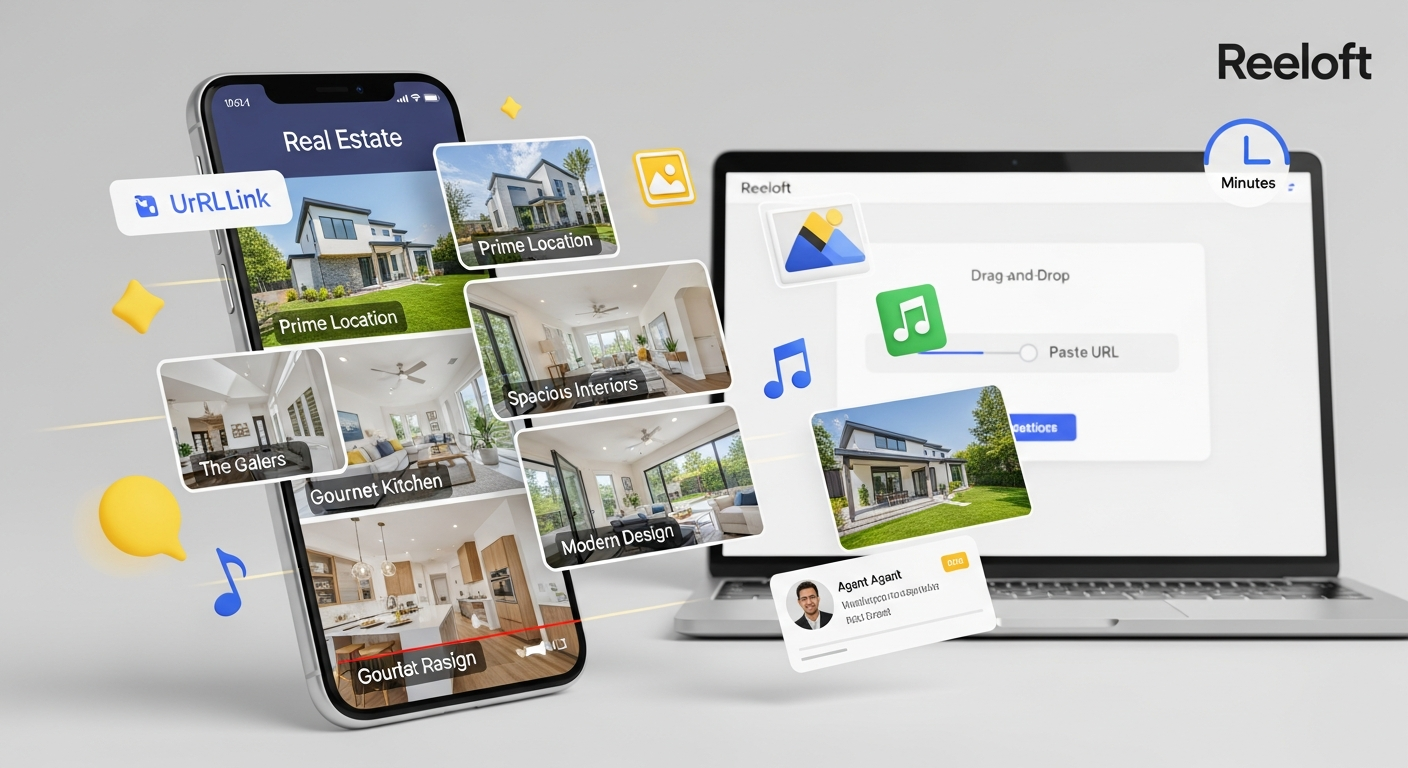
Make a Real Estate Marketing Video in Minutes with Reeloft
You already have the most important assets: the listing, the property photos, and the selling points. The slow part is turning them into a video that feels polished, professional, and ready to post.
Reeloft is built for this: property listing → short-form real estate marketing video, without timelines, manual cuts, or hours of editing.
Create real estate videos without editing skills
Upload property photos or paste a listing link, then Reeloft helps create a polished listing video with motion, music, highlights, and agent branding.
The Real Bottleneck: Great Listings Without Great Video
- Choosing which photos should appear first
- Creating smooth motion from static property images
- Adding background music that matches the listing style
- Keeping the video clean, premium, and easy to understand
- Ending with a professional agent profile outro and call-to-action
How Reeloft Turns a Listing into a Video
1) Start with a Property URL or Photos
- Paste a listing URL to quickly start from an existing property page
- Upload property photos if you already have selected images
- Use exterior, interior, detail, and lifestyle shots for better flow
- Highlight the strongest visuals first to capture attention quickly
2) Choose the Video Style
- Luxury and cinematic for premium homes
- Clean and modern for apartments and rentals
- Warm and inviting for family homes
- Fast social-first style for Instagram Reels, TikTok, and Shorts
3) Reeloft Builds Visual Flow from Static Photos
- Smooth zooms and camera-like motion
- Scene ordering that feels natural for a property tour
- Consistent pacing from intro to final call-to-action
- A video structure designed for short-form attention spans
4) Add Background Music
- Soft cinematic music for luxury listings
- Bright upbeat music for social media posts
- Calm ambient music for elegant home tours
- Modern corporate-style music for agent branding
5) Add Captions, Property Highlights, and Agent Outro
- Short headline for the listing
- Key details like location, bedrooms, bathrooms, or price
- Feature highlights such as pool, view, kitchen, backyard, or parking
- Agent profile outro with name, role, company, phone, email, website, and CTA
Create real estate videos without editing skills
Upload property photos or paste a listing link, then Reeloft helps create a polished listing video with motion, music, highlights, and agent branding.
The 5-Minute Real Estate Video Workflow
- Minute 1 — Paste a listing URL or upload property photos
- Minute 2 — Choose the strongest photos and select a video style
- Minute 3 — Pick background music and set the overall mood
- Minute 4 — Add listing highlights and agent profile details
- Minute 5 — Generate, preview, export, and post
Where You Can Use the Video
- Instagram Reels
- TikTok
- YouTube Shorts
- Facebook listing posts
- Agent websites
- Email campaigns
- Listing presentations
- Open house promotions
Why This Matters for Real Estate Agents
- Publish listing videos faster
- Make property photos feel more premium
- Create more social media content from every listing
- Give sellers a stronger impression of your marketing quality
- Build a consistent agent brand with every video