Quels débits d’images sont pris en charge ?
Choisissez 24, 25, 30, 50 ou 60 images par seconde.
Convertissez la vidéo en 24, 25, 30, 50 ou 60 images par seconde tout en conservant la synchronisation audio. Ouvrez l’éditeur complet de Reeloft, puis ajoutez directement vos fichiers à la timeline.
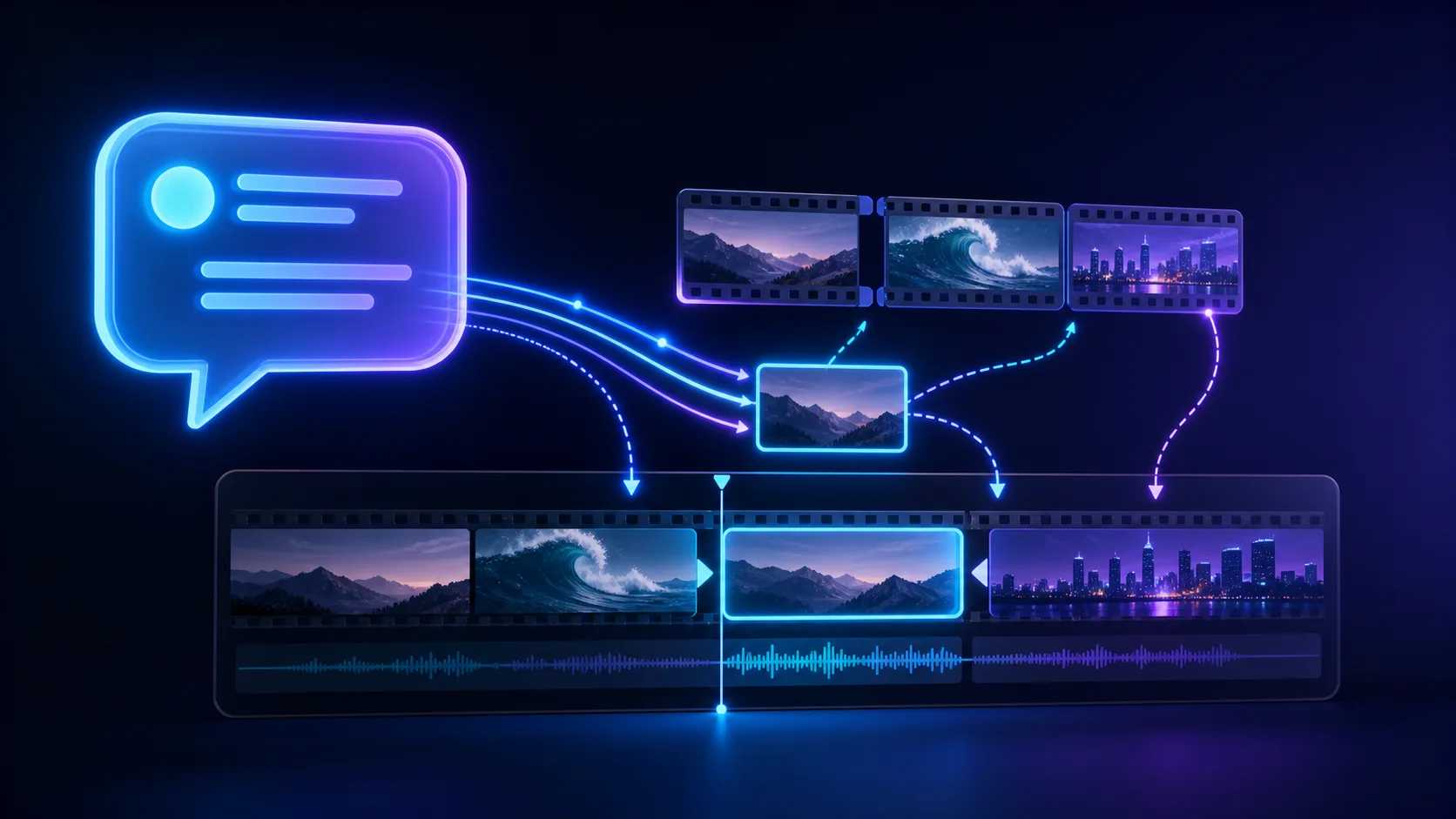
Modifier dans un seul espace de travail
Téléchargez, organisez, ajustez et effectuez le rendu sans quitter l’éditeur.
Ralentissez ou accélérez la vidéo de 0,25× à 4× tout en gardant l’audio synchronisé.
Convertissez des vidéos en MP4, WebM, MOV, MKV, AVI, MPEG ou TS directement sur votre appareil.
Compressez une vidéo dans votre navigateur avec des préréglages de qualité pratiques. Votre fichier reste sur votre appareil.
Choisissez 24, 25, 30, 50 ou 60 images par seconde.
Non. La durée et le timing audio restent inchangés.