Luxury Real Estate Video: How to Make a Listing Feel Premium
A practical guide to creating a more considered luxury real estate video through stronger photo selection, pacing, motion, sound, typography, branding, and review.
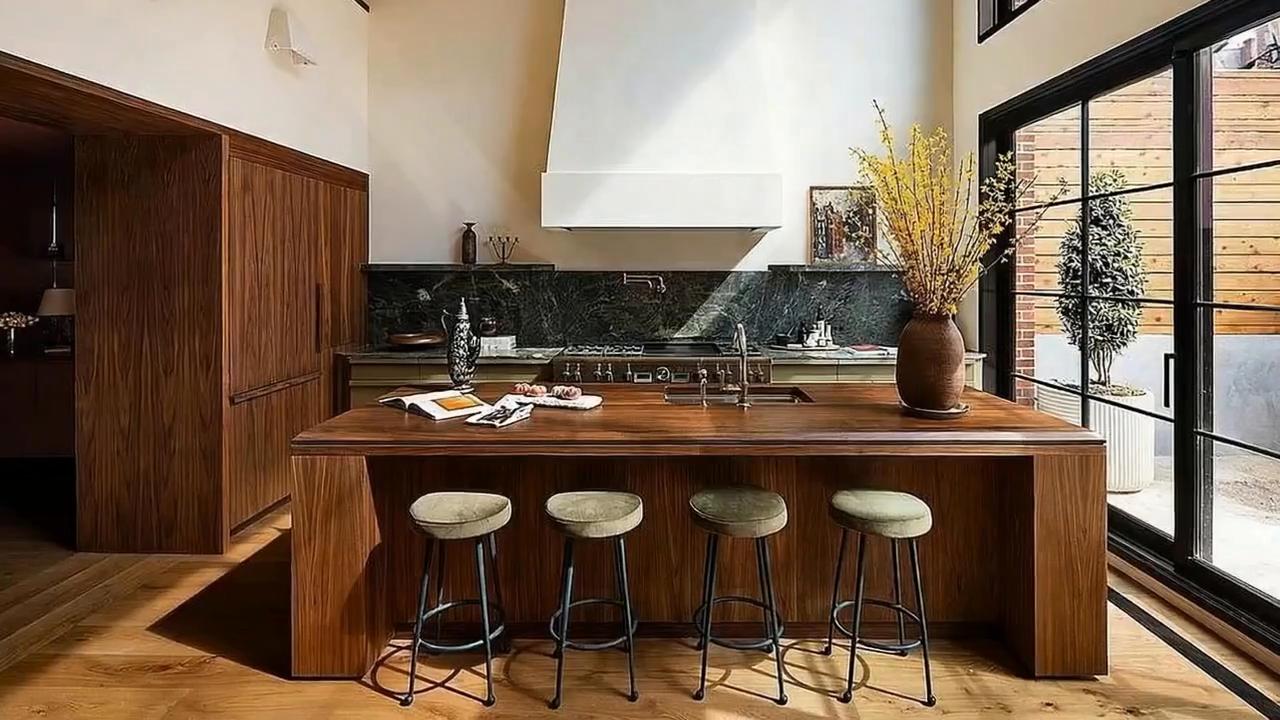
A luxury real estate video feels premium when the source photography, image selection, pacing, movement, sound, typography, and copy all support one clear property story. Premium treatment comes from restraint and art direction, not from adding the most effects.
Begin with a point of view, not a template
Define what makes this property distinct before selecting effects. It may be the architecture, the relationship to landscape, materials, light, scale, provenance, amenities, or a particular lifestyle. Use that direction to decide the opening, pace, music, copy, and final call to action.
Use fewer photographs and give them more time
Luxury work often benefits from curation. Remove redundant angles and let the strongest exterior, principal rooms, signature details, view, and outdoor spaces carry the edit. A short list of deliberate scenes usually feels more considered than a rapid slideshow of every delivered image.
Direct movement for architecture
- Use slow pushes to draw attention into deep compositions
- Use gentle side movement when it supports strong horizontal space
- Use reveals sparingly for views, double-height rooms, or distinctive details
- Avoid aggressive motion that bends walls, windows, furniture, or roof lines
- Replace a scene when movement invents or removes an important element
Treat pacing as part of the brand
The edit should feel confident enough to let a composition register. Build a clear opening, a measured middle, and a deliberate close. Use faster cuts only when the campaign direction calls for energy, such as a short social teaser derived from the main film.
Keep typography and copy restrained
- Use one or two type styles with a clear hierarchy
- Keep overlays short and factual
- Avoid filling every scene with text
- Use approved location, architecture, design, amenity, and lifestyle language
- Finish with a clean agent or brokerage identity and one next action
Build a deliberate sound treatment
Music should support the property's positioning without overwhelming it. Narration can add context when the script contributes information the images cannot communicate. Check licensing for every destination and listen to the final mix on both headphones and a phone speaker.
Create a main film and a social derivative
Use the landscape or presentation version as the complete property story. Then create a shorter vertical edit around one defining space, view, architectural idea, or invitation. The social version should be recut for the frame, not merely cropped from the center.
Luxury property-video quality-control checklist
- Architectural lines, windows, furniture, materials, and views remain accurate
- The photo color treatment stays consistent from scene to scene
- No text, logo, or caption competes with the photography
- Movement feels intentional and does not repeat mechanically
- Property facts and claims have been approved
- The landscape, square, and vertical versions have each been reviewed in their final frame
Build a considered property video from the approved photo set
Choose the strongest images, direct motion scene by scene, and review every detail before the campaign goes live.