01
Set the campaign direction
Define the buyer, central property promise, tone, format, and brand requirements.
Luxury real estate video
Build a restrained listing film from the professional photo set, direct the motion room by room, and keep typography, sound, narration, and branding aligned with the campaign.
Start with free credits · No editing experience needed





Cinematic output example
The playable Reeloft output provides visual evidence of the movement and presentation available from a photo-led project.
Bring the light, space, and character of a property to life with cinematic movement, music, and your own branded finish.
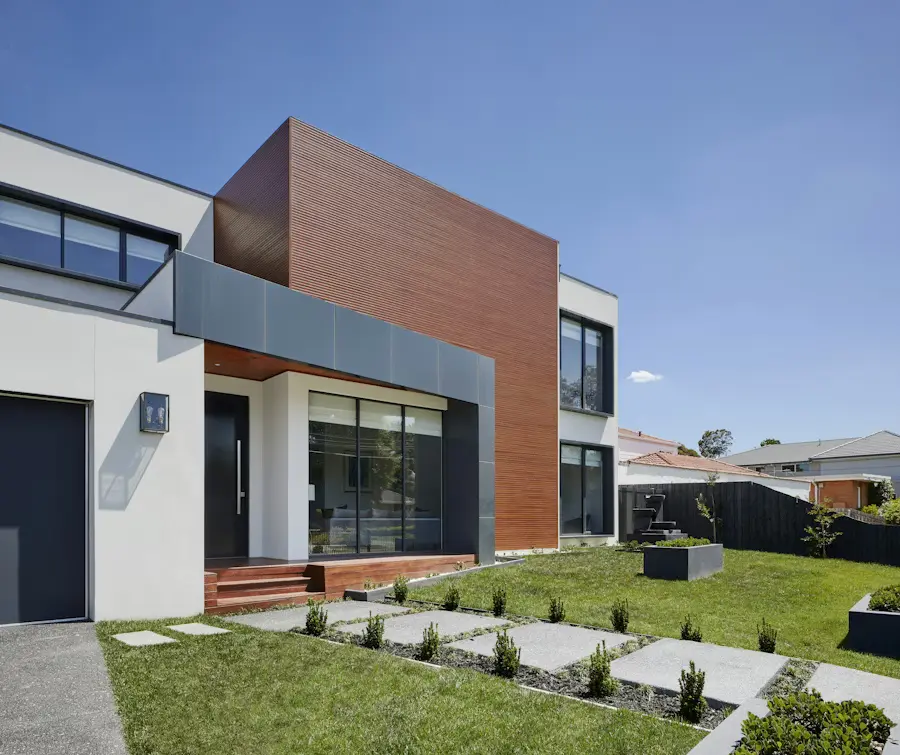
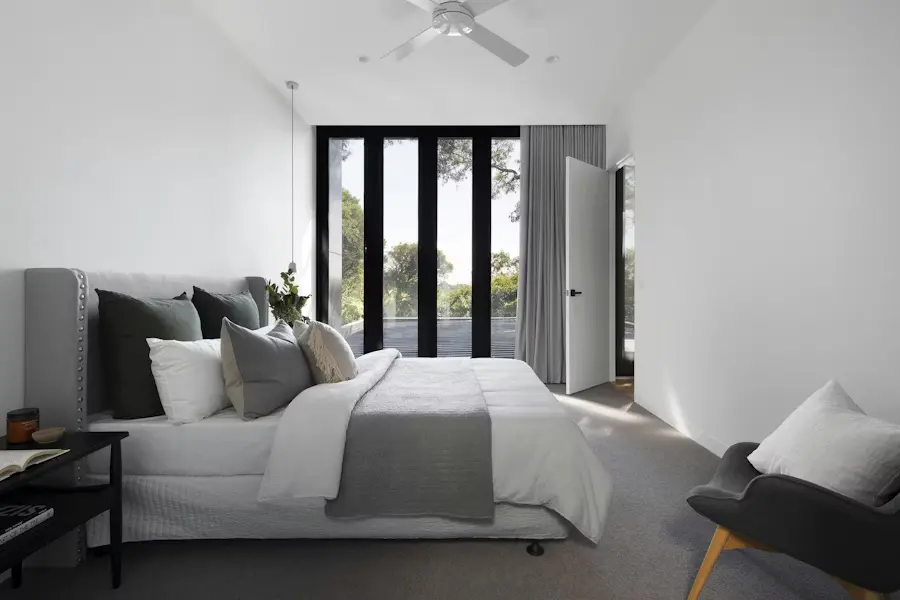
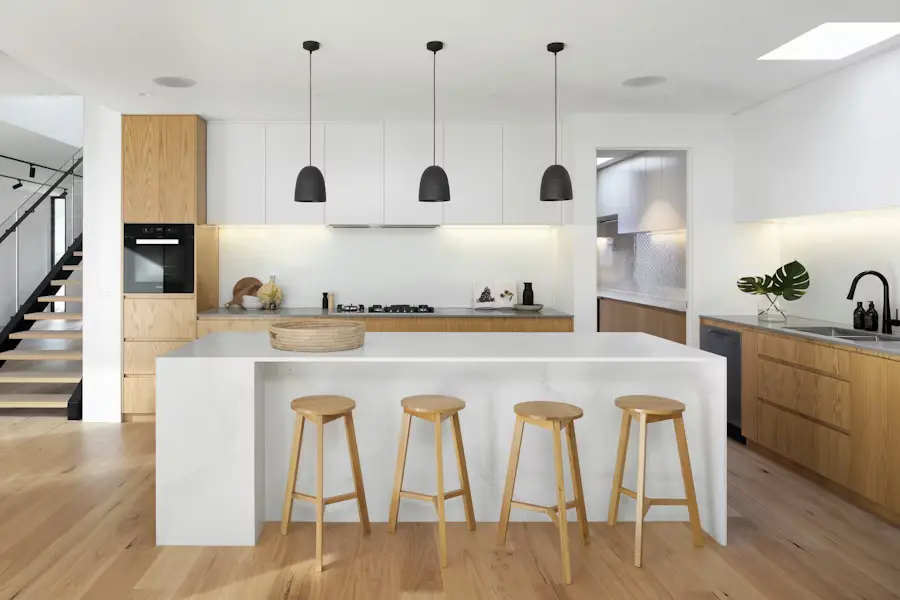
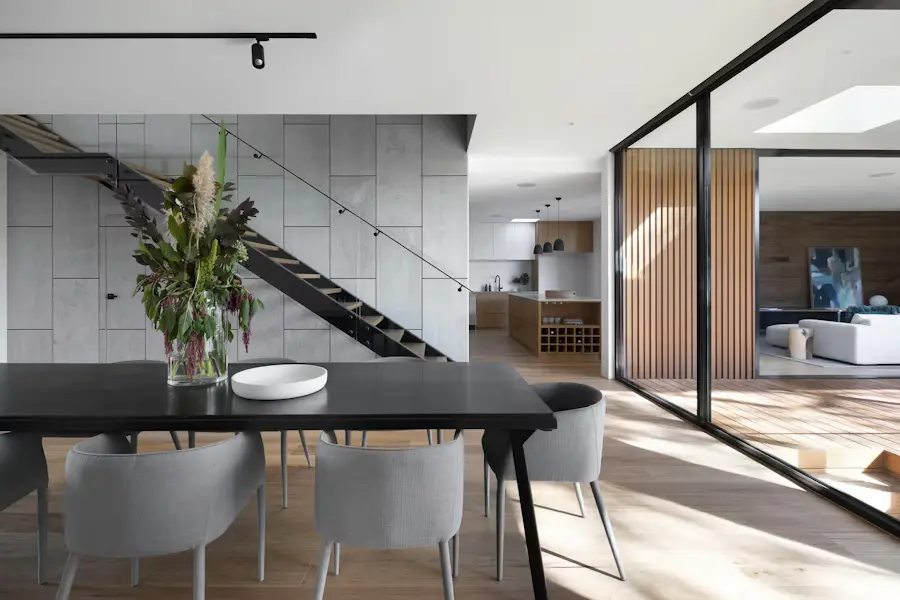
Actual Reeloft output. Premium positioning depends on source photography, art direction, copy, audio, brand choices, and final review.
Less editing. More possibilities.
Use fewer, stronger choices and review how every movement, transition, word, and sound supports the property position.
Define the buyer, central property promise, tone, format, and brand requirements.
Choose only the images needed to establish arrival, scale, materials, amenities, and setting.
Review camera direction, pacing, music, optional narration, and transitions scene by scene.
Refine typography and branding, then export the website, presentation, and social versions.
Premium campaign moments
Start from one approved property story, then adapt the edit deliberately for each audience and placement.
Prepare a composed landscape version for direct outreach and client presentations.
Build the full listing narrative for websites, YouTube, and campaign distribution.
Cut a tighter vertical version around one defining space, view, or detail.
Make every listing work harder
Yes. Use Auto or select the supported camera direction scene by scene.
Yes. Optional avatar narration can be added alongside music and the rest of the audio treatment.
Yes. Create landscape, square, and vertical outputs and refine each project as needed.
No. The final quality depends on photography, curation, art direction, copy, sound, branding, and review.
Make your next move
Bring the campaign direction and strongest images, then review every motion, sound, word, and format before release.
Create a luxury property videoExplore how it works