01
Bring the listing in
Paste a supported property URL or upload the approved marketing photos.
Real estate video for agents
Start from the property assets you already have, build the listing story, and finish with reusable agent branding for social, websites, email, and seller communication.
Start with free credits · No editing experience needed





Actual listing-video example
This real Reeloft example shows the visual standard agents can build on with their own property assets and branding.
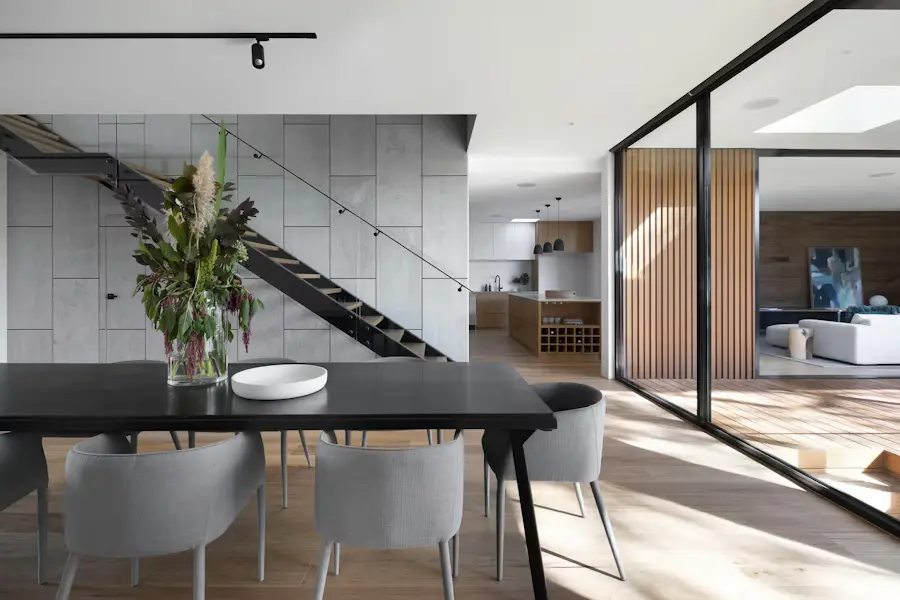
Bring the light, space, and character of a property to life with cinematic movement, music, and your own branded finish.



Actual Reeloft output. The page does not claim specific lead, view, or sales results.
Less editing. More possibilities.
Create the core property project once, then prepare the formats and messages needed across the listing cycle.
Paste a supported property URL or upload the approved marketing photos.
Lead with the best feature and arrange the rooms, amenities, and details clearly.
Add music, captions, optional narration, and the saved agent or brokerage outro.
Export for a listing launch, vertical Reel, open house, website, or presentation.
One listing, several agent moments
Use the editable project when the campaign message changes instead of rebuilding from zero.
Show sellers a concrete video deliverable as part of the proposed marketing plan.
Create social and web versions while the listing is new and attention is highest.
Update the hook, format, or CTA for an open house, price change, or renewed push.
Make every listing work harder
Yes. Add a reusable profile outro with the agent or brand information you want shown.
Yes. Choose vertical, square, or landscape based on where the video will be used.
Yes. Keep the property assets and update the message with the event details and CTA.
No. The guided property workflow handles the initial build, and the editable project remains available for refinement.
Make your next move
Start the next property project with your photos or listing URL and finish with the agent identity buyers should remember.
Create my next listing videoExplore how it works