01
Choose the hook
Open with the view, room, price point, or feature most likely to stop the scroll.
Real estate Reel maker
Choose the strongest listing photos, lead with a mobile-first hook, and create a 9:16 property video with readable details, music, and agent branding.
Start with free credits · No editing experience needed





Real vertical output
This is a playable Reeloft output, shown here so the page demonstrates the result instead of only describing it.
Bring the light, space, and character of a property to life with cinematic movement, music, and your own branded finish.

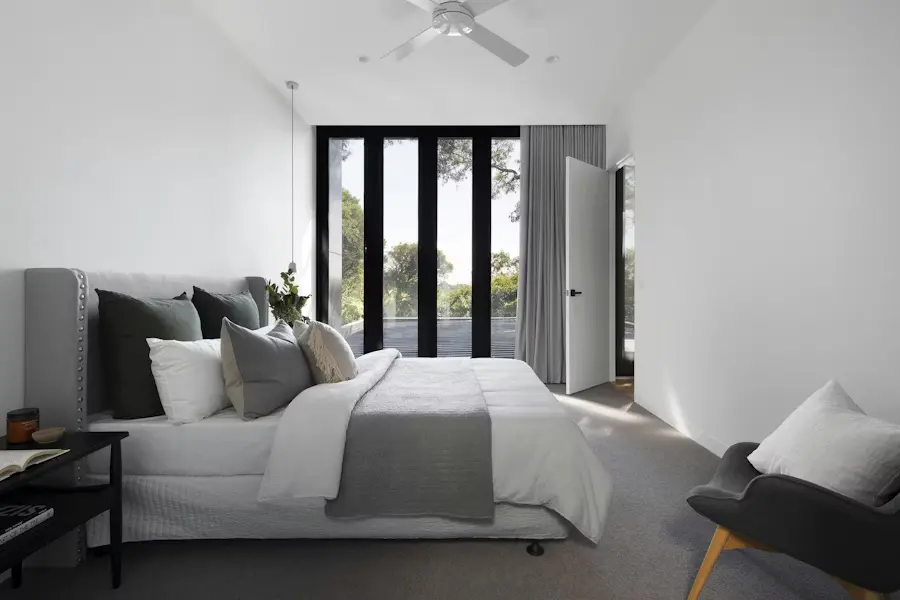
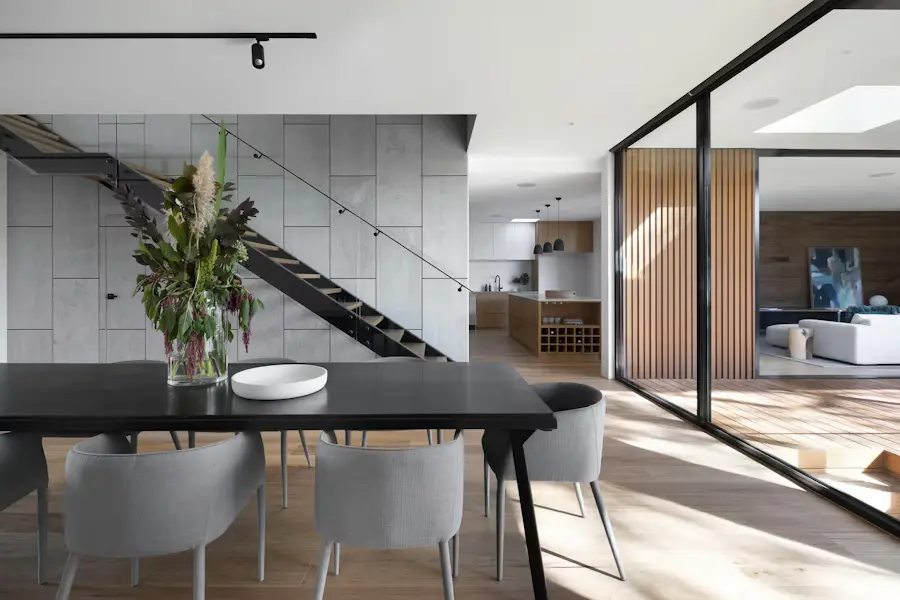
Actual Reeloft output. Social performance depends on the listing, creative choices, audience, and distribution.
Less editing. More possibilities.
The Reel workflow prioritizes the opening frame, vertical crop, short overlays, and mobile pacing.
Open with the view, room, price point, or feature most likely to stop the scroll.
Use only the images needed to support that hook and show the property clearly.
Review movement, crop behavior, text placement, music, and pacing on a vertical canvas.
Finish with the agent profile or a concise prompt to view, save, or ask about the listing.
Made for mobile discovery
A Reel should make one promise quickly rather than compressing the entire property page into a slideshow.
Lead with the strongest visual and introduce the property while it is fresh.
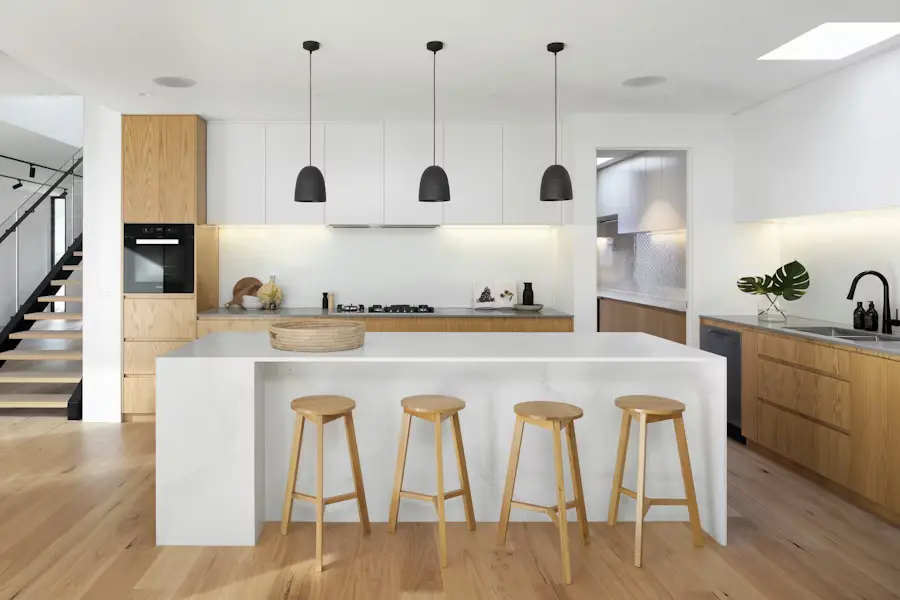
Build a short video around a kitchen, view, backyard, amenity, or renovation.
Create a new vertical asset when the price, availability, or campaign message changes.
Make every listing work harder
Yes. Choose vertical 9:16 for Instagram Reels, TikTok, and YouTube Shorts.
Yes. Add editable captions or text for the details that matter to the video.
Yes, when the page is supported and accessible. You can also upload the selected photos directly.
Reeloft creates the finished video. Publishing options depend on the social workflow you use after export.
Make your next move
Pick the hook, choose the photos, and create an editable property Reel for mobile feeds.
Create a property ReelExplore how it works