01
Choose current photos
Select accurate exterior, room, amenity, and detail images you have permission to use.
For homeowners and FSBO sellers
Use the strongest approved photos, organize a truthful room-by-room story, and create a video for listing pages, social posts, messages, or an open house.
Start with free credits · No editing experience needed





Actual property-video example
Watch a real Reeloft output, then use your own approved property photos to build a clear, editable presentation.
Bring the light, space, and character of a property to life with cinematic movement, music, and your own branded finish.
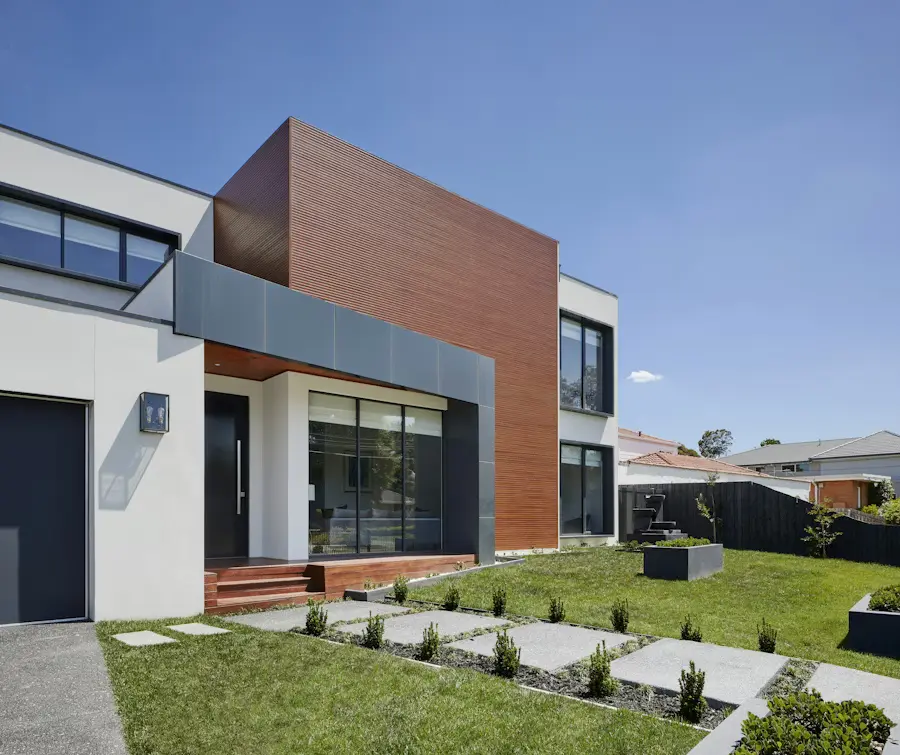
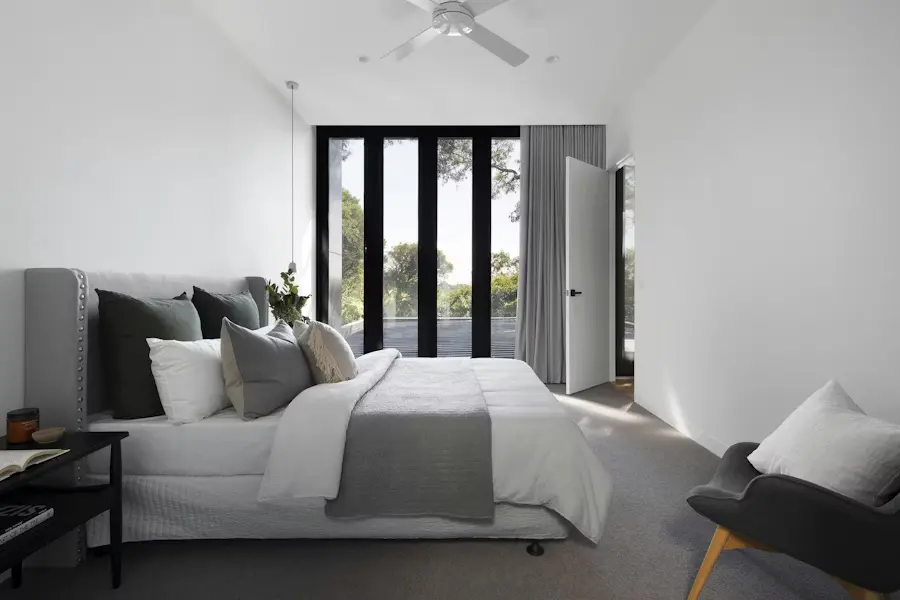
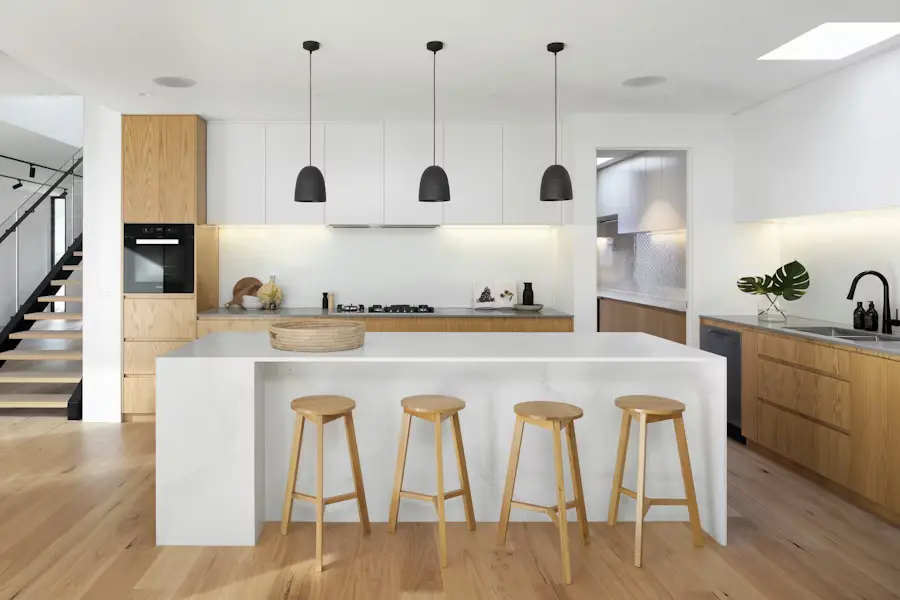
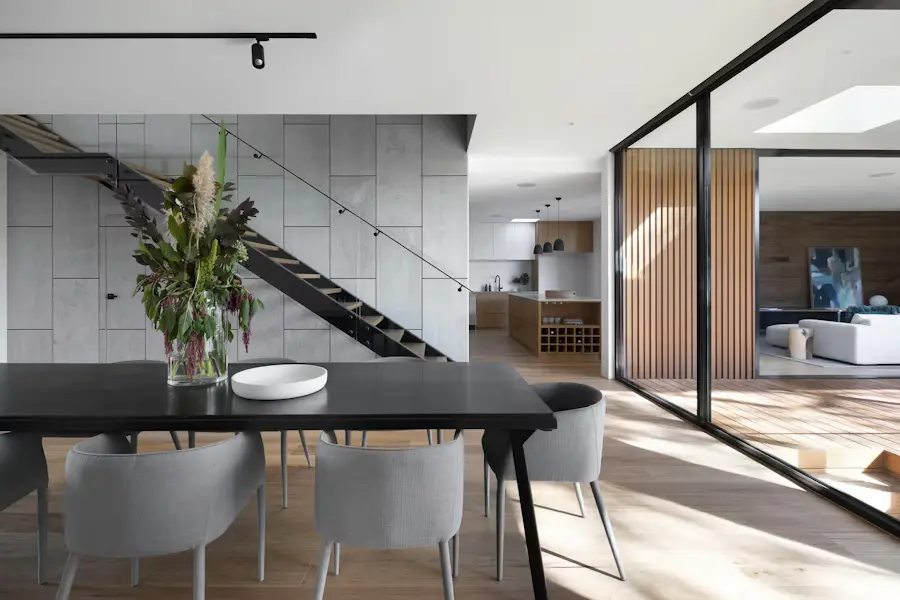
Actual Reeloft output. Homeowners are responsible for media rights, accurate property information, required disclosures, and platform rules.
Less editing. More possibilities.
Keep the creative work focused on the home while retaining control over every fact a prospective buyer sees.
Select accurate exterior, room, amenity, and detail images you have permission to use.
Lead with the strongest view and arrange the remaining spaces in a sequence buyers can follow.
Write concise captions, choose music, and include only facts you have checked against the listing.
Preview every scene, choose the right aspect ratio, and export the version needed for the campaign.
Useful before and during a sale
Keep the same approved source material while adapting the introduction and call to action for each moment.
Create a concise overview that complements the listing photos and written details.
Add the verified date, time, location, and next step to a focused event version.
Send a landscape or mobile-friendly version without rebuilding the presentation.
Make every listing work harder
Yes. You can upload your own property photos and create an editable video, but you remain responsible for the listing, disclosures, and marketing compliance.
No. The workflow can turn approved still photos into motion-led property scenes.
Yes. Update the editable project, verify the new information, and export a fresh version.
Use vertical for mobile feeds, square for flexible social placement, and landscape for property pages, email, and presentations.
Make your next move
Bring the current photo set, verify the details, and create a reviewable video for the next step in the sale.
Create my property videoExplore how it works