01
Gather the current unit assets
Use approved photos of the unit, building, amenities, and relevant shared spaces.
For property managers
Turn approved unit photos into a concise vacancy video, add the details renters need, and reuse a consistent property-management brand across the portfolio.
Start with free credits · No editing experience needed





Actual property output
This playable Reeloft example provides concrete output evidence for the photo-led workflow.
Bring the light, space, and character of a property to life with cinematic movement, music, and your own branded finish.
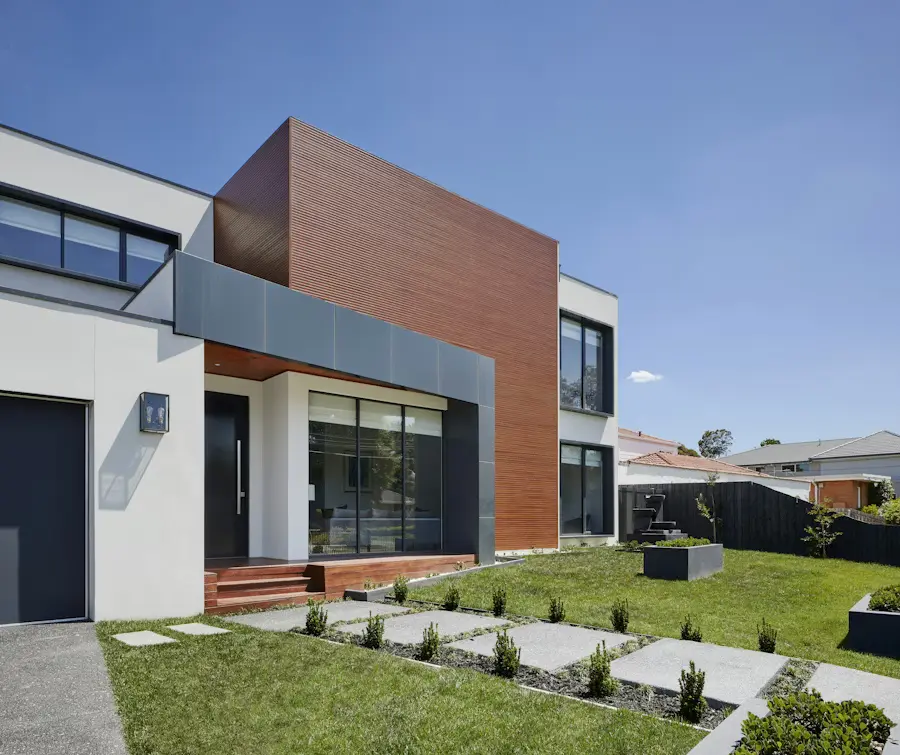
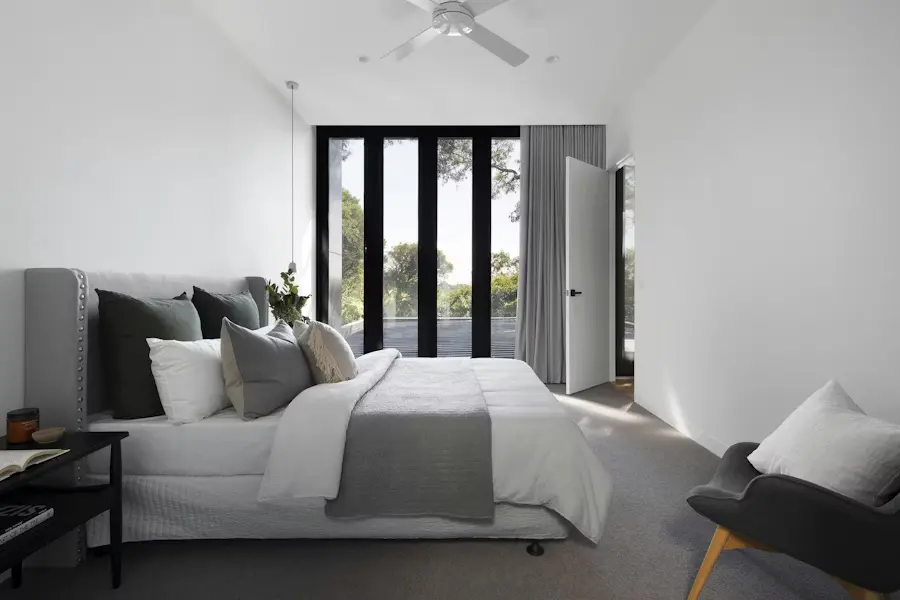
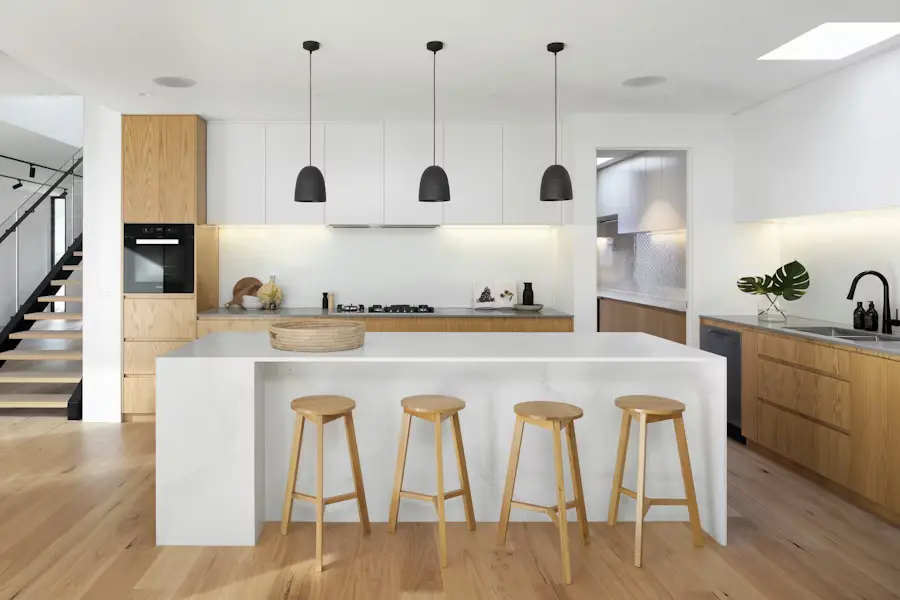
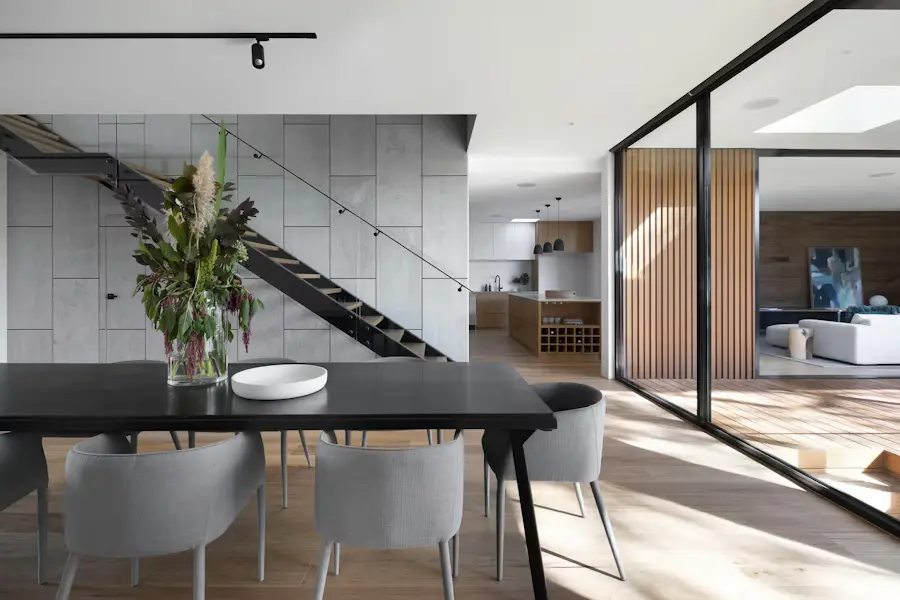
Actual Reeloft output. Availability, rent, fees, dimensions, and property claims must be verified before publishing.
Less editing. More possibilities.
Separate reusable brand elements from unit-specific facts so new availability is faster to package.
Use approved photos of the unit, building, amenities, and relevant shared spaces.
Prepare only the availability, feature, location, and contact details cleared for marketing.
Arrange the spaces, add movement and audio, and finish with the management identity.
Export the aspect ratios needed for the rental page, social feed, email, or website.
Across the rental portfolio
Keep each video focused on a real availability or a defined property-marketing need.
Walk through the strongest spaces and give prospects a clear next step.
Package the community spaces and services that support the rental decision.
Keep outro, contact information, and visual treatment recognizable across properties.
Make every listing work harder
Yes. Upload apartment and amenity photos, arrange the sequence, and add approved rental details.
Yes. Use a repeatable profile outro and update only the unit-specific content.
Yes. Edit the project and render a new version after verifying the current information.
Yes. Choose landscape, square, or vertical based on the destination's requirements.
Make your next move
Start with the current unit photos and facts, then apply the brand and formats used across the portfolio.
Create a rental property videoExplore how it works