01
Add the event facts
Confirm the date, time window, property location, and preferred response path.
Open house video maker
Combine the property’s best images with the event date, time, location, and agent identity in a short video designed around one response: attend or ask for details.
Start with free credits · No editing experience needed





Property-video proof
The playable example shows the production quality available before event details and the final call to action are added.
Bring the light, space, and character of a property to life with cinematic movement, music, and your own branded finish.
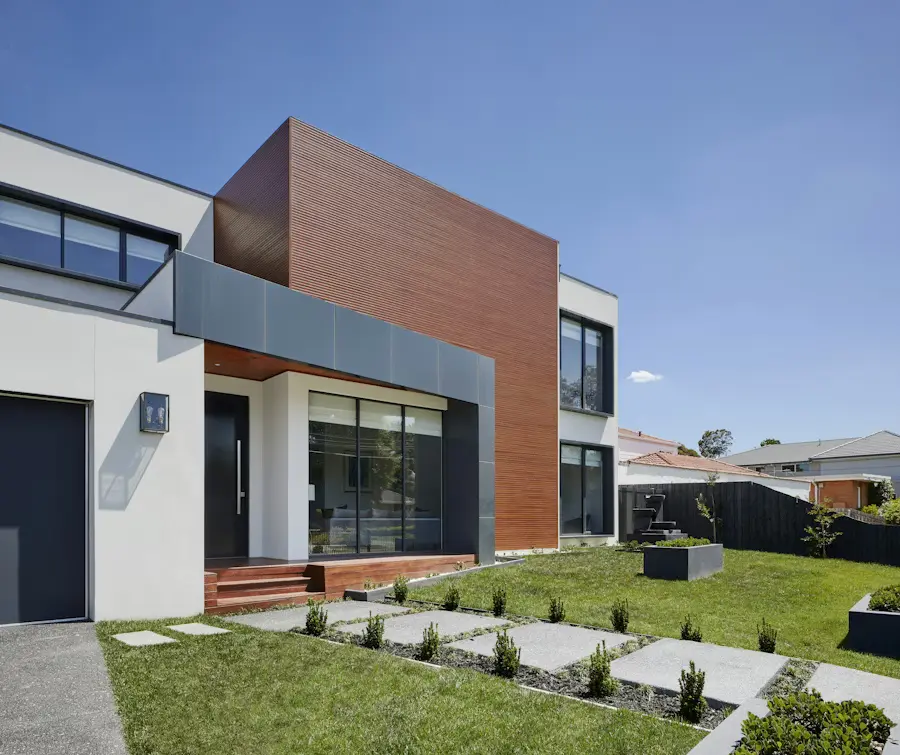
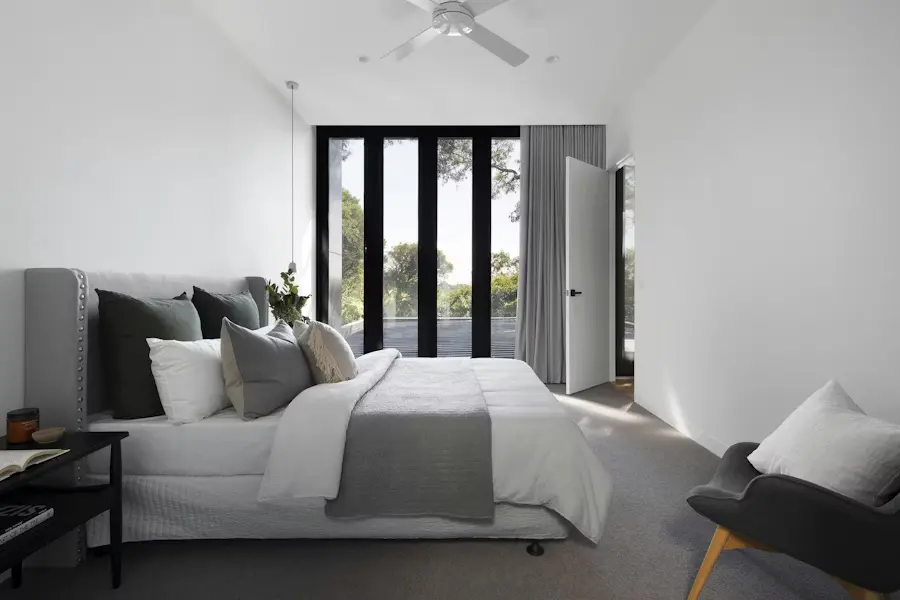
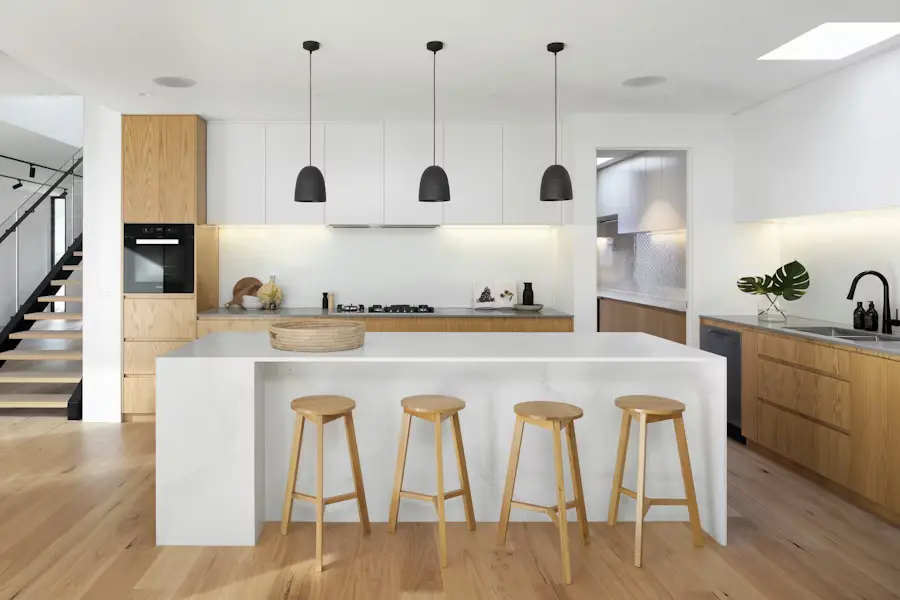
Actual Reeloft property-video output. Event information must be entered and checked by the user before publishing.
Less editing. More possibilities.
Open-house content has a date, a location, and an action. The workflow keeps those details central.
Confirm the date, time window, property location, and preferred response path.
Select the exterior and rooms that give viewers a reason to attend in person.
Add movement, music, readable event text, and enough pacing to absorb the details.
Create the formats needed for Stories, feeds, email, websites, and agent follow-up.
Before, during, and after the event
Change the message as the event moves from announcement to reminder and follow-up.
Introduce the date early with enough property context to earn attention.
Create a tighter version that prioritizes the time, place, and immediate CTA.
Reuse the editable project for private-showing or listing-information outreach.
Make every listing work harder
Yes. Add editable text for event details and verify it in the final preview.
Yes. Choose 9:16, or create square and landscape versions for other placements.
Yes. Return to the editable project, revise the details, and render the updated version.
Yes. Replace the event message with a showing or listing CTA while keeping the property assets.
Make your next move
Bring the property photos and confirmed details, then create the promo formats your campaign needs.
Create an open-house videoExplore how it works