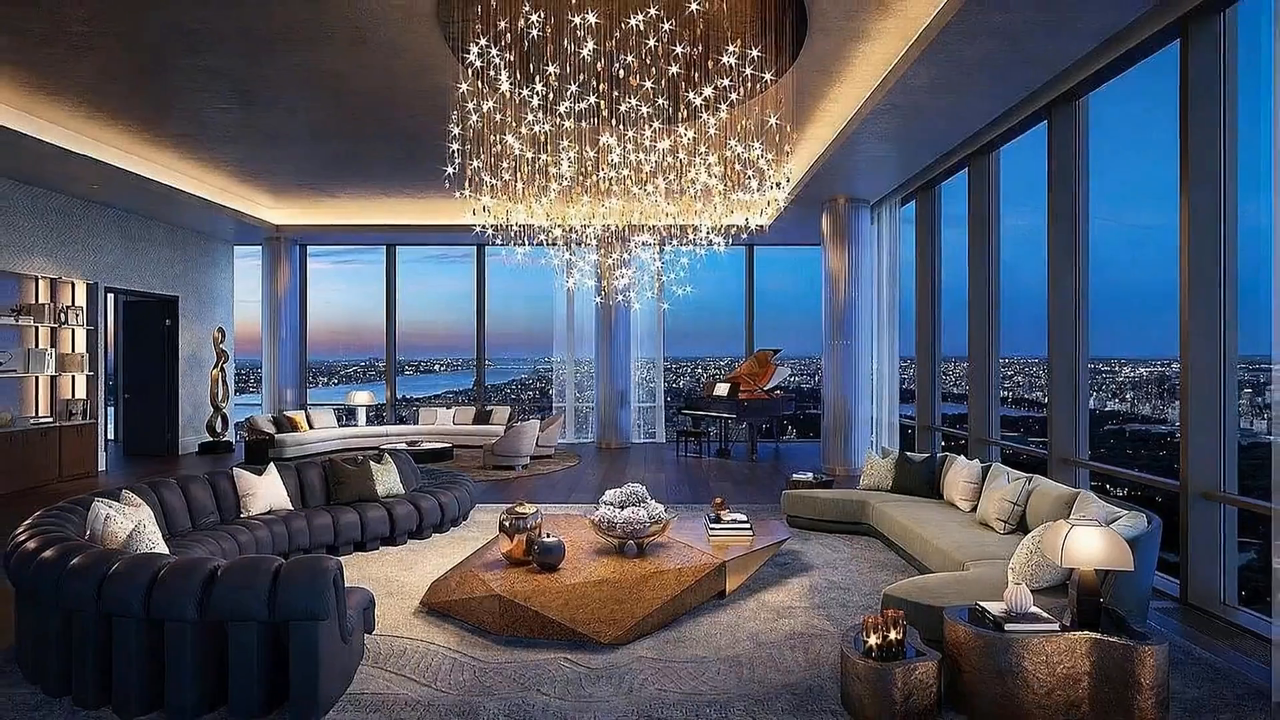
Start from the listing you already have
Paste a supported property URL to pull in its photos and details, or drag in your own JPG, PNG, and WebP files.
https://property-listing.example/48-ridgeview
Import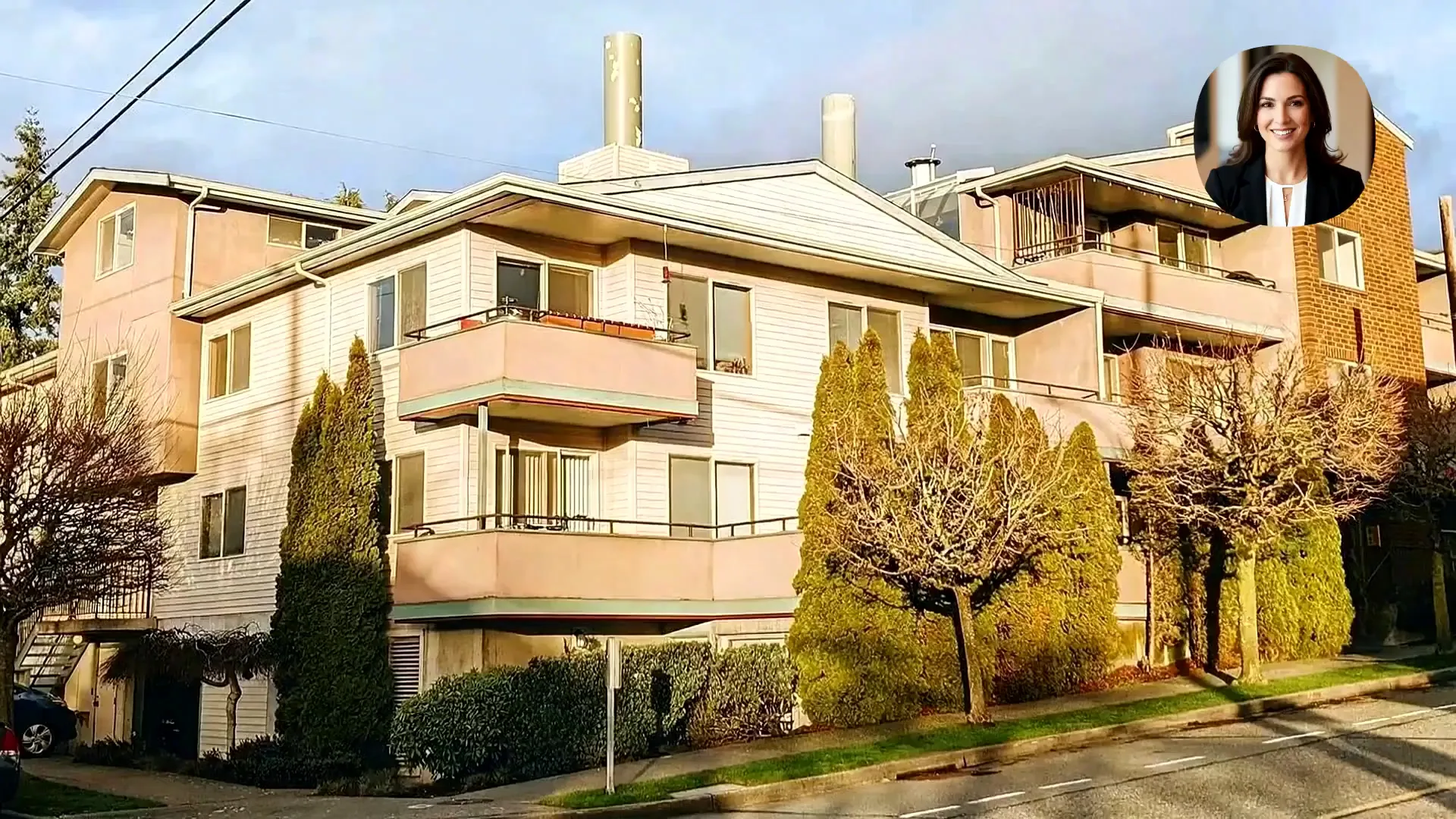
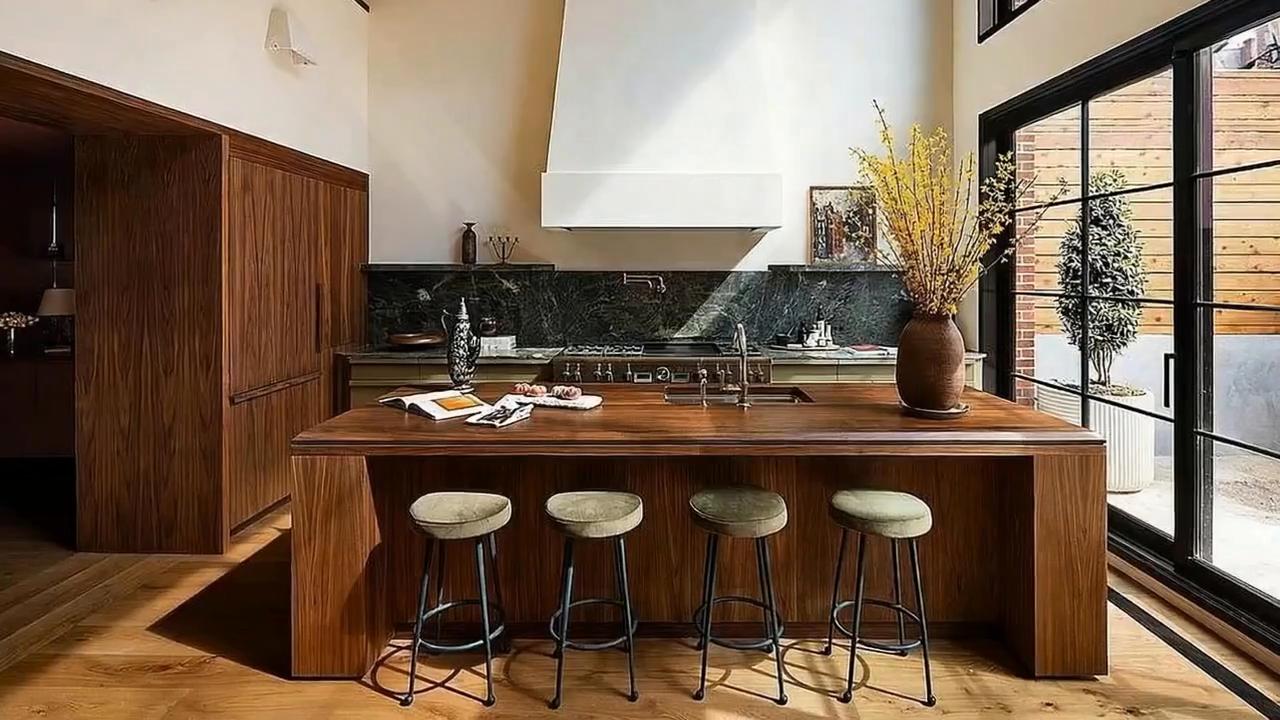
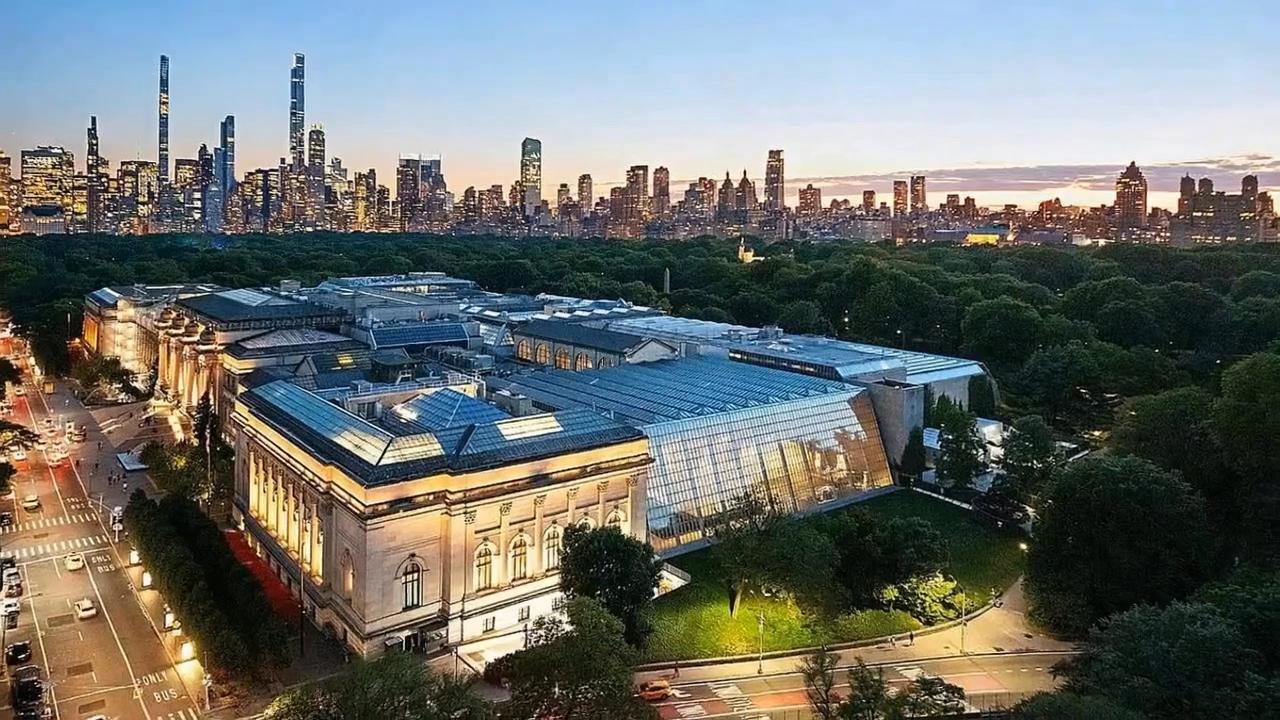
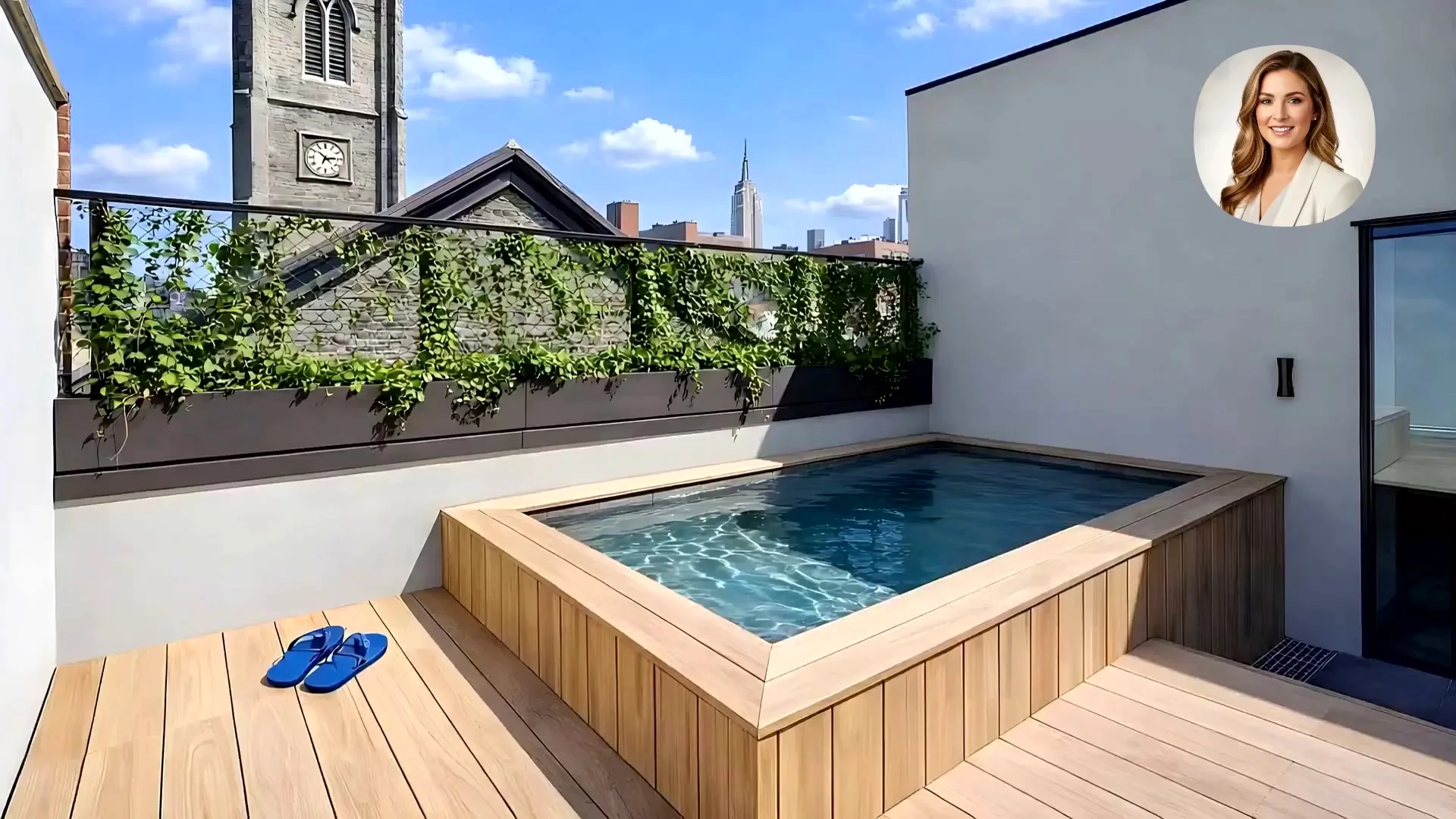
Paste a property link or upload your photos. Reeloft adds cinematic camera movement, music, optional narration, your profile outro, and the right format for every channel.
Everything agents and property marketers need to move from an existing listing to a publishable video—inside one guided workflow.
Reeloft brings the repetitive parts together while leaving the creative choices in your hands.
Paste a supported property URL to pull in its photos and details, or drag in your own JPG, PNG, and WebP files.
Leave motion on Auto or choose a push-in, pull-back, orbit, gentle arc, side slide, or vertical reveal for each photo.
Choose music, add optional avatar narration, and balance the property story with a professional audio layer.
Add a reusable profile outro so every listing ends with the right agent or brand presence.
Create 9:16 for Reels and Shorts, 1:1 for feeds and ads, or 16:9 for websites, YouTube, and presentations.
Review the generated project, refine the timeline, and adjust clips, text, layout, music, or branding before export.
The product follows the way a real property campaign comes together, so you always know what happens next.
Paste a listing URL or upload the photos you want to use.
Select the strongest photos, arrange the story, and set camera direction.
Choose music and add optional avatar narration for the listing.
Finish with reusable agent or brokerage information when needed.
Review the project, choose 9:16, 1:1, or 16:9, and create the video.
Explore real property-video outputs, then start yours with the photos already in your workflow.
Choose the canvas that matches how buyers will find the property. You can make another version without rebuilding the project from scratch.
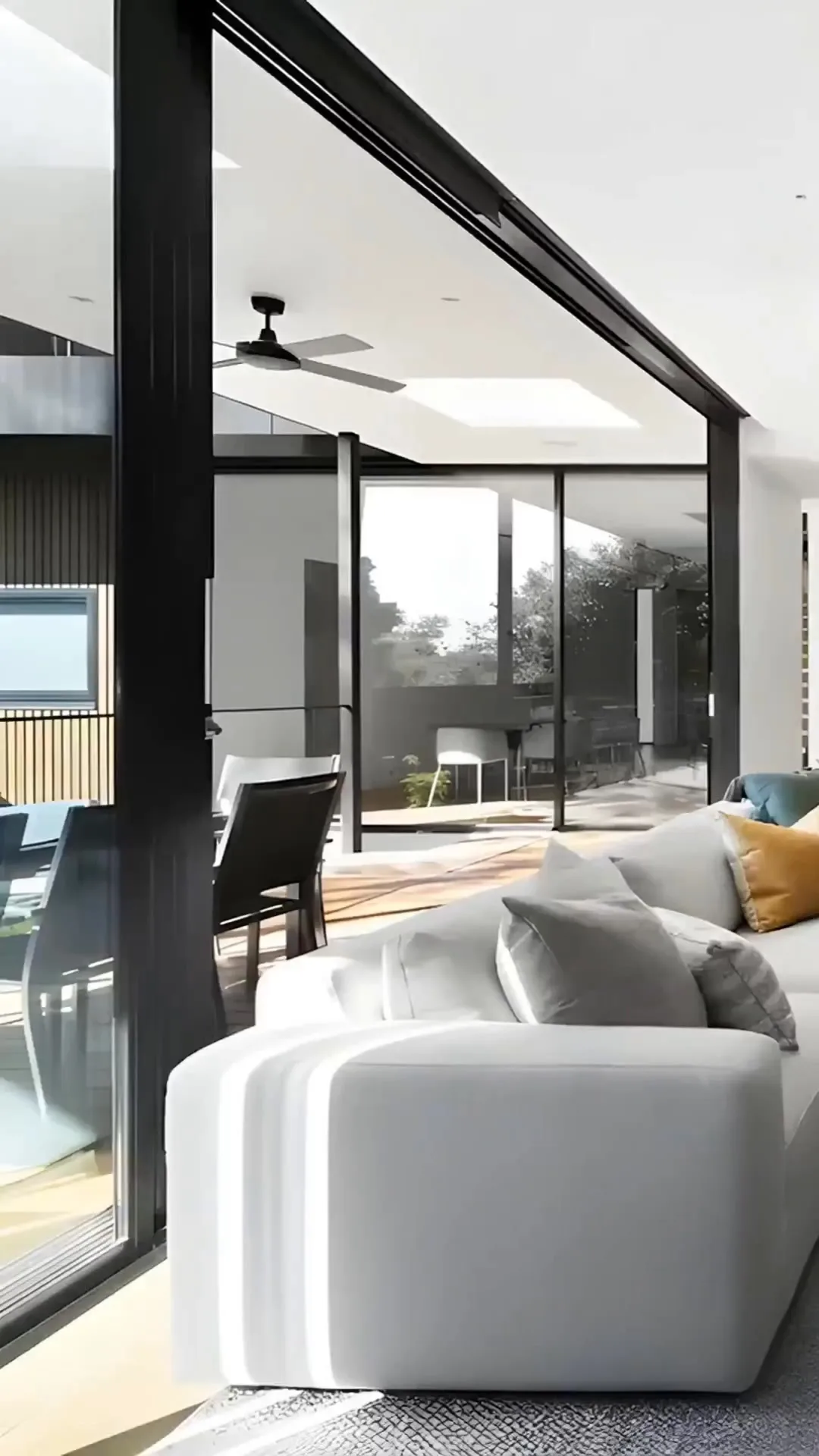
Use the same workflow whether you market one property or produce listing content every week.
Launch social and web video while the listing is still fresh.
Turn the photos from an existing shoot into an additional client deliverable.
Create repeatable, branded outputs across listings and channels.
Bring the listing you already have. Reeloft helps turn its strongest photos into a video ready for buyers.
Yes. Paste a supported property listing URL and Reeloft can import the available listing photos and details. You can also upload photos manually whenever you prefer.
The free workflow supports up to 5 selected photos. Premium projects can include up to 20, depending on your plan.
Use Auto or choose push-in, pull-back, orbit left, orbit right, gentle arc, side slide, or vertical reveal for each selected photo.
Yes. The guided workflow includes music, optional avatar narration, and a reusable profile outro for your agent or brand information.
Choose vertical 9:16, square 1:1, or landscape 16:9 for Reels, Shorts, feeds, ads, websites, YouTube, and presentations.
Yes. The result opens as an editable Reeloft project, so you can review and refine the timeline, text, layout, audio, and branding before export.
No. Reeloft uses the listing photos you select as the source for the video. Review every generated scene and follow any disclosure rules that apply in your market.