01
Collect approved assets
Start with the current listing photos, verified facts, agent identity, and the applicable brand brief.
For brokerages and real estate teams
Create a consistent starting point for listing videos while keeping each property, agent identity, caption, and campaign version reviewable before it goes live.
Start with free credits · No editing experience needed





Actual branded-property output
Use a real Reeloft example to align the team on pacing, format, and the property-first visual standard.
Bring the light, space, and character of a property to life with cinematic movement, music, and your own branded finish.
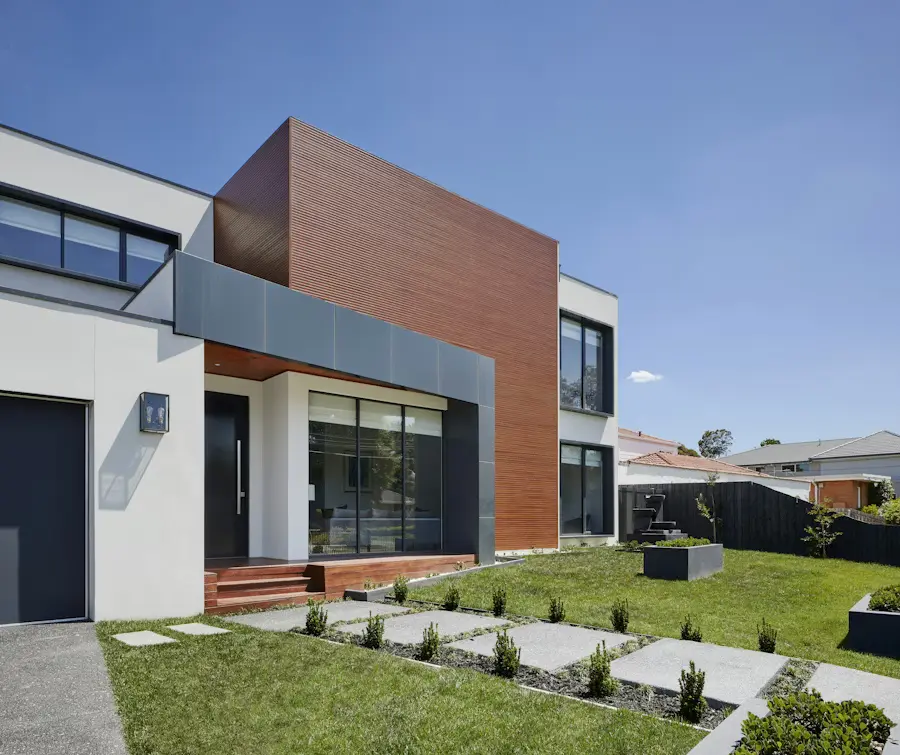
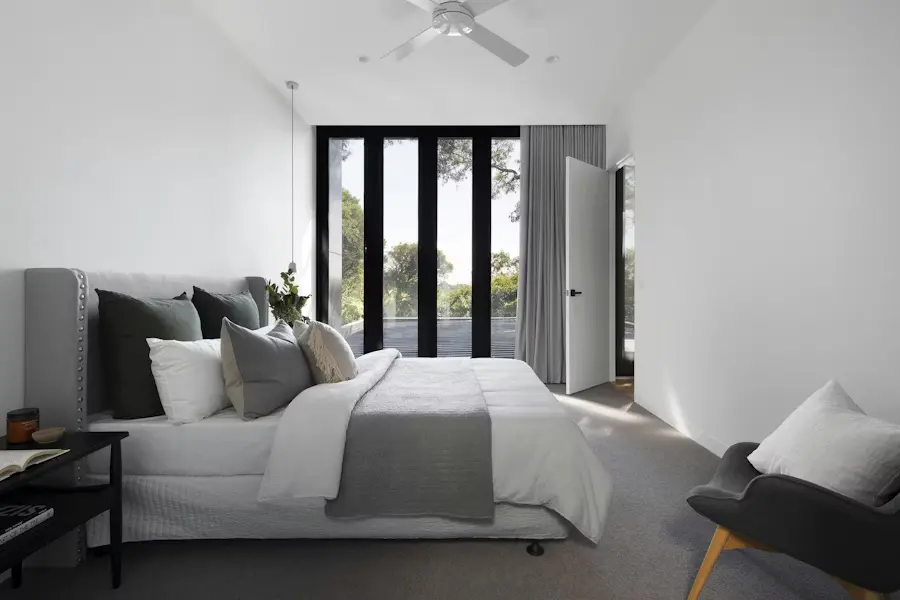
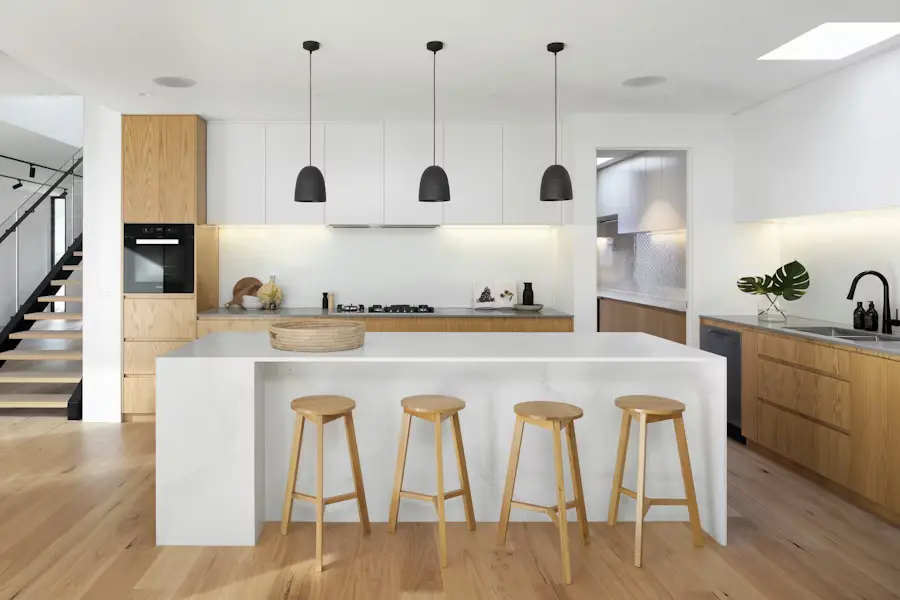
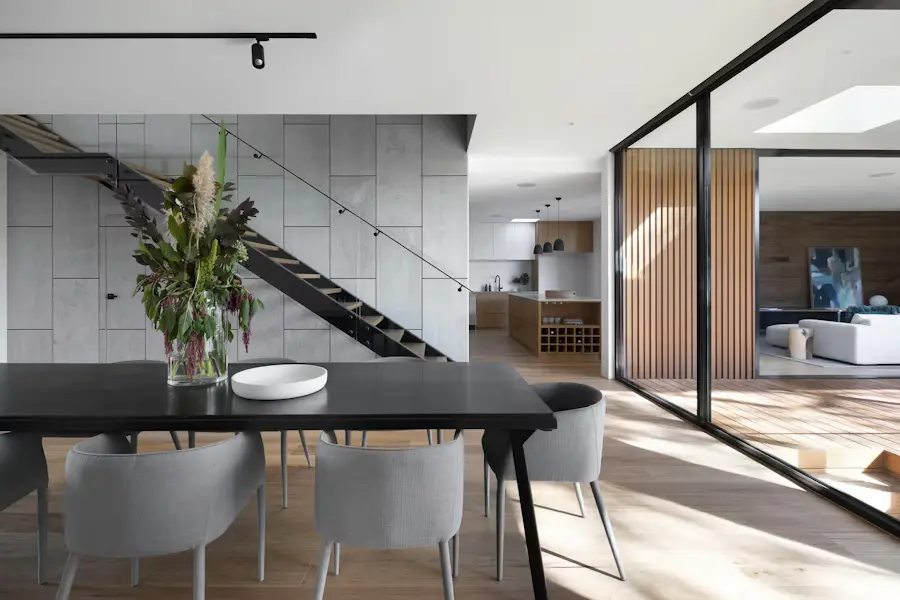
Actual Reeloft output. Results depend on the source assets, review process, brand inputs, and creative choices for each property.
Less editing. More possibilities.
A defined intake and review path helps teams move faster without letting unverified listing details or inconsistent branding slip through.
Start with the current listing photos, verified facts, agent identity, and the applicable brand brief.
Choose the opening feature, room order, motion, captions, music, and optional narration.
Add the approved agent or brokerage outro and review typography, contact details, and disclosures.
Review the core project, then export the sizes needed for launch, social, web, and open-house promotion.
Designed for coordinated listing marketing
Agents keep the property context, marketers keep the brand standard, and reviewers keep control of what is published.
Let agents start from an approved listing URL or photo set and retain an editable project.
Check captions, brand treatment, agent details, formats, and campaign calls to action.
Adapt the approved project for launch, feature spotlights, open houses, price changes, and sold updates.
Make every listing work harder
Yes. The generated result remains editable so the responsible agent or marketer can refine the property-specific details.
Yes. Add the appropriate saved profile outro and review the identity and contact details before export.
Yes. Update the message and call to action for launch, an open house, a feature spotlight, a price change, or a sold announcement.
Choose vertical 9:16, square 1:1, or landscape 16:9 based on the channel and campaign brief.
Make your next move
Start with one approved listing project, define the review path, and prepare the campaign formats your agents actually use.
Create a team property videoExplore how it works