01
Connect your channels
Open My Workspace → Publishing → Channels. Connect the available accounts you want to use and approve access.
Integrated social media publishing
Take your real estate video from finished to shared. Connect your social accounts, tailor each post, and publish to multiple platforms in one action—all from Reeloft.
Connect once. Review your posts. Publish now or schedule.
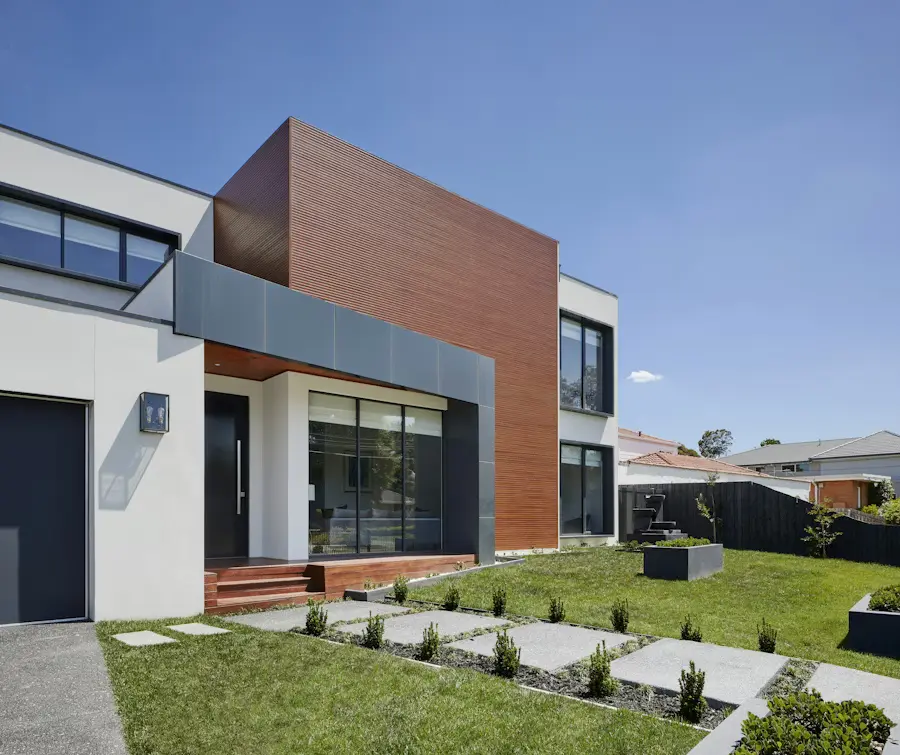 Your finished listing video
 Instagram
 Facebook
 TikTok
 YouTube
 Threads
 LinkedIn
 Pinterest
 X
XHow it works
Set up your accounts once, then use the same workflow for each new listing, open-house reminder, or property highlight.
Open My Workspace → Publishing → Channels. Connect the available accounts you want to use and approve access.
Select a completed render in the publishing workspace, or open Publish to channels from the video's sharing panel.
Select destinations, tailor each caption, and review the required audience, privacy, and disclosure settings.
Submit to your selected channels with one publish action, or choose a future date and time. Follow each delivery in Schedule & history.
From creation to distribution
The video is ready. Turn it into a coordinated set of posts without starting over on every platform.
Keep your finished listing video in Reeloft as you prepare posts for multiple connected accounts. Skip the repeated download-and-upload routine.
Lead with the home's strongest feature, introduce the open house, or add context for your professional network. Customize the wording for each selected channel.
Save a draft, schedule a launch, or publish now. Check each channel's progress and retry failed destinations independently.
Your social channels, connected
Choose from the available integrations in your Channels view. Account eligibility and platform permissions determine which destinations you can connect.
Reels for Business and Creator accounts, with an optional share to feed.
Feed videos on connected Facebook Pages.
Direct video posts with privacy, interaction, and disclosure choices.
Video uploads with visibility, audience, and synthetic-content settings.
Video posts with a caption tailored to the conversation.
Video posts on your connected personal profile.
Video Pins on a selected public board, with a listing link and cover frame.
Video posts with a concise, editable caption.
Check that your video fits each destination before publishing. Platform processing times vary; use delivery history to confirm the outcome.
Yes. After connecting available channels, choosing a completed video, and reviewing captions and required settings, one Publish now action submits the post to your selected destinations. Each platform processes the video separately, so posts may go live at different times.
Reeloft supports connections for Instagram, Facebook Pages, TikTok, YouTube, Threads, LinkedIn profiles, Pinterest, and X. Availability depends on enabled integrations, account eligibility, and platform permissions. The Channels view shows which connections are available to your account.
Yes. Choose a future date and time, then check Schedule & history. You can edit or cancel queued posts and retry failed channel deliveries. Cancelling a queued post does not remove a post that has already been published.
Yes. Customize each selected channel's caption and review its platform-specific options before submitting. You can also save the post as a draft and return to it later.
The current workflow supports Facebook Page feed videos and LinkedIn personal-profile posts. Facebook personal profiles, LinkedIn organization Pages, Stories, Facebook Reels, and image/carousel publishing are not included in this video-publishing workflow.
No. Select a finished render directly in Publishing, or use Publish to channels on your completed video's sharing panel. Review the video format for the selected platforms before submitting.
Bring your finished video, connect your channels, and make publishing part of the same workflow.
Start publishing