Reeloft vs AutoReel vs Reel-E: 2026 Comparison
Compare Reeloft, AutoReel, and Reel-E for real estate videos, including workflow, editing control, formats, plan allowances, pricing, and the type of agent each tool fits.
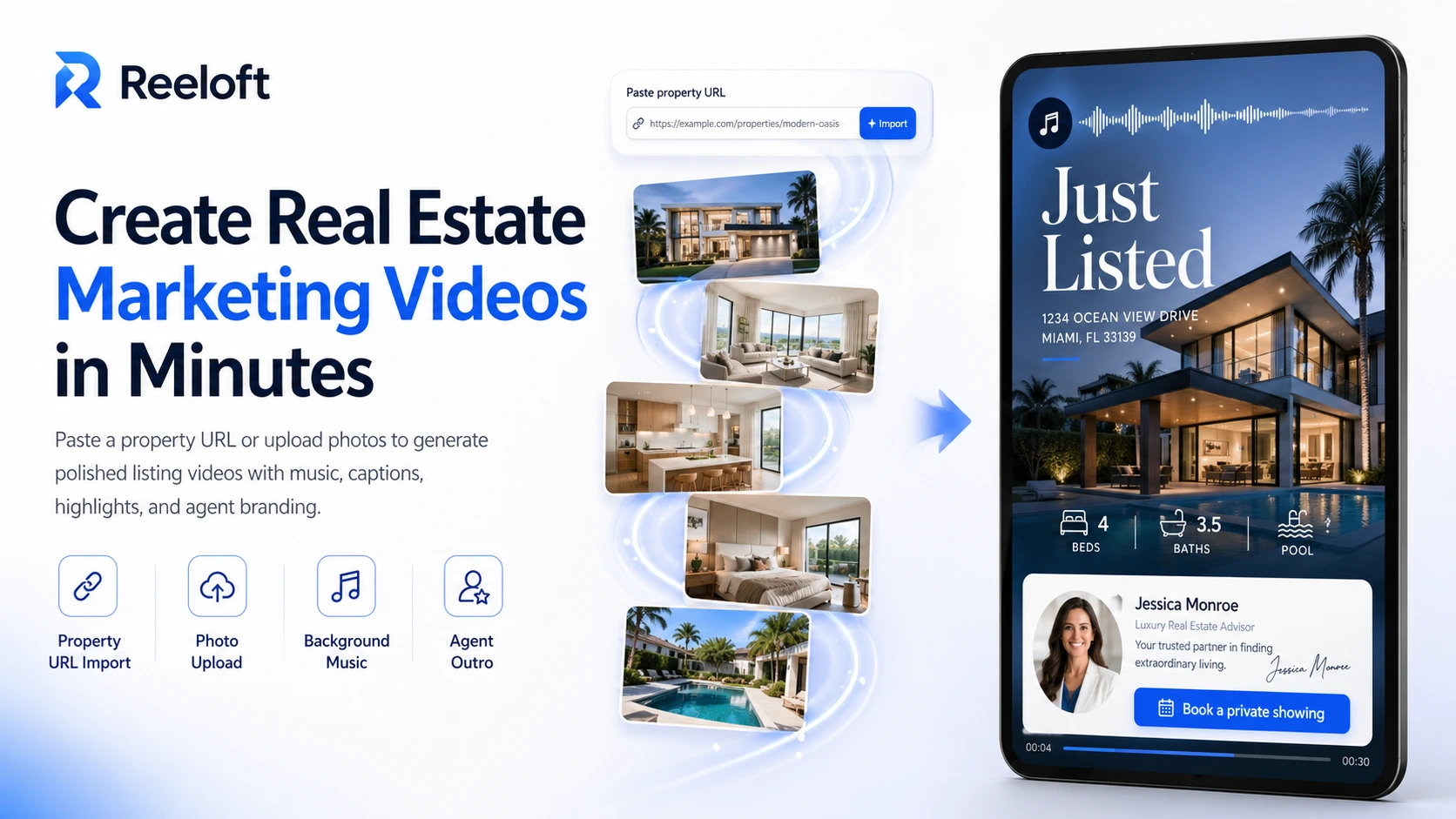
Reeloft, AutoReel, and Reel-E all turn real estate photos into property-video content. The meaningful differences appear after upload: how much control you keep, whether adjacent tools such as virtual staging or general video editing matter, which formats arrive, and how each company measures your allowance.
Quick verdict
- Choose Reeloft when you want the generated listing video to remain editable and you also need captions, AI chat editing, timeline controls, or tools for existing footage.
- Choose AutoReel when virtual staging, AI avatars, voiceovers, Studio customization, or batch production are central to your real estate-media workflow.
- Choose Reel-E when you want an automation-first listing package with branded and unbranded versions in three aspect ratios, a listing website, and plan-based revisions.
- Do not choose from a demo reel alone. Test the same occupied room, vacant room, exterior, and detail photo in each product and inspect the result for visual accuracy.
Feature comparison at a glance
The products overlap, but they are not identical. This table focuses on the workflow differences that are most likely to affect day-to-day use.
| Tool | Best fit | Starting point | Editing approach | Notable output |
|---|---|---|---|---|
ReeloftPublisher | Agents who want an editable property video and broader video-editing tools in one workspace | Approved photos, a supported listing URL, or existing footage | Generated project remains editable; timeline controls and AI chat commands can refine cuts, captions, crops, audio, and transitions | Vertical, square, or landscape property videos; paid plans list 1080p watermark-free exports |
AutoReel | Agents and media companies that value virtual staging, avatars, voiceovers, and batch-oriented production | Property photos, with Realtor.com import included in AutoReel's paid automation trial | Automated creation plus AutoReel Studio for templates, music, captions, branding, avatars, and voiceovers | Up to 60-second, 1080p videos on the published plans; orientation is selected during creation |
Reel-E | Agents who want a fast, listing-based package with multiple branded and unbranded formats | Property-photo upload | Automation-first workflow with plan-based revisions; individual clip downloads start on Growth | 16:9, 9:16, and 1:1, branded and unbranded; listing website included; Pro lists 4K |
How the three workflows differ
Reeloft: generation followed by an editable project
Reeloft is positioned as both a property-video generator and a broader browser-based video workspace. A listing project can start from approved photos or a supported listing URL. The result stays editable, so a user can reorder the story, adjust motion, work with captions and audio, or request timeline changes in AI chat instead of accepting one fixed render.
That approach fits agents who expect revisions that go beyond swapping a music track. It also fits teams that sometimes start with listing photos and sometimes need to edit walkthrough, drone, talking-head, or other existing footage.
AutoReel: a broad real estate-content toolkit
AutoReel combines property-photo video creation with tools that can reduce handoffs in a real estate media business. Its official pages emphasize AI virtual staging, voiceovers, avatars, branding, Studio editing, Realtor.com import, and batch workflows. Published plans list 1080p output, up to 20 images, and videos up to 60 seconds.
AutoReel is therefore a strong candidate when staging and presenter-style content are part of the same delivery package. Buyers should test how much manual control Studio provides for the exact revisions their clients request and confirm which automation features are included in the selected plan.
Reel-E: a packaged listing deliverable
Reel-E emphasizes speed and predictable outputs. Its official site says one listing project includes 16:9, 9:16, and 1:1 versions in branded and unbranded form. A listing website is included, revisions are allocated by plan, and the Pro plan lists 4K output and priority rendering.
That makes Reel-E easy to evaluate as a repeatable listing deliverable: upload once, receive the main publishing formats, and use the included revision allowance. Teams that want deeper timeline editing should confirm whether the automation and revision model covers their typical change requests.
2026 pricing comparison
These entry plans use different billing units, so compare the total allowance—not only the headline monthly number.
| Tool | Published trial/free access | Entry annual plan | Included allowance | Selected limits |
|---|---|---|---|---|
ReeloftPublisher | 300 starter credits for up to 6 Standard Motion videos; up to 10 photos/video; 720p with watermark | Essential: $19/month effective, billed $228 yearly | Up to 10 Standard Motion videos/month | Up to 20 photos/video; 1080p exports without watermark |
AutoReel | Free account lists 2 watermarked videos/month; paid plans offer a 7-day trial | Annual subscriptions available; confirm the current quote | Plan-dependent video credits; annual credits issued upfront | 20 images/video; up to 60 seconds; 1080p; extra videos priced separately |
Reel-E | Free trial advertised; confirm the current trial allowance | $44/month effective on annual Essential | 3 listings/month | 20 photos/listing; video editing included; 1080p; every listed format included |
Which tool is better for each kind of user?
Independent agents
Start with the smallest plan that covers a normal month rather than the busiest month of the year. Reeloft's Essential plan costs $29/month, or $19/month effective, billed $228 yearly. Compare its editable workflow with AutoReel's staging, voiceover, and avatar tools and Reel-E's branded and unbranded formats and included property page. Price the complete delivery you actually use.
Real estate photographers and media companies
AutoReel's batch workflow and virtual staging deserve a close trial when a company sells packaged media. Reel-E's listing-based allowance and multi-format delivery are straightforward to productize. Reeloft is worth testing when clients expect hands-on revisions or when the same team also edits captured video footage.
Brokerages and high-volume teams
Evaluate permissions, shared branding, approval ownership, rollover, support, white-label needs, and API availability alongside output cost. Confirm enterprise requirements directly with each provider. Reeloft's active paid allowances are Essential: up to 10 Standard Motion videos/month; Growth: up to 30 Standard Motion videos/month; Pro: up to 100 Standard Motion videos/month. These counts assume all credits go toward property videos; larger teams can request custom pricing.
A fair five-listing test
- Use the same five approved listings: one vacant home, one furnished home, one difficult exterior, one luxury listing, and one average listing.
- Measure setup time, processing time, revision time, and final approval time separately.
- Export the formats you genuinely publish and check whether branding or MLS rules require an unbranded version.
- Inspect camera motion for warped walls, moving fixtures, invented openings, or misleading changes to the property.
- Ask a colleague who did not create the video to verify the address, price, room claims, captions, logo, contact details, music level, and final call to action.
- Calculate cost per approved listing—not cost per first render.
Official sources
Test Reeloft with a real listing
Start with approved property photos or a supported listing URL, review the generated result, and keep editing the project before export.