01
导入属性
粘贴受支持的房源链接,或上传您想使用的 JPG、PNG 和 WebP 图片。





由 Reeloft 制作
看看您现有的照片能变成什么样,然后将您自己的视频带到下一次房源推介会上。
在下一次提案中带上一段房源视频,让卖家提前了解你的营销方案。为现有的房产照片增添电影般的动态效果、音乐和品牌元素。
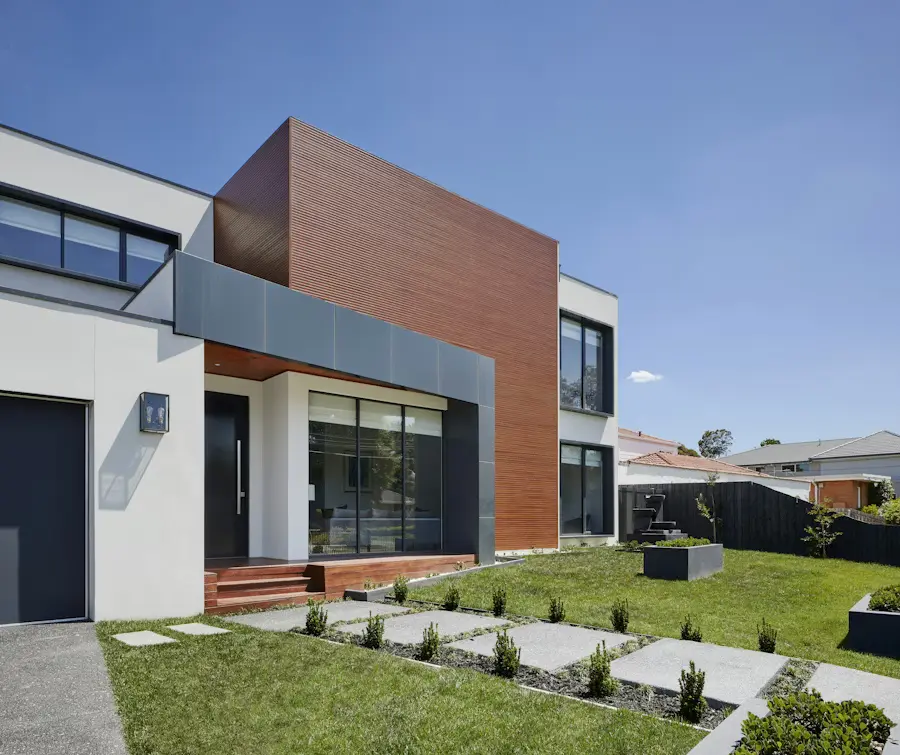
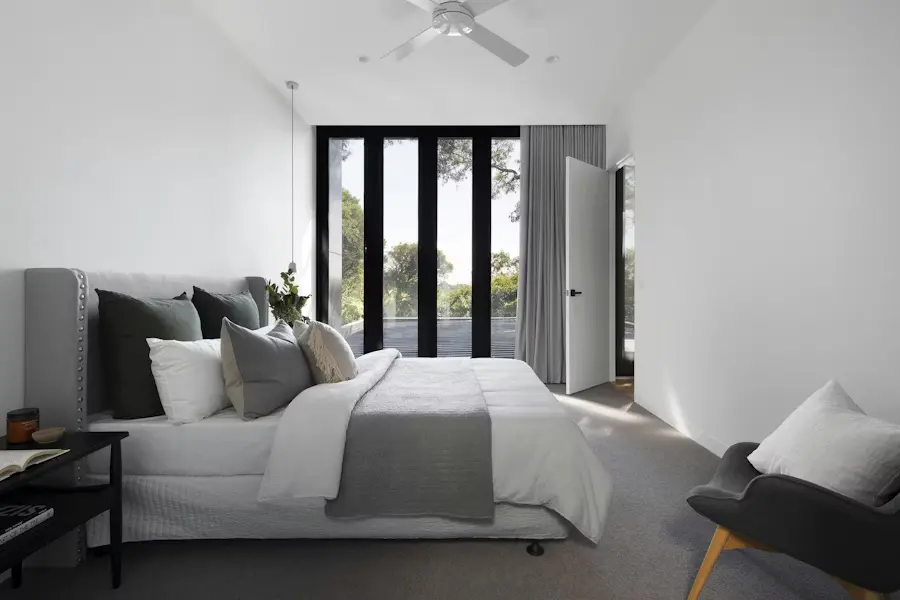
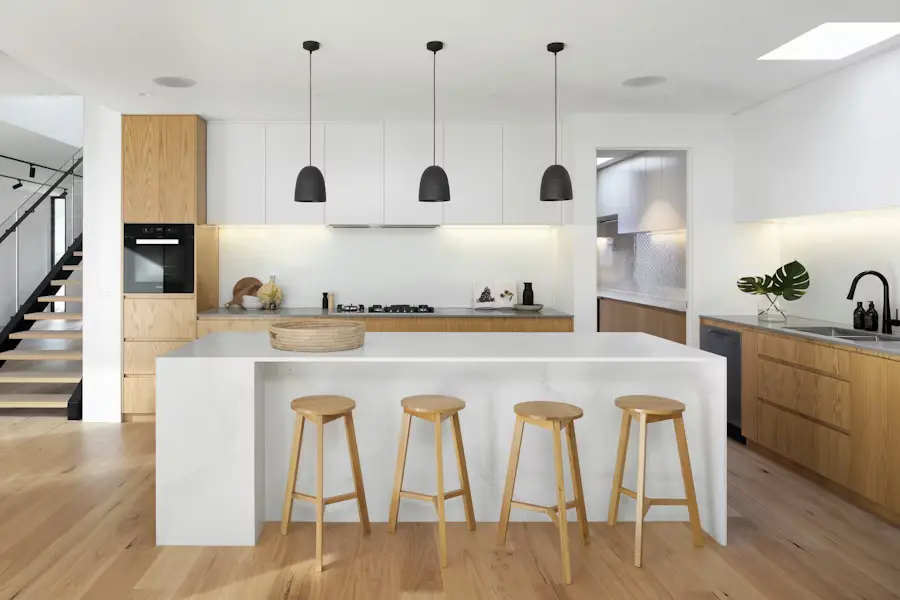
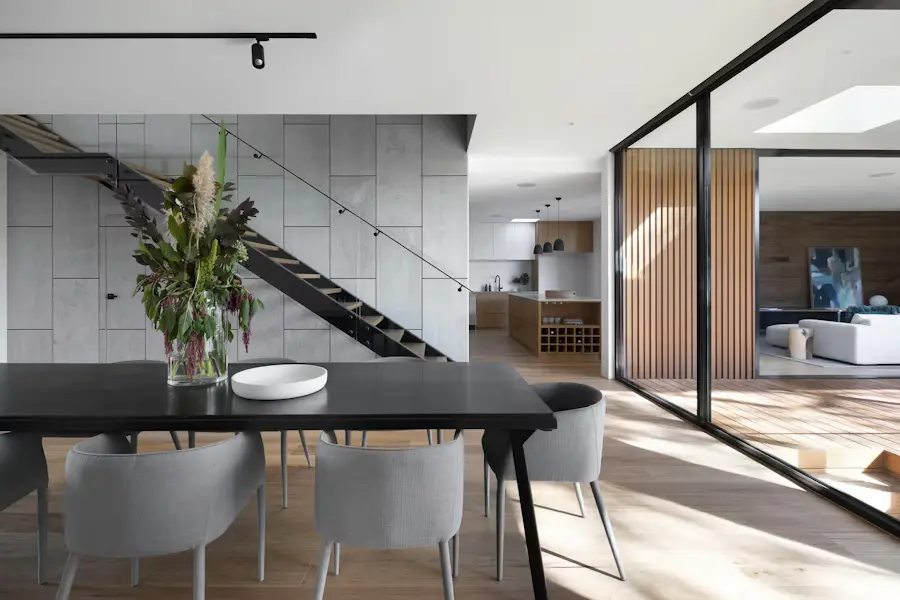
实际的 Reeloft 输出效果。最终结果取决于源照片、顺序、动作、音频、文案和品牌元素的选择。
更少编辑,更多可能。
从你已有的房源素材出发,无需手动搭建完整时间线,即可制作出精美且可编辑的视频。
粘贴受支持的房源链接,或上传您想使用的 JPG、PNG 和 WebP 图片。
选择“标准动态”、推荐的“混合模式”或“全 AI”。Reeloft 会在开始生成时为每张照片规划动作。
选择音乐,添加配音或视频头像,并以可重复使用的个人资料片尾收尾。
审查项目,选择竖屏、方形或横屏,并创建一个可编辑的视频。
专为房地产工作打造
无论你是在营销一处房产,还是每周制作房源内容,都采用同样专注的工作流程。
趁房源信息还新鲜,立即发布社交媒体和网页视频。
将现有拍摄的照片制作成一份额外的客户交付内容。
在各个房源和渠道中创建可重复使用的品牌化输出。
让每条信息发挥更大价值
为什么可见性很重要
买家通过视频了解各种选择。让您的房源多一种被看见、被理解和被记住的方式。
52%
在美国全国房地产经纪人协会(NAR)2025年的调查中,52%的购房者在寻找房屋期间使用在线视频网站作为信息来源。
NAR · 2025年买家调查,第41页58%
在评价在线视频网站的购房者中,58%认为这些网站对寻找住房非常有用。
NAR · 2025年买家调查,第43页1周
Zillow发现,每天至少被五位买家收藏的房源,通常会在一周内收到被接受的报价。
Zillow 研究 · 2025年3月关于买家行为和房源互动的行业研究。这些发现并未衡量 Reeloft 的成果,也不能证明仅凭视频就能增加销售。
少花钱,带更多上场。
将你已有的房源照片制作成精美的房产视频。根据房源特点选择标准动态、混合动态或全 AI 模式。
为每个项目推出一部新作品。
请自行提供视频素材或照片。
每月 79 美元 · 最多 40 个 Standard Motion 视频
你的照片。你的品牌。你的日程。
美元,未含税。在每月 79 美元的 Growth 方案中,使用全部 40 个标准动态视频且每个视频最多包含 20 张照片时,费用约为每个视频 1.98 美元。每增加一个已开始使用的 20 张照片区块,需额外消耗 50 个积分。混合动态、完整 AI、视频头像、导览及其他积分使用会减少可制作的视频数量。
500美元的拍摄费用仅为示例预算;供应商报价和交付时间各不相同。Reeloft可利用您现有的照片制作视频。
适用于每月发布少量房源的经纪人。
$228 按年计费
节省33%10 视频 / 月
500 每月积分
面向不断壮大的忙碌个人和团队,以批量方式制作房产内容
$468 按年计费
节省33%30 视频 / 月
1,500 每月积分
适用于大批量制作视频的制作者、团队和代理机构
$1,428 按年计费
节省33%100 视频 / 月
5,000 每月积分
更多用量、定制集成或专家编辑。根据您的业务制定方案。
是的。粘贴受支持的房源链接,以导入可用的照片和详细信息,或手动上传照片。
免费工作流最多支持选择 5 张照片。付费方案根据具体方案不同,支持 20 至 50 张照片。
标准动态会在保留原始摄影效果的同时,添加流畅的缩放和滑动效果。推荐的混合模式会为关键场景添加 AI 电影级运动效果。全 AI 模式会为每个符合条件的场景使用 AI 运动效果。Reeloft 会在你开始生成后规划镜头。
是的。引导式工作流包括音乐、纯语音旁白、可选的视频头像旁白,以及可重复使用的代理或品牌资料片尾。任何额外的积分费用都会在生成前显示。
为社交媒体、广告、网站、YouTube 和演示文稿选择竖版 9:16、方形 1:1 或横版 16:9。
是的。该结果会以可编辑的 Reeloft 项目打开,因此你可以进一步调整时间线、文本、布局、音频和品牌元素。
不。所选的房源照片仍将作为视频的素材来源。发布前请查看结果。