The Reeloft Journal
A little inspiration.
A lot of possibility.
Ideas, practical guides, and fresh perspectives to help you turn property content into your next competitive advantage.
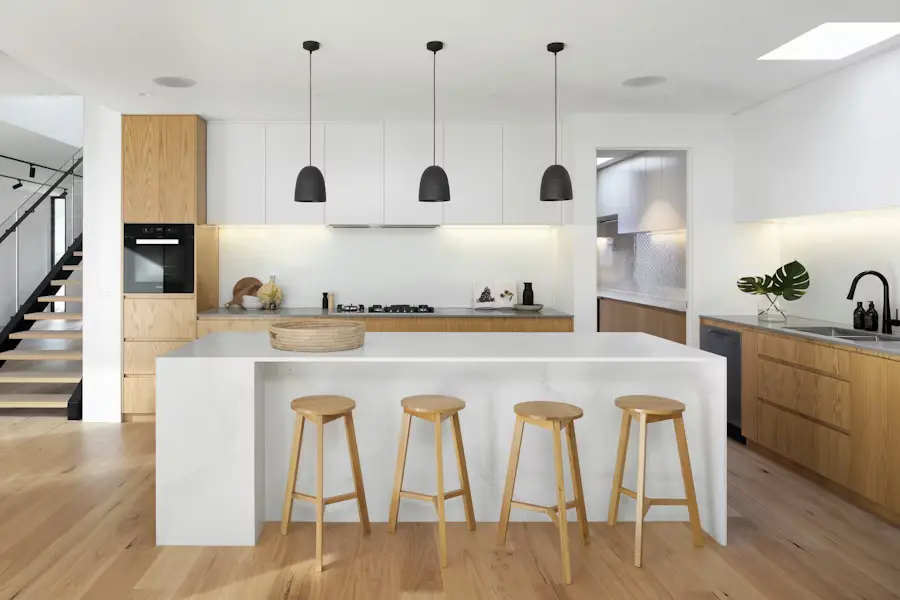
Standard vs. Hybrid vs. Full AI: 3 Ways to Turn Property Photos into Video
Compare three ways to turn real estate photos into video: original-photo Standard Motion, selective Hybrid, and Full AI shots. Choose the right mode for your listing.
Read the story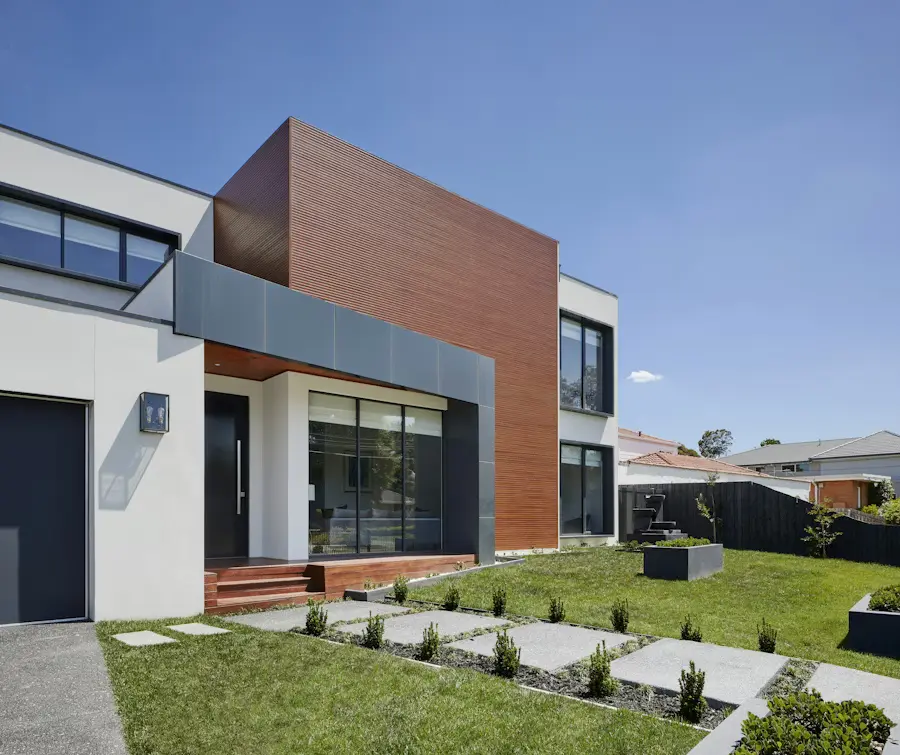
How to Publish Real Estate Videos to Multiple Social Platforms
Publish listing videos across connected social accounts from Reeloft. Learn account setup, captions, one-action publishing, scheduling, and delivery checks.
Read the story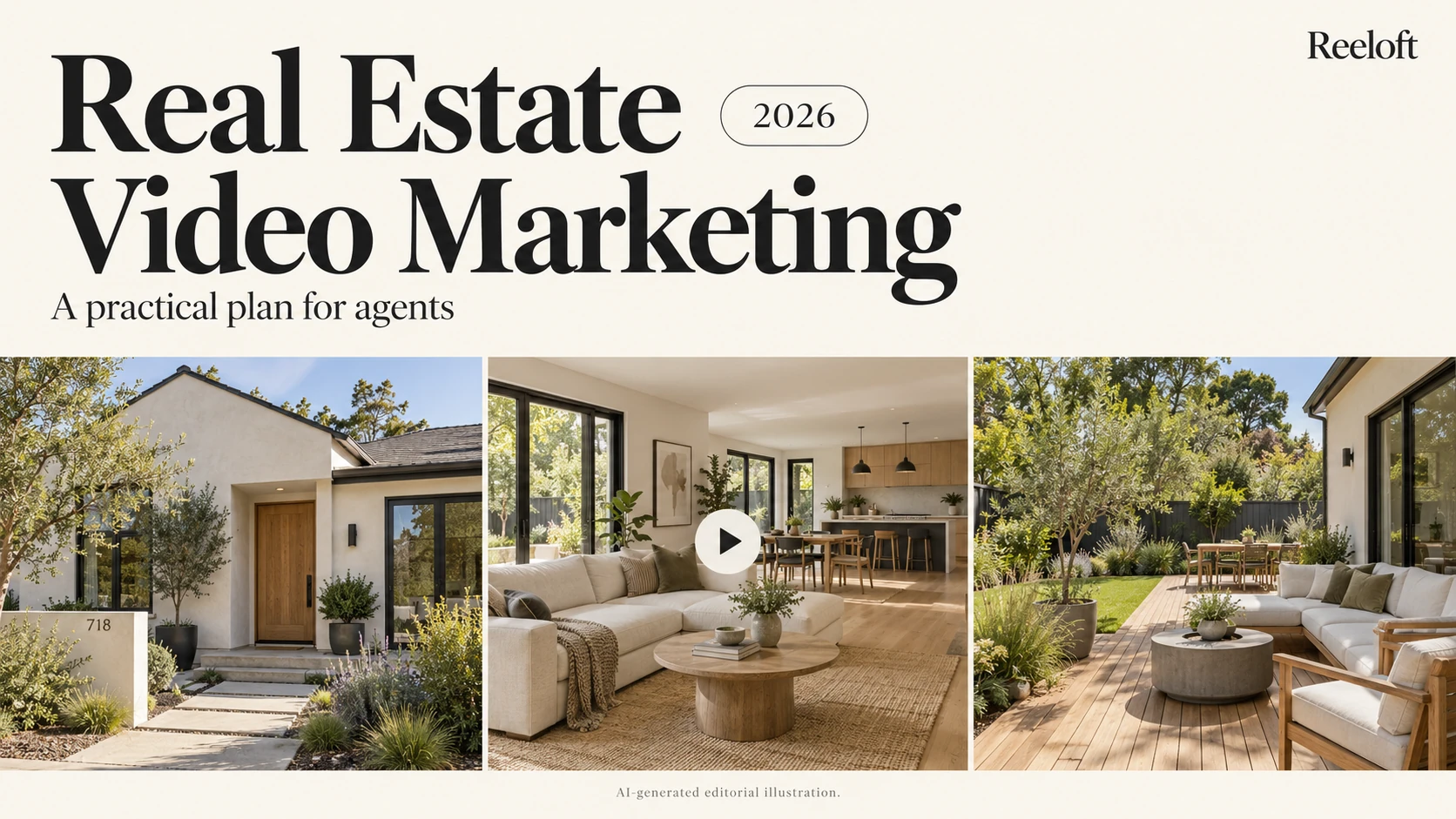
Real Estate Video Marketing in 2026: A Practical Plan for Agents
Plan a manageable listing video campaign: choose a purpose, build a 30-second story, adapt it for each channel, and measure useful responses.
Read the story
What to Include in a Weekly Seller Update—even When There Are No Offers
Give sellers a clear weekly update with verified activity, showing feedback, completed marketing, market context, and next steps. Includes an email template.
Read the story
Which Photo Should Lead Your Listing? A Side-by-Side Comparison
Compare an exterior, kitchen, living room, and lake view to choose a truthful, distinctive listing cover. See how the crop changes the story.
Read the story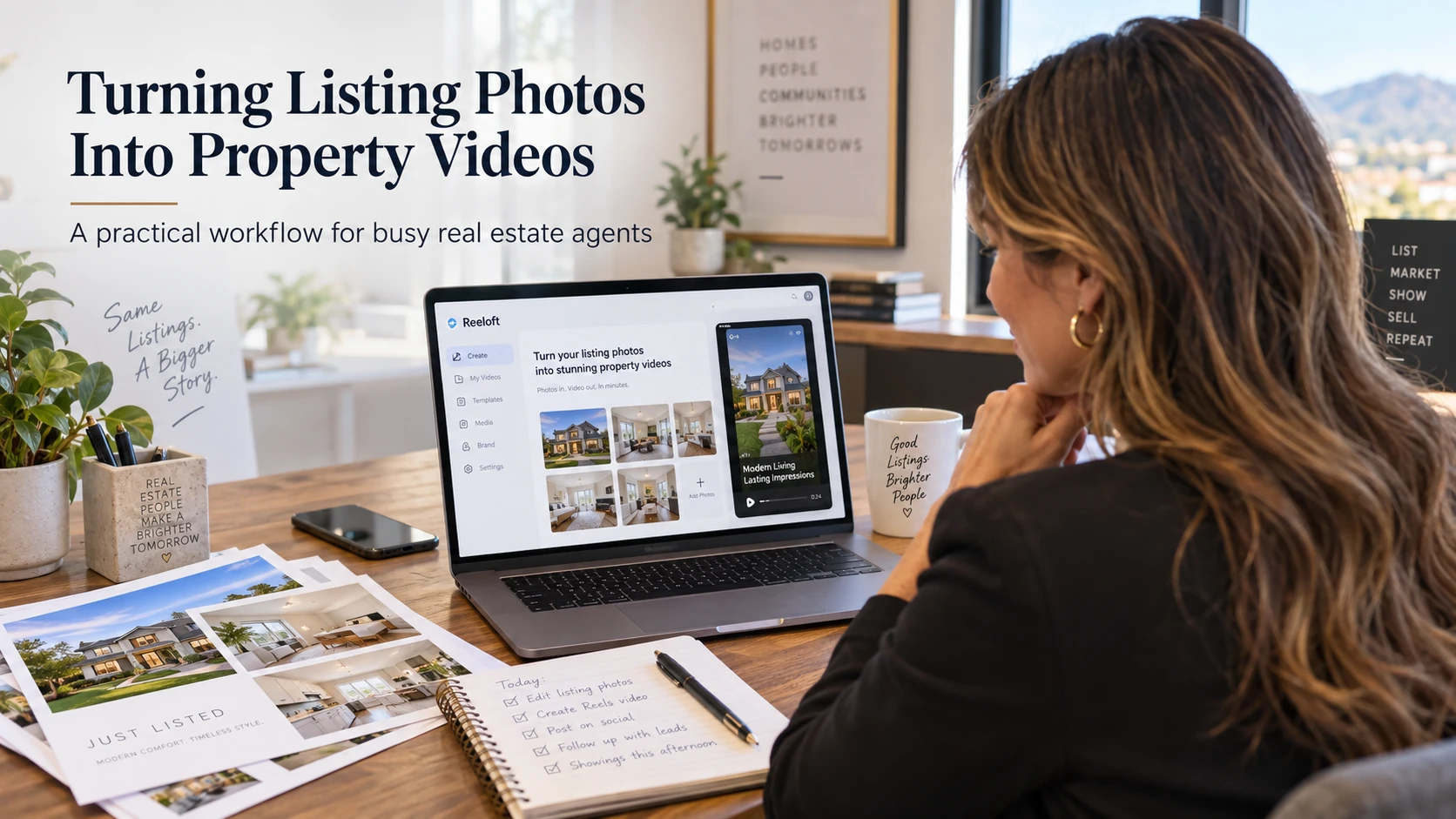
Real Estate Photos Into Videos Without Adding More Work
Turn existing listing photos into property videos for Reels, TikTok, YouTube Shorts, and seller updates with a repeatable Reeloft workflow.
Read the story
How to Add Video to a Zillow Listing (2026 Guide)
Learn how to add video to a Zillow listing in 2026, including Showcase uploads through Aryeo, MLS tour links, video requirements, and troubleshooting.
Read the story
Best AI Video Editors for Real Estate in 2026: 8 Tools Compared
Compare eight AI and manual real estate video editors by workflow, pricing model, editing control, output formats, and the type of agent or team each tool fits best.
Read the story
Reeloft vs AutoReel vs Reel-E: 2026 Comparison
Compare Reeloft, AutoReel, and Reel-E for real estate videos, including workflow, editing control, formats, plan allowances, pricing, and the type of agent each tool fits.
Read the story
Best AutoReel Alternative for Real Estate Video in 2026
Looking for an AutoReel alternative? Compare Reeloft, Reel-E, Canva, and CapCut by property-video workflow, editing control, virtual staging, formats, and pricing structure.
Read the storyBest Reel-E Alternative for Real Estate Video in 2026
Compare Reel-E alternatives for real estate video, including Reeloft, AutoReel, Canva, and CapCut, with a practical look at formats, revisions, editing control, websites, and price structure.
Read the story
Best VideoTour.ai Alternative for Real Estate Video in 2026
Compare VideoTour.ai alternatives for real estate video, including Reeloft, Amplifiles, Reel-E, and manual editors, with plan allowances, revisions, formats, AI credits, and editing control.
Read the story
Best Amplifiles Alternative for Real Estate Video in 2026
Compare Amplifiles alternatives for AI real estate video, including Reeloft, VideoTour.ai, Reel-E, and manual editors, with per-image pricing, formats, narration, 4K, and editing control.
Read the story
Real Estate Video Marketing: A Practical Campaign Guide
Plan real estate video marketing around the listing lifecycle: choose the goal, build accurate property assets, publish the right formats, and measure qualified buyer actions.
Read the story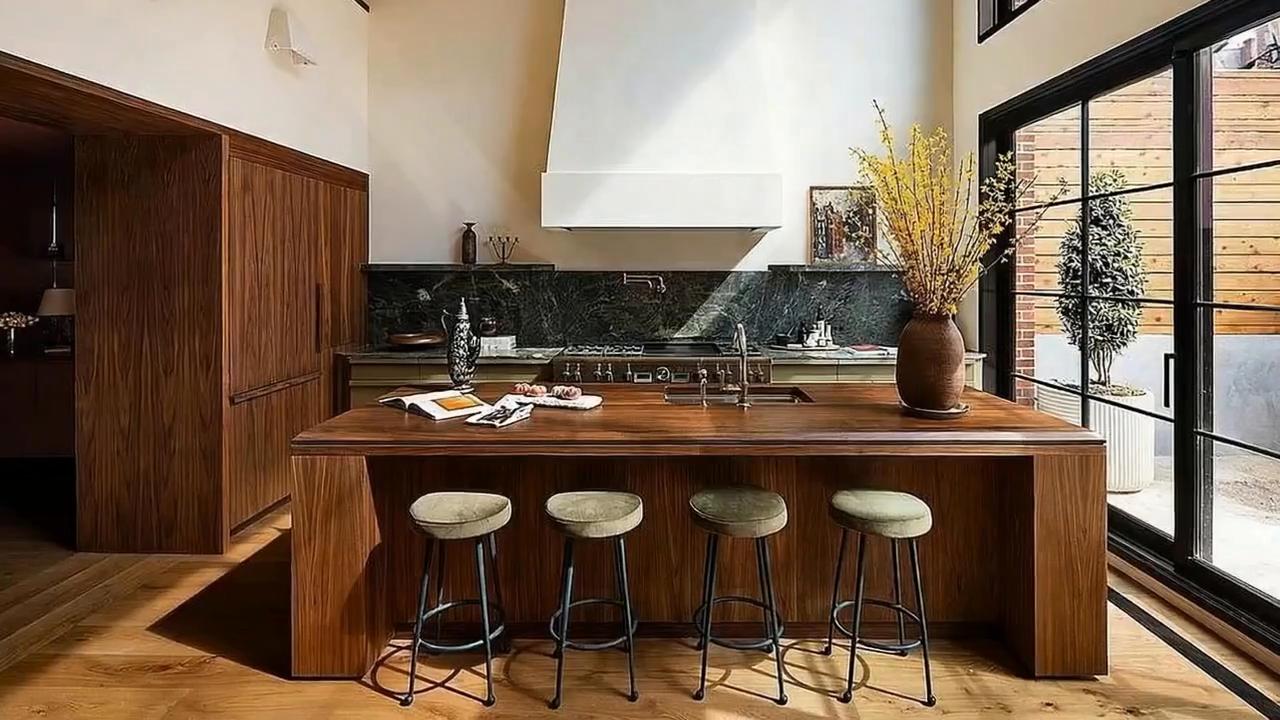
15 Real Estate Video Ideas for Agents Across the Listing Cycle
Use these real estate video ideas to plan useful listing-launch, feature, open-house, educational, seller-facing, and follow-up content.
Read the story
Real Estate Listing Video Script Template With Examples
Write a concise, accurate real estate listing video script using a practical hook, property sequence, narration, caption, and call-to-action template.
Read the storyOpen House Video Marketing: Plan, Create, and Promote the Event
Create an open-house video campaign with verified event details, a focused property preview, channel-specific formats, and a practical publishing timeline.
Read the storyHow Long Should a Real Estate Video Be? A Format-by-Format Guide
Choose a useful real estate video length based on the viewer, campaign job, property story, publishing destination, and next action.
Read the storyReal Estate Video Shot List: Plan a Complete Property Story
Use a practical real estate video shot list to capture or select the exterior, interior, detail, amenity, location, and closing scenes your edit needs.
Read the storyThe Best Order for Property Photos in a Listing Video
Arrange listing photos into a clear property story with a strong opening, logical room flow, evidence-backed highlights, and a focused close.
Read the storyHow to Create a Real Estate Video From a Listing URL
Turn a supported property listing URL into a reviewable video project while preserving accurate photos, facts, permissions, branding, and campaign intent.
Read the storyHow to Batch-Create Real Estate Videos Without Losing Quality
Build a repeatable batch workflow for multiple property videos with clear intake, templates, ownership, review, versioning, and exception handling.
Read the storyReal Estate Video Production Workflow: Brief to Published Campaign
Follow a complete real estate video production workflow for briefing, sourcing, editing, review, delivery, publishing, measurement, and updates.
Read the storyReal Estate Video Captions: Write Clear Property Copy That Converts
Write concise real estate video captions that clarify the property, remain readable on mobile, and support one current next action.
Read the storyReal Estate Video Voiceover: Script, Record, and Review Narration
Plan a useful real estate video voiceover that adds verified context, fits the visuals, sounds natural, and leaves room for the property.
Read the storyHow to Choose Music for a Real Estate Video
Choose licensed real estate video music that supports the property position, edit pace, audience, narration, and publishing rights.
Read the storyReal Estate Video Thumbnails: Choose a Frame That Earns the Click
Design an honest, readable real estate video thumbnail with a strong property image, clear hierarchy, mobile legibility, and current branding.
Read the story25 Real Estate Video Hooks That Start With the Property
Write real estate video hooks around verified property evidence, viewer questions, campaign moments, and specific next actions.
Read the storyProperty Video Calls to Action: Examples for Every Campaign Stage
Choose one clear property video call to action for listing launches, features, open houses, rentals, follow-up, and seller marketing.
Read the storyYouTube for Real Estate: Build a Useful Property Video Library
Plan YouTube real estate videos for property discovery, local expertise, listing detail, accessibility, search context, and measurable next actions.
Read the storyTikTok Real Estate Video Marketing: Property-First Short Videos
Create TikTok real estate videos with an immediate property hook, vertical-safe scenes, accurate captions, useful series, and a clear next action.
Read the storyFacebook Real Estate Video: Plan Listing, Event, and Local Campaigns
Plan Facebook real estate videos for listing discovery, open houses, retargeting, local context, and current response destinations.
Read the storyLinkedIn Commercial Real Estate Video: Explain the Opportunity Clearly
Create LinkedIn commercial real estate videos that communicate asset context, verified features, professional insight, and a relevant next step.
Read the storyReal Estate Video Email Marketing: From Thumbnail to Property Action
Use real estate video in email with a clear thumbnail, useful subject context, accessible copy, current destination, and measurable property action.
Read the storyGoogle Business Profile Video for Real Estate Professionals
Plan business-profile videos that show real estate services, local expertise, team process, and current property marketing examples accurately.
Read the story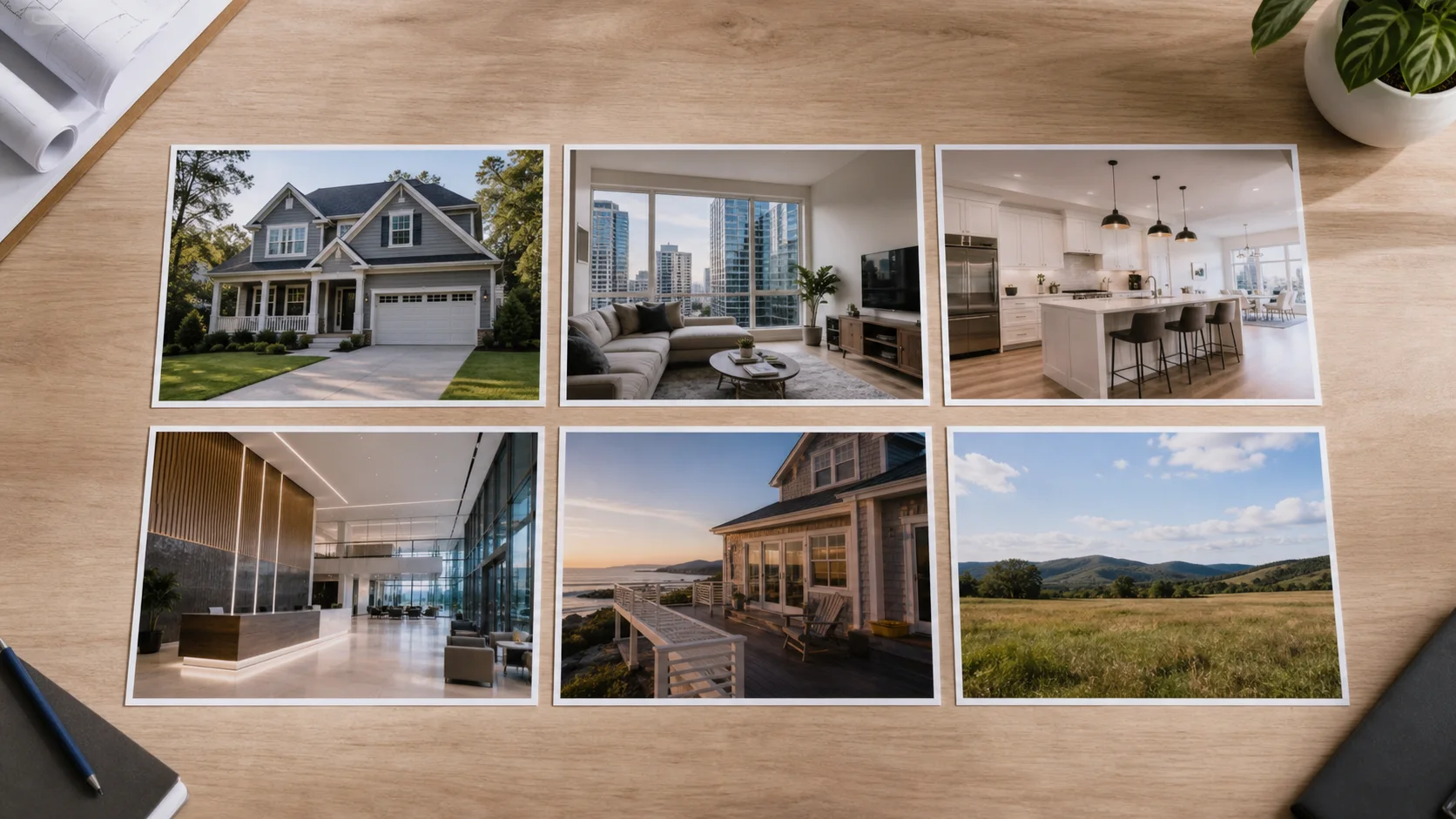
New Construction Real Estate Video: Market Each Development Stage
Create accurate new-construction videos for announcement, progress, model, release, and completed-home campaigns without confusing current and proposed features.
Read the storyCommercial Property Video: Plan for Occupier and Investor Questions
Plan commercial property videos around asset orientation, access, configuration, physical evidence, approved business context, and qualified next steps.
Read the storyApartment Listing Video: Show the Unit, Building, and Context Clearly
Create apartment listing videos that distinguish the actual unit, representative spaces, building amenities, access, views, and current availability.
Read the storyVacation Rental Video Marketing: Build an Accurate Guest Preview
Create vacation-rental videos that set accurate expectations for the stay, layout, amenities, access, setting, season, and booking path.
Read the storyLand Listing Video: Explain Access, Scale, Features, and Context
Plan land listing videos with accurate boundaries, access, terrain, current condition, permitted evidence, mapping context, and responsible next steps.
Read the storyMultifamily Real Estate Video: Tell the Asset and Operations Story
Create multifamily property videos that distinguish units, common areas, operations, amenities, location context, current condition, and controlled investment information.
Read the story
Seller Presentation Video: Show How You Will Market the Listing
Build a seller-presentation video that demonstrates the agent's real property-marketing process, deliverables, review standards, distribution, and reporting.
Read the storyReal Estate Agent Personal Brand Video: Lead With Your Process
Create an agent brand video around a clear audience, real working process, approved proof, useful local context, and a specific contact path.
Read the storyNeighborhood Real Estate Video: Add Useful Local Context Responsibly
Create neighborhood videos with accurate place-based evidence, practical orientation, licensed local media, fair-housing review, and current information sources.
Read the storyReal Estate Video Content Calendar: A 12-Week Property-First Plan
Build a 12-week real estate video calendar around active listings, evergreen questions, local context, seller proof, follow-up, review, and reuse.
Read the storyReal Estate Video for Buyer Agents: Educate Without Reusing Listing Media Carelessly
Plan buyer-agent videos around education, property comparison, tour preparation, local orientation, media permissions, and confidential client boundaries.
Read the storyReal Estate Video for Small Brokerages: A Lean Repeatable System
Build a manageable property-video system for a small brokerage with a focused service menu, shared brand kit, review ownership, and reusable projects.
Read the story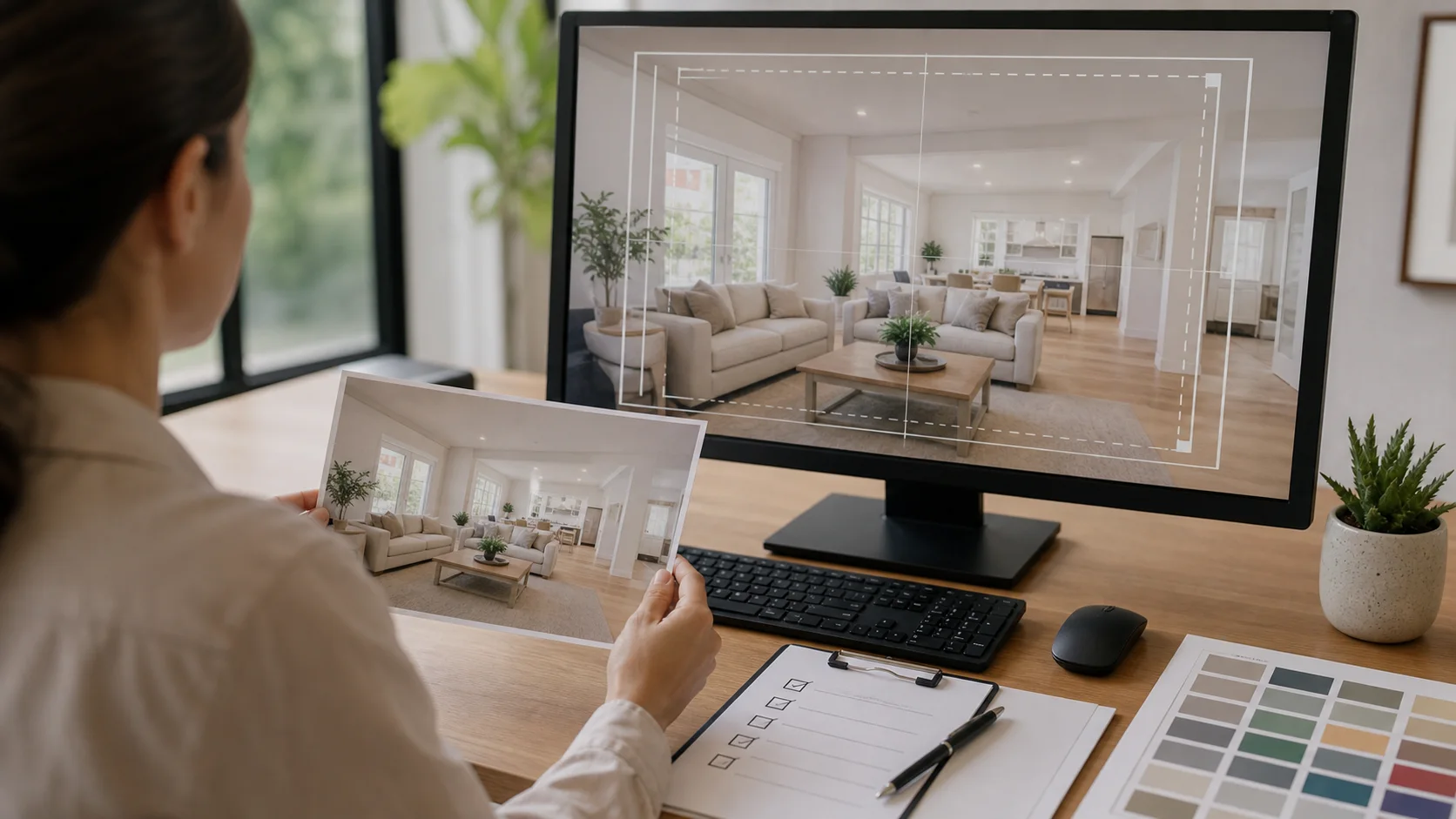
Real Estate Video Aspect Ratios: Plan Vertical, Square, and Landscape
Choose and review 9:16, 1:1, and 16:9 real estate video versions without damaging composition, captions, branding, or property accuracy.
Read the storyDrone Real Estate Video Editing: Add Context Without Losing Accuracy
Edit real estate drone footage for property orientation, access, site context, scale, boundaries, privacy, and a coherent ground-to-air story.
Read the storyReal Estate Video Color Grading: Keep the Property Natural and Consistent
Grade real estate video for consistent exposure, white balance, material color, window detail, mixed sources, and honest property representation.
Read the storyReal Estate Video Transitions: Create Flow Without Distracting From the Home
Choose real estate video transitions that preserve spatial logic, support pacing, connect related scenes, and keep architecture readable.
Read the storyReal Estate Video Export Settings: A Practical Quality Checklist
Export real estate videos with the right dimensions, frame rate, compression, audio, captions, color, naming, and channel-specific review.
Read the storyReal Estate Video Accessibility: Captions, Audio, Contrast, and Control
Make property videos easier to understand with accurate captions, readable contrast, useful audio description choices, restrained motion, and accessible destinations.
Read the storyReal Estate Video SEO: Connect Property Videos to Search Intent
Improve real estate video discovery with a clear search intent, accurate page title, useful transcript, structured context, internal links, thumbnail, and maintained destination.
Read the storyProperty Video Landing Page: Turn Viewing Into a Useful Next Step
Build a property video landing page with current facts, accessible playback, visual evidence, trust context, one next action, and measurable performance.
Read the storyReal Estate Video Lead Generation: Design for Qualified Action
Connect real estate videos to qualified listing visits, event responses, showing requests, rental inquiries, and seller conversations without misleading claims.
Read the storyReal Estate Video A/B Testing: Test One Useful Decision at a Time
Run practical real estate video tests on hooks, scene order, thumbnail, runtime, caption, and call to action without changing everything at once.
Read the storyReal Estate Video ROI: Measure Cost, Reuse, Actions, and Outcomes
Evaluate real estate video ROI with full production cost, asset reuse, qualified attention, property actions, response quality, and evidence limits.
Read the storyReal Estate Video Repurposing: Turn One Listing Into a Campaign System
Repurpose one approved property-video project into launch, feature, event, social, email, web, presentation, and follow-up assets safely.
Read the story
International Real Estate Video Marketing: Plan for Distance and Language
Create international property videos with clear orientation, reviewed translation, local units and terminology, verified remote-viewing context, and controlled information.
Read the storyRelocation Real Estate Video: Help Remote Clients Understand the Property
Create relocation property videos with stronger layout, condition, access, local orientation, question capture, and remote-review context.
Read the storySenior Living Property Video: Communicate Access, Services, and Setting Clearly
Plan senior-living property videos with accurate accessibility, residence, shared-space, service, staff, privacy, and family decision context.
Read the storyStudent Housing Video Marketing: Show the Unit and Community Accurately
Create student-housing videos that clarify actual and representative units, shared spaces, lease context, access, amenities, privacy, and current availability.
Read the storyReal Estate Development Progress Video: Document Milestones Responsibly
Create dated development-progress videos that distinguish completed work, active construction, approved plans, representative visuals, and projected milestones.
Read the storyBefore-and-After Renovation Video: Compare Property Changes Honestly
Create renovation comparison videos with matched views, dated media, clear project scope, current condition, approved claims, and responsible before-and-after context.
Read the story
Real Estate Reels for Agents: Hooks, Structure, and Review
Plan real estate Reels with property-first hooks, readable vertical layouts, concise scenes, accurate captions, and a clear next action.
Read the story
FSBO Property Video Guide for Homeowners
A homeowner-focused guide to planning an accurate FSBO property video from current photos, verified home details, and a clear buyer next step.
Read the storyA Repeatable Real Estate Video Workflow for Brokerages
Design a brokerage property-video workflow with defined intake, brand rules, agent ownership, review, campaign variants, and publishing controls.
Read the story
Rental Property Video Marketing for Property Managers
Create accurate rental property videos from current unit photos, availability details, reusable management branding, and destination-specific formats.
Read the story
Real Estate Video Distribution Checklist by Channel
Prepare and distribute property videos across listing pages, social platforms, YouTube, email, ads, presentations, QR codes, and direct sharing.
Read the story
Real Estate Video Metrics That Matter Beyond Views
Measure real estate video marketing with campaign objectives, qualified actions, completion signals, listing-page behavior, and a practical reporting template.
Read the storyProperty Video Accuracy and Compliance Checklist
Review property-video facts, media rights, generated scenes, disclosures, accessibility, branding, and expired campaign information before publishing.
Read the storyHow to Turn Property Photos Into a Real Estate Video
A practical photo-to-video workflow for turning approved listing images into an editable real estate video with motion, music, copy, branding, and the right export format.
Read the storyHow Real Estate Photographers Can Make Listing Videos From a Photo Shoot
A repeatable workflow for real estate photographers who want to turn an approved still-photo delivery into a clearly scoped listing-video add-on.
Read the storyLuxury Real Estate Video: How to Make a Listing Feel Premium
A practical guide to creating a more considered luxury real estate video through stronger photo selection, pacing, motion, sound, typography, branding, and review.
Read the storyPut your next idea in motion.
Turn the photos you already have into a property video worth watching.