Apartment Listing Video: Show the Unit, Building, and Context Clearly
Create apartment listing videos that distinguish the actual unit, representative spaces, building amenities, access, views, and current availability.
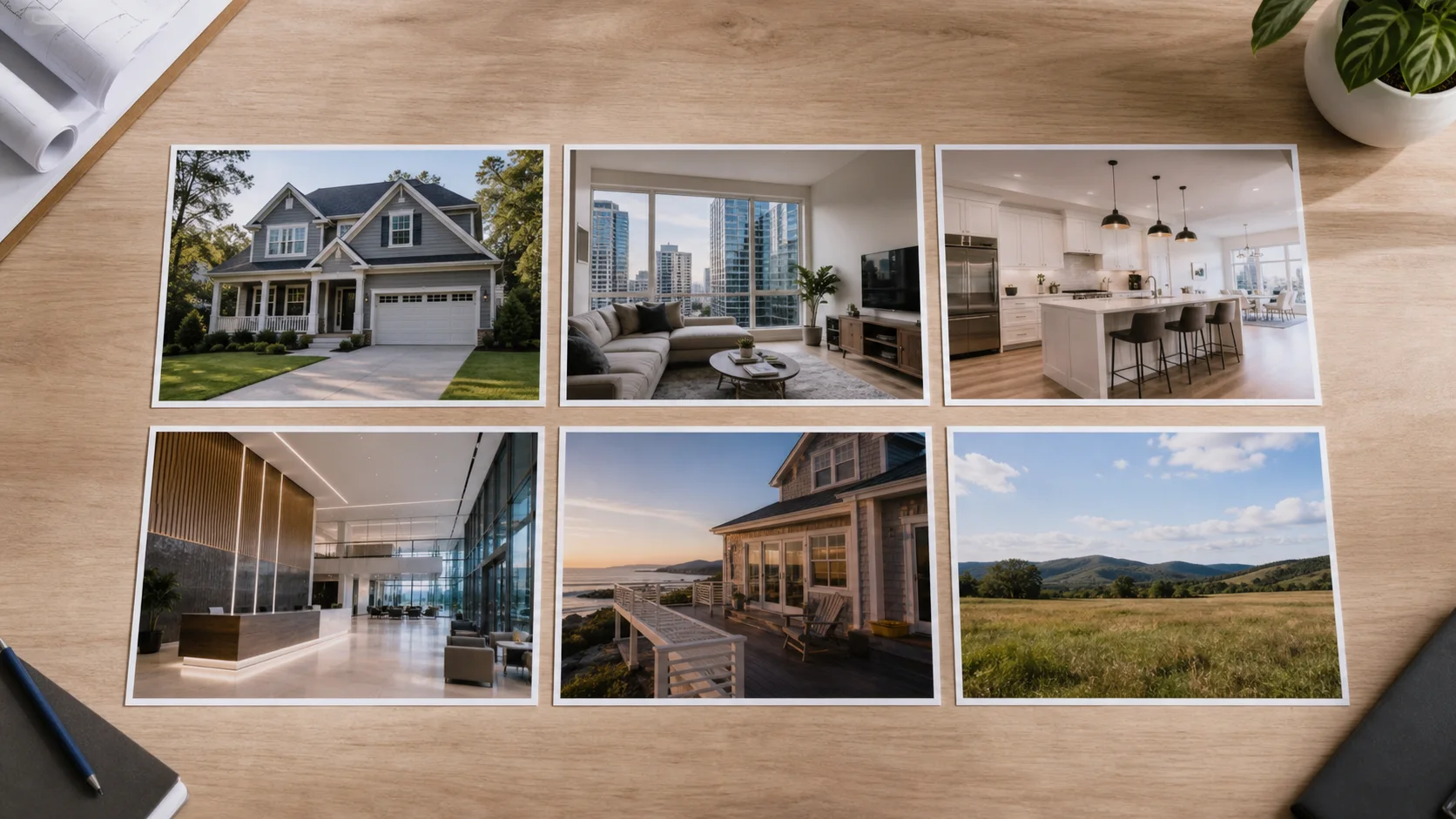
An apartment video needs to explain three layers: the unit, the building, and the relevant surrounding context. Confusion begins when a representative model, shared amenity, view, or neighborhood image appears without a clear relationship to the available unit.
Start with what the renter or buyer is actually evaluating
Confirm whether the video covers a specific unit, a floor plan, a building, or a community. Use current media whenever possible and make any representative relationship explicit. Show practical connections such as entry, living area, kitchen, bedroom, storage, light, and access before decorative details.
A practical production sequence
- Confirm unit identity, floor plan, current condition, availability, media date, and representation labels.
- Arrange the unit in a logical walk-through order and preserve an honest sense of scale.
- Add building entry, shared spaces, amenities, and approved context only when relevant.
- Use concise captions for verified features, fees or requirements only through current approved wording.
- Review the application or inquiry destination and replace the video when availability changes.
What the sequence should clarify
- Unit: actual rooms, condition, light, storage, view, appliances, and connections.
- Building: entry, access, circulation, services, shared spaces, and policies where approved.
- Amenities: current condition, access limitations, seasonality, and relationship to this offering.
- Context: accurate nearby orientation without prohibited preference or demographic claims.
- Action: current availability, showing, application, or official property-information destination.
Mistakes that weaken the result
- Mixing several unit types without identifying what is representative.
- Using a wide lens, motion, or crop that exaggerates room size or view.
- Showing staged furnishings, amenities, or finishes that are not included without clarification.
- Leaving an unavailable unit or expired offer promoted as current.
Distribution and measurement
Use a stable building overview and replaceable unit-specific versions. Send viewers to the official current availability and application source rather than embedding every volatile detail in the video. Measure qualified showing, inquiry, and application actions by unit or floor plan.
Pre-publish review checklist
- The actual, model, sample, and shared spaces are labeled correctly.
- Room scale, view, finish, furnishings, and amenity access are represented accurately.
- Availability, requirements, fees, and contact information are current and approved.
- Captions and narration follow applicable housing and accessibility requirements.
- The official destination matches the video and remains maintained.
Turn the plan into an editable property video
Start with approved property photos or a supported listing URL, shape the story for this campaign, and review every scene before publishing.