The Best Order for Property Photos in a Listing Video
Arrange listing photos into a clear property story with a strong opening, logical room flow, evidence-backed highlights, and a focused close.
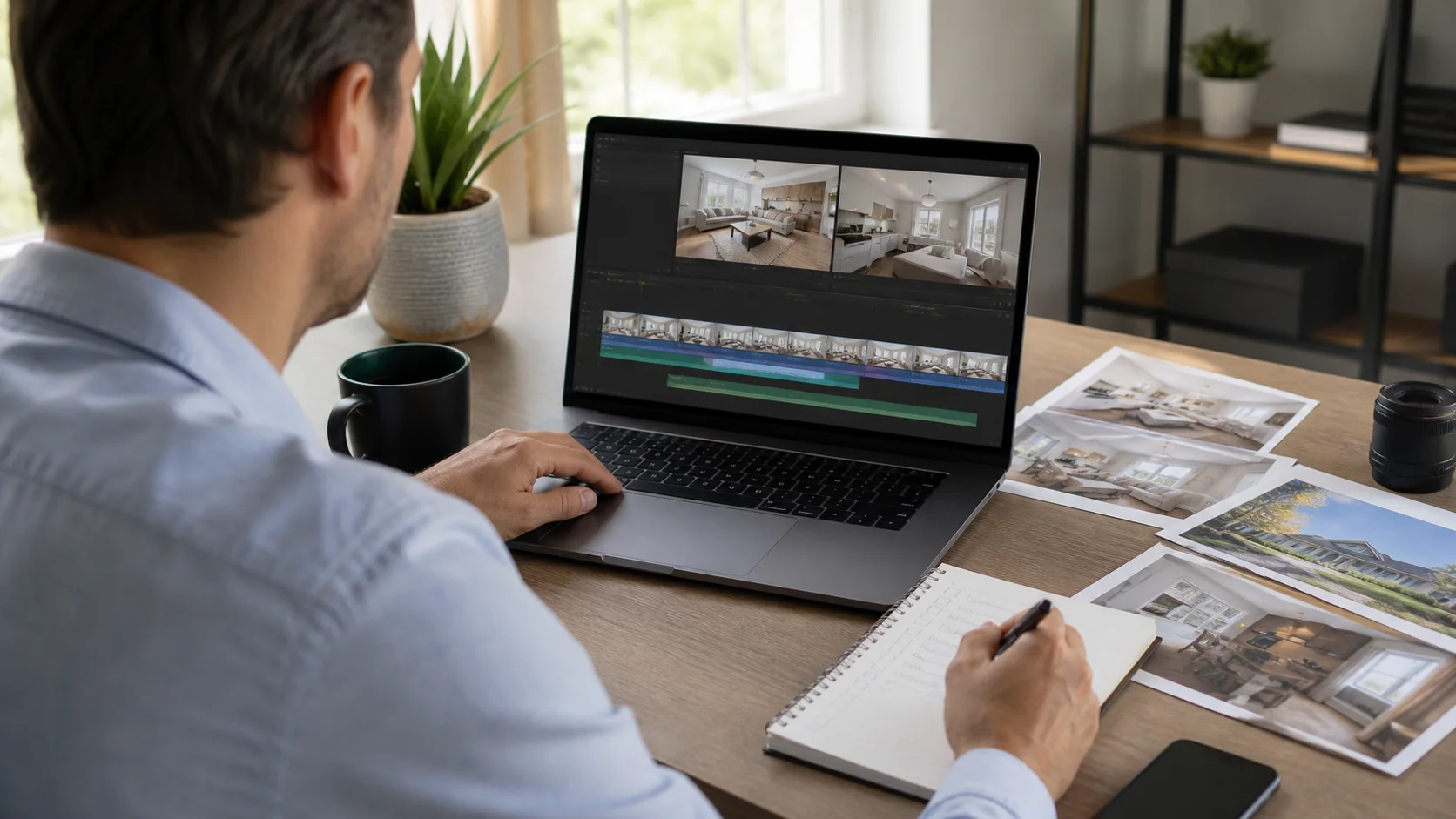
Photo order controls how easily a viewer understands the home. A useful sequence is not simply the photographer's delivery order or the MLS gallery order. It should orient the viewer, develop the main spaces, reveal differentiators at the right moment, and end before the story becomes repetitive.
Open with the clearest reason to continue
The first image should set an honest expectation. Use the exterior when location and architecture lead the story, or open with a defining interior or view when it is the campaign's strongest supported differentiator. Follow quickly with an orienting scene so the viewer knows what kind of property is being presented.
A practical production sequence
- Remove duplicates, weak alternates, and images that no longer represent the property accurately.
- Choose one opening image and one supporting orientation image before arranging the remaining rooms.
- Group connected spaces and alternate wide context with selective detail rather than random angles.
- Place the best differentiator early enough to retain attention but keep supporting evidence around it.
- End with a clean property, event, or contact screen instead of an unrelated final room.
When to change the default sequence
- Lead with the view when it is verified, visually dominant, and central to the property's position.
- Lead with the interior for apartments where the exterior gives little useful orientation.
- Group amenities by buyer value rather than scattering them between unrelated rooms.
- Use a day-to-evening progression only when the source media is consistent and the transition has a purpose.
- For commercial, land, or development listings, organize around access, use, scale, and context instead of rooms.
Mistakes that weaken the result
- Starting with a decorative detail before the viewer understands the property.
- Jumping between floors or disconnected rooms without a clear narrative reason.
- Saving the strongest image until after repetitive scenes have already lost attention.
- Mixing inconsistent editing styles, seasons, or outdated furniture without review.
Distribution and measurement
Preserve the master story, then reorder deliberately for each derivative. A short social cut can lead with one feature and link to the full property, while a website version can retain more orientation. Compare engagement by opening sequence, not only by overall runtime.
Pre-publish review checklist
- The first two images establish the property and campaign promise accurately.
- Room order is understandable even without narration.
- Generated movement follows the geometry and focal point of each source image.
- No outdated photo or superseded listing detail remains in the sequence.
- The closing action matches the video's current publishing context.
Turn the plan into an editable property video
Start with approved property photos or a supported listing URL, shape the story for this campaign, and review every scene before publishing.