How to Create a Real Estate Video From a Listing URL
Turn a supported property listing URL into a reviewable video project while preserving accurate photos, facts, permissions, branding, and campaign intent.
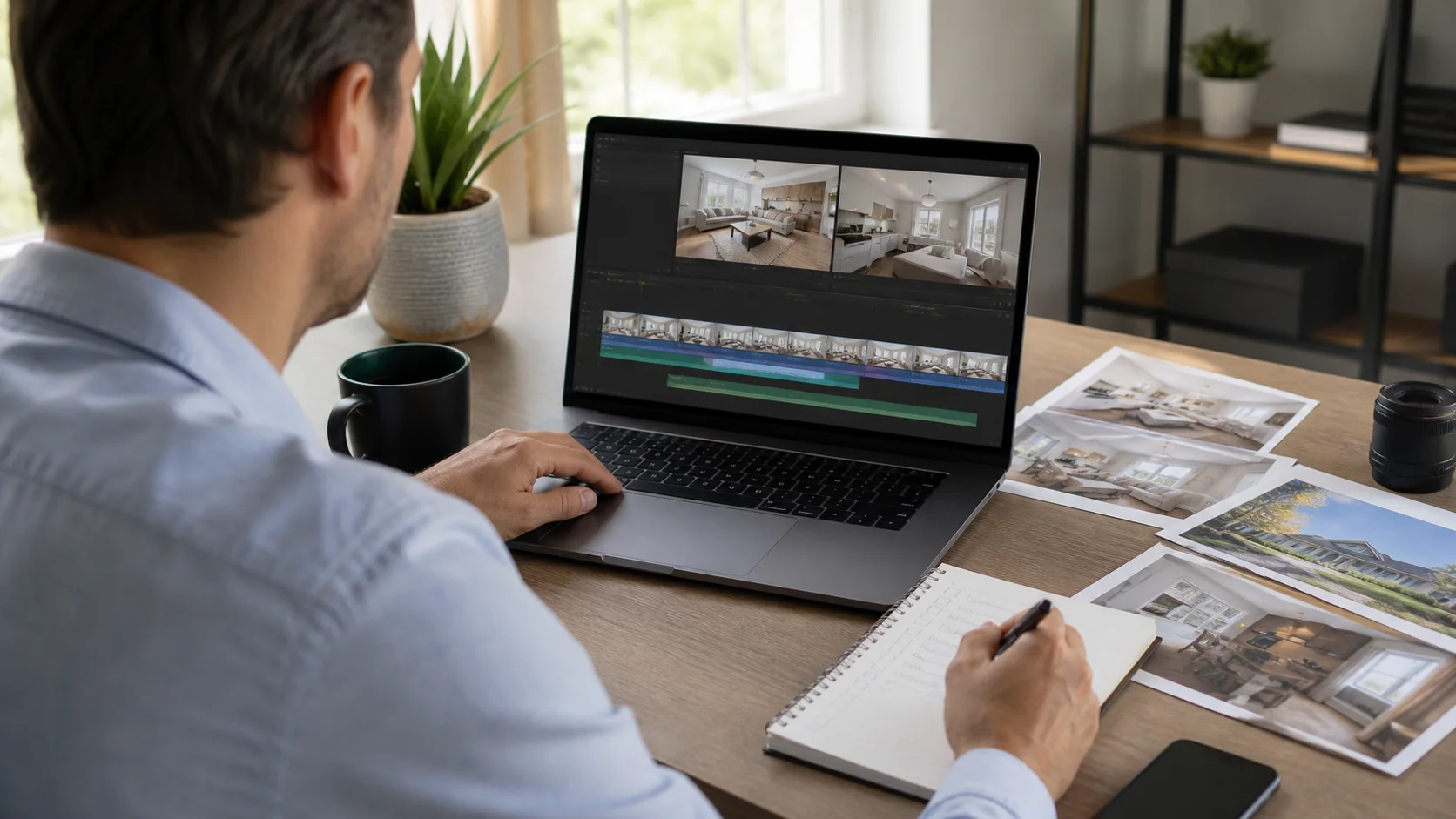
A listing URL can reduce setup work by bringing current property media and details into one starting point. It does not remove the need for editorial judgment or approval. The source page may contain outdated fields, media with limited rights, duplicate photos, or information that does not belong in the final video.
Treat the URL as source material, not final approval
Confirm that you are authorized to use the page's photographs, copy, branding, and property information for the intended campaign. Capture the current status and assign a reviewer. If the page changes later, the exported video will not automatically become accurate; create an update process for time-sensitive fields.
A practical production sequence
- Open the supported listing URL and confirm the property identity before importing anything.
- Review imported media for rights, currency, duplicates, quality, and accurate representation.
- Verify price, status, address wording, room counts, amenities, dates, and contact information.
- Select the strongest scenes, arrange a logical sequence, and replace unsupported copy with approved wording.
- Review every generated scene and export the version required for the campaign destination.
What still needs human direction
- Campaign job: listing launch, open house, social teaser, website overview, presentation, or follow-up.
- Photo selection: which views explain the property and which merely repeat another image.
- Motion: whether a push, pull, side move, or static hold suits each composition.
- Copy: which facts are verified, relevant, readable, and approved for advertising.
- Brand finish: typography, music, captions, narration, logo use, and final response action.
Mistakes that weaken the result
- Assuming every image or fact on a public page is cleared for every marketing use.
- Publishing imported claims without checking the current source and responsible approver.
- Using the complete gallery instead of curating a concise property story.
- Leaving an old video live after price, status, event, or representation details change.
Distribution and measurement
Keep the editable project as the approved source for future versions. When a campaign fact changes, update the project, withdraw superseded assets where possible, and publish a new export. Tag links or inquiries by channel so the URL-based workflow can be evaluated beyond rendering speed.
Pre-publish review checklist
- The imported page and final video refer to the same current property.
- Every selected photo and fact is approved for the intended use.
- The sequence and motion do not change the property's layout or material features.
- Time-sensitive information has an owner and update plan.
- The call to action points to a live and current destination.
Turn the plan into an editable property video
Start with approved property photos or a supported listing URL, shape the story for this campaign, and review every scene before publishing.