New Construction Real Estate Video: Market Each Development Stage
Create accurate new-construction videos for announcement, progress, model, release, and completed-home campaigns without confusing current and proposed features.
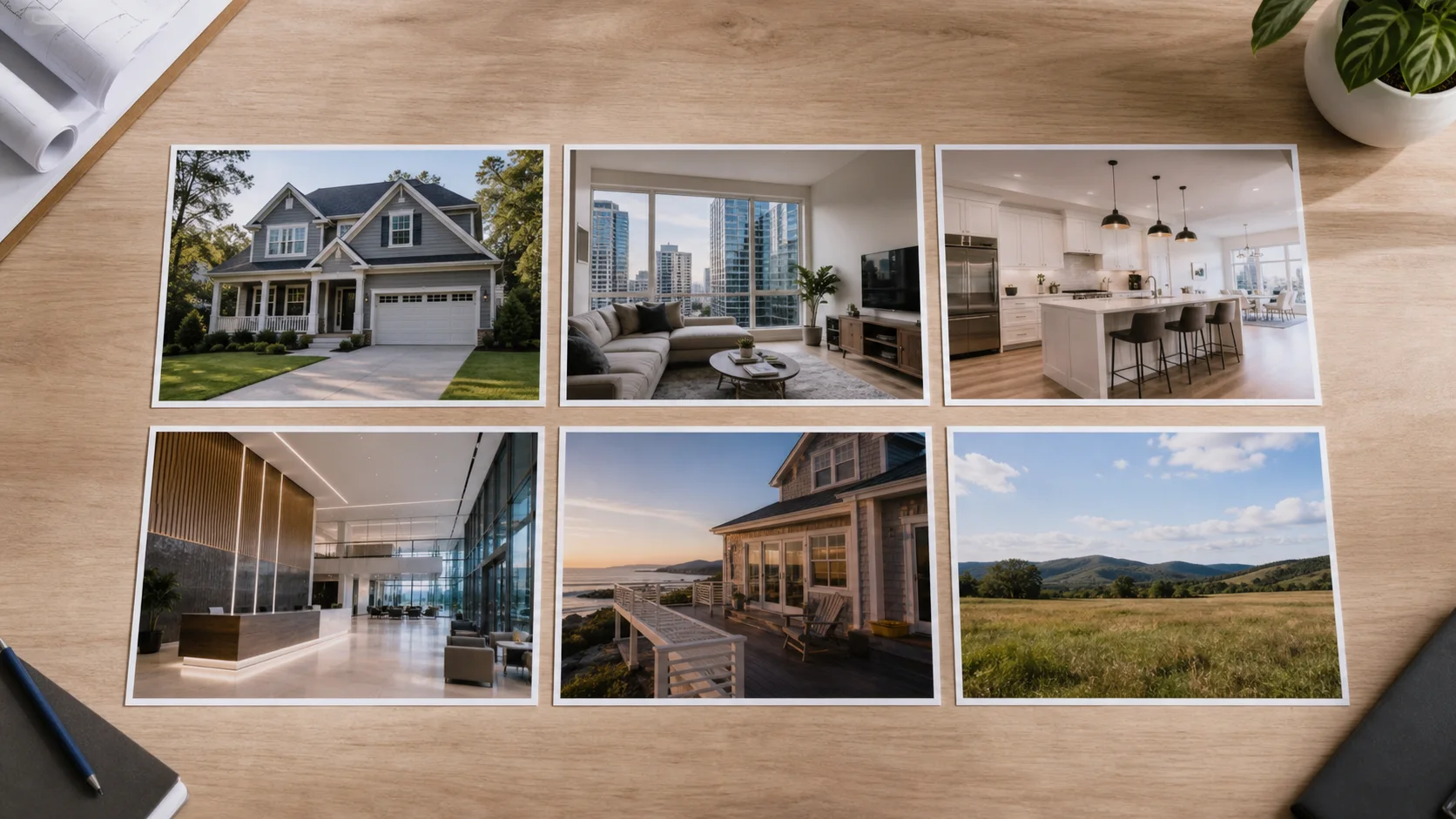
New-construction campaigns change as the project moves from concept to site work, model completion, release, and occupancy. Video can explain that progress, but viewers must be able to distinguish current photography, representative model imagery, approved rendering, and future plans.
Anchor every video to a dated development stage
State what exists now, what is represented, and what is proposed using approved language. Select the audience and decision for that stage: understand the vision, review a release, visit the model, track progress, or explore a completed home. Never let cinematic continuity blur those categories.
A practical production sequence
- Confirm the current stage, approved release information, media labels, and responsible development reviewer.
- Separate existing footage, model imagery, renderings, plans, and location context before editing.
- Build the sequence around one stage-specific question and label transitions between media types.
- Add only approved timing, availability, finish, amenity, and contact information.
- Record the publish date and replace the asset when the project or release advances.
Campaigns across the development cycle
- Announcement: establish the approved concept, site, team, and information source.
- Progress: compare documented milestones without implying completion or guaranteed timing.
- Model: show what is representative and identify upgrades or options where required.
- Release: focus on current availability and the correct response process.
- Completion: replace proposed imagery with current photography and update the final property story.
Mistakes that weaken the result
- Cutting renderings and current footage together without persistent, understandable labels.
- Leaving projected timing, pricing, availability, or amenity details in an evergreen export.
- Presenting a model, upgrade, view, or finish as standard without approved clarification.
- Reusing an early-stage video after site conditions or plans materially change.
Distribution and measurement
Maintain a dated campaign archive and a current approved version by stage. Link viewers to controlled development information where details can be updated. Measure qualified registrations, model visits, information requests, and release interest rather than treating video views as evidence of demand.
Pre-publish review checklist
- Current, representative, optional, and proposed visuals are clearly distinguished.
- Availability, timing, pricing, finishes, amenities, and views use approved current wording.
- The video does not imply a guarantee or completed condition that is not supported.
- Media rights cover the developer, brokerage, channels, and campaign type.
- The publish date, review owner, and replacement trigger are recorded.
Turn the plan into an editable property video
Start with approved property photos or a supported listing URL, shape the story for this campaign, and review every scene before publishing.