Real Estate Video Voiceover: Script, Record, and Review Narration
Plan a useful real estate video voiceover that adds verified context, fits the visuals, sounds natural, and leaves room for the property.
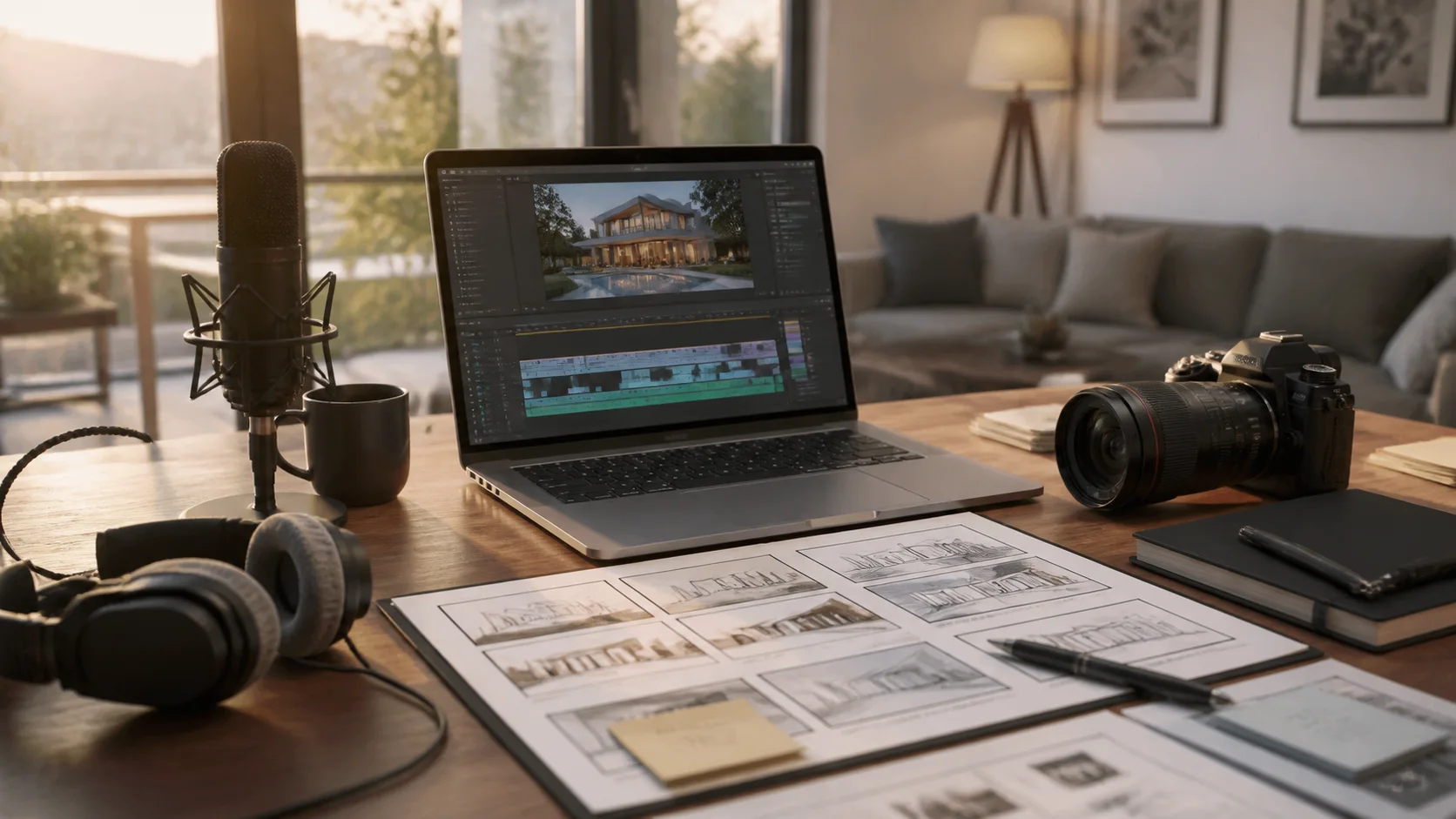
Voiceover should contribute information the pictures cannot provide alone. It can explain a layout, renovation, location relationship, development phase, or next step. Narration becomes distracting when it races through the listing description or makes claims that the visuals and approved facts cannot support.
Build narration from the evidence map
Start with the selected visuals and a verified fact sheet. Give each sequence one communication job. The script should orient the viewer, explain a small number of meaningful details, and guide the next action; it does not need to mention every room or repeat every on-screen label.
A practical production sequence
- Mark the scenes that need explanation and leave self-explanatory images room to breathe.
- Draft short spoken sentences and read them aloud while the rough sequence plays.
- Confirm pronunciation for names, streets, communities, architecture, and local terms.
- Record or generate narration with a consistent, appropriate voice and clean audio level.
- Review the mix, captions, timing, claims, and final export on both headphones and a phone.
Narration choices that shape the result
- Point of view: agent-led welcome, neutral property overview, developer explanation, or concise event invitation.
- Density: fewer useful lines usually sound more confident than nonstop description.
- Tone: match the audience and property without imitating a person or making the delivery theatrical.
- Evidence: place each statement over a scene that supports it or clearly identify contextual information.
- Language: use reviewed translations and local pronunciation support for multilingual campaigns.
Mistakes that weaken the result
- Writing long visual sentences that are difficult to understand when heard once.
- Using narration to hide missing or weak property coverage.
- Letting music compete with the voice or allowing levels to change between sections.
- Publishing synthetic narration without reviewing pronunciation, cadence, disclosure needs, and rights.
Distribution and measurement
Keep a clean narration script and audio master with the project. Short derivatives may need newly written lines rather than a chopped section of the long track. Compare viewing and actions between narrated and text-led versions when the audience or channel makes both practical.
Pre-publish review checklist
- Every spoken fact is verified and matches the scene beneath it.
- The pace leaves time to understand both the words and the property.
- Names and specialized terms are pronounced correctly.
- Music remains secondary and captions accurately reflect the narration.
- Voice, music, source media, and script are cleared for the intended use.
Turn the plan into an editable property video
Start with approved property photos or a supported listing URL, shape the story for this campaign, and review every scene before publishing.