Vacation Rental Video Marketing: Build an Accurate Guest Preview
Create vacation-rental videos that set accurate expectations for the stay, layout, amenities, access, setting, season, and booking path.
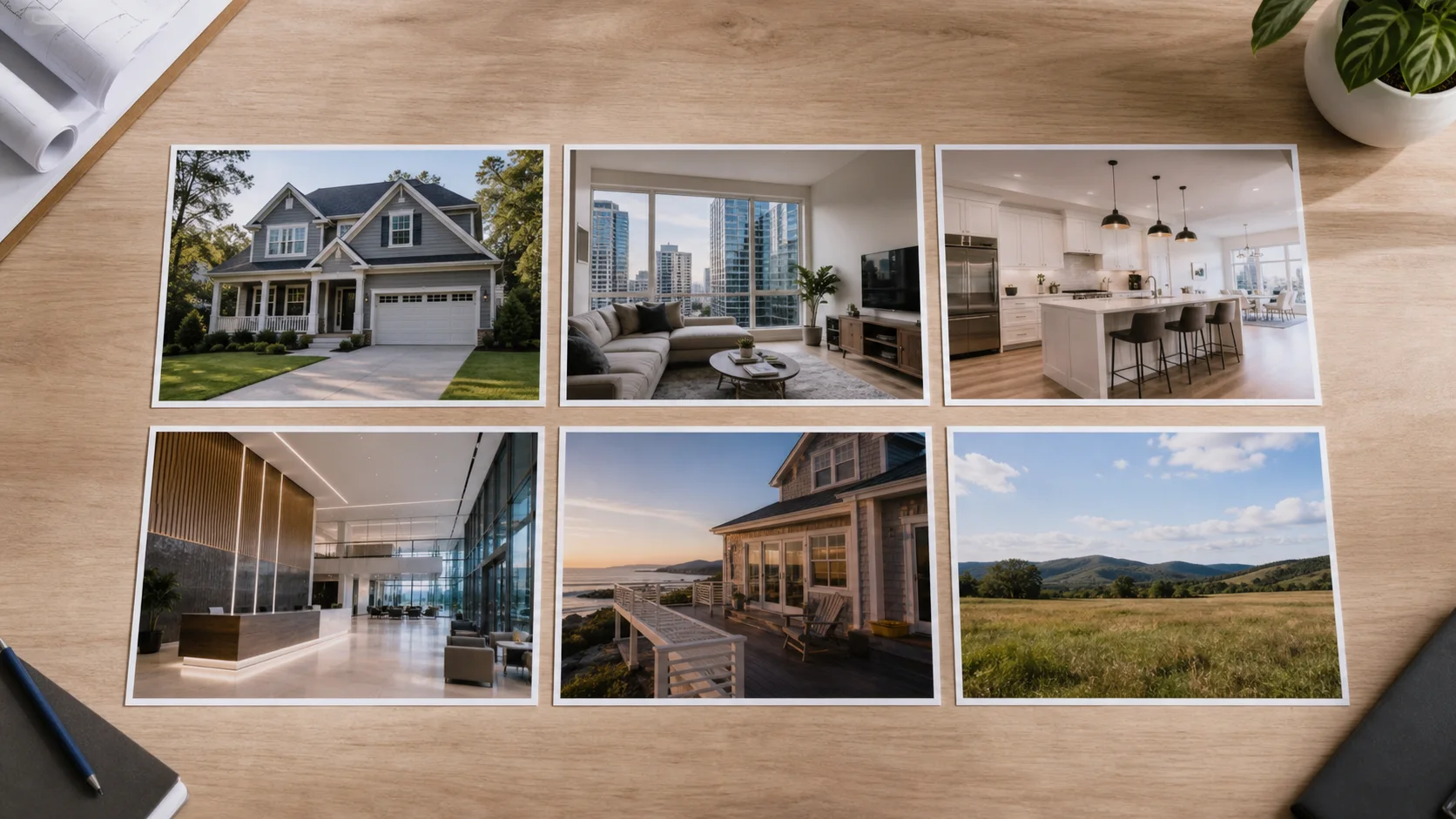
A vacation-rental video sells an experience, but it must still represent the actual stay. Guests need to understand arrival, sleeping arrangements, shared spaces, outdoor areas, view, amenity access, and setting. Beautiful imagery should reduce uncertainty rather than conceal limitations.
Promise only the experience the property can deliver
Write the guest question beside every scene: where do we arrive, sleep, cook, gather, work, park, or access the feature shown? Use current media and avoid mixing seasons, staged events, neighboring facilities, or wide-area attractions in a way that implies they are part of the rental.
A practical production sequence
- Confirm the current property condition, guest capacity, spaces, amenities, access, rights, and booking source.
- Choose one stay position and build a sequence from arrival through shared, private, and outdoor spaces.
- Label shared, seasonal, nearby, optional, or restricted features with approved wording.
- Add concise captions, licensed music, and a current route to availability and complete rules.
- Review the export after property, amenity, season, access, or operator changes.
Guest information worth showing
- Arrival: exterior recognition, parking or access context, and entry where appropriate.
- Living pattern: kitchen, dining, gathering, bedrooms, bathrooms, workspace, and circulation.
- Amenities: current condition, season, sharing, hours, rules, and safety context as applicable.
- Setting: honest view, outdoor space, property boundary, and accurate nearby orientation.
- Booking: official availability, full details, policies, pricing source, and guest contact path.
Mistakes that weaken the result
- Using destination footage that implies an attraction, beach, view, or amenity belongs to the property.
- Hiding access, stairs, shared areas, sleeping configuration, or practical limitations.
- Mixing old and current media after furnishings, management, rules, or amenities change.
- Embedding volatile rates, availability, or promotional terms without a maintenance plan.
Distribution and measurement
Keep the video focused on durable property truth and send viewers to the official booking source for current rates, availability, and full rules. Track qualified booking-page visits and questions, then use recurring uncertainty to improve the next visual sequence or caption.
Pre-publish review checklist
- The property, rooms, capacity, amenities, view, setting, and access are represented accurately.
- Shared, seasonal, nearby, optional, and restricted elements are clear.
- People, music, guest content, and property media are licensed for promotional use.
- The video does not replace required safety, accessibility, rule, or booking information.
- The booking destination and operator contact are current.
Turn the plan into an editable property video
Start with approved property photos or a supported listing URL, shape the story for this campaign, and review every scene before publishing.