Which rotations are supported?
Rotate clockwise by 90, 180, or 270 degrees.
Rotate a video clockwise by 90°, 180°, or 270° in a complete editable project. Open Reeloft's complete editor, then add your files directly to the timeline.
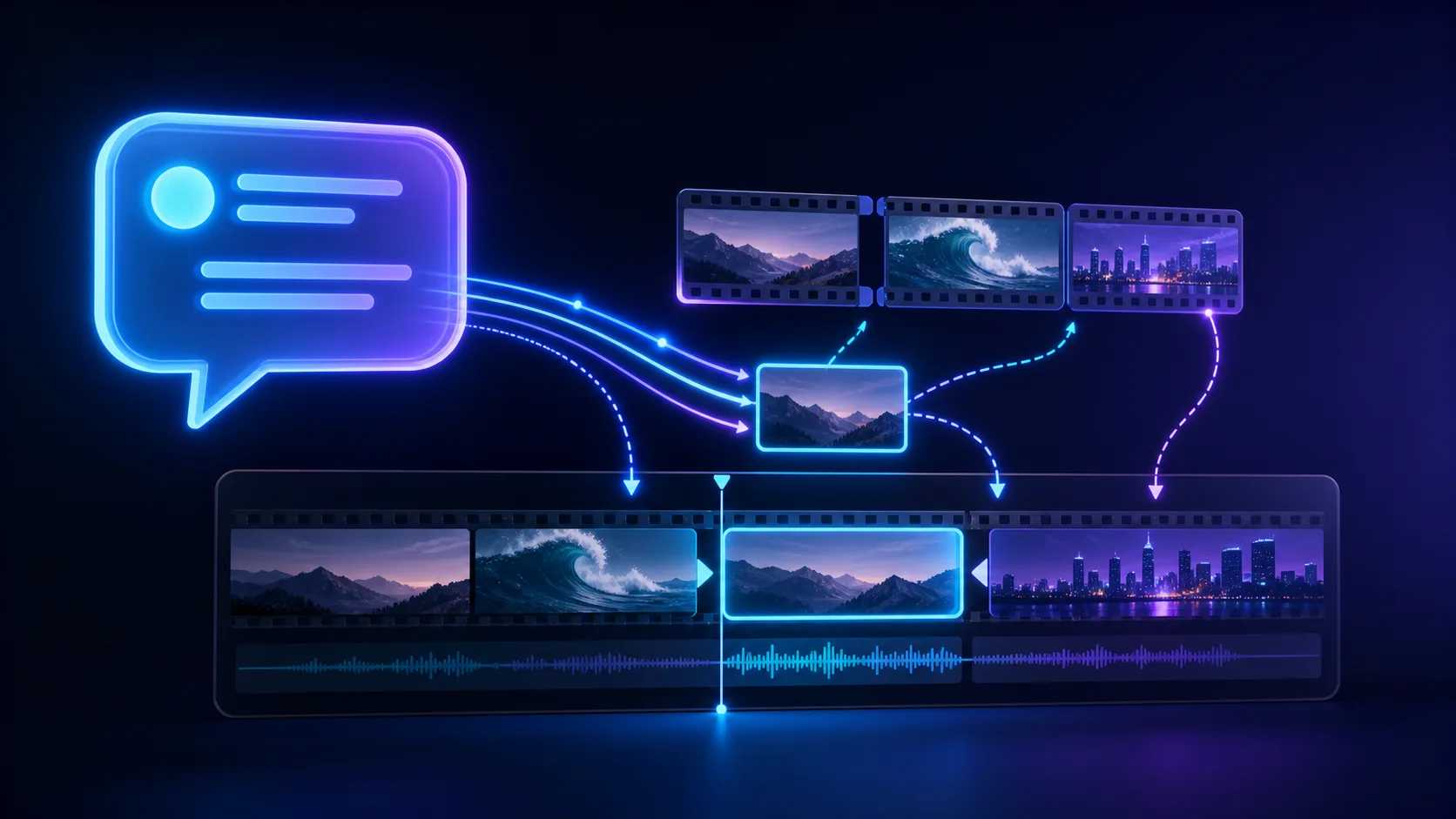
Edit in one workspace
Upload, arrange, adjust, and render without leaving the editor.
Crop any part of a video with a freeform selection or social-media aspect ratio preset.
Resize video for Shorts, Reels, feeds, and widescreen publishing in a complete editable project.
Convert video to 24, 25, 30, 50, or 60 FPS while retaining synchronized audio.
Rotate clockwise by 90, 180, or 270 degrees.
Yes. Quarter-turn rotations swap the output width and height.