Real Estate Video Thumbnails: Choose a Frame That Earns the Click
Design an honest, readable real estate video thumbnail with a strong property image, clear hierarchy, mobile legibility, and current branding.
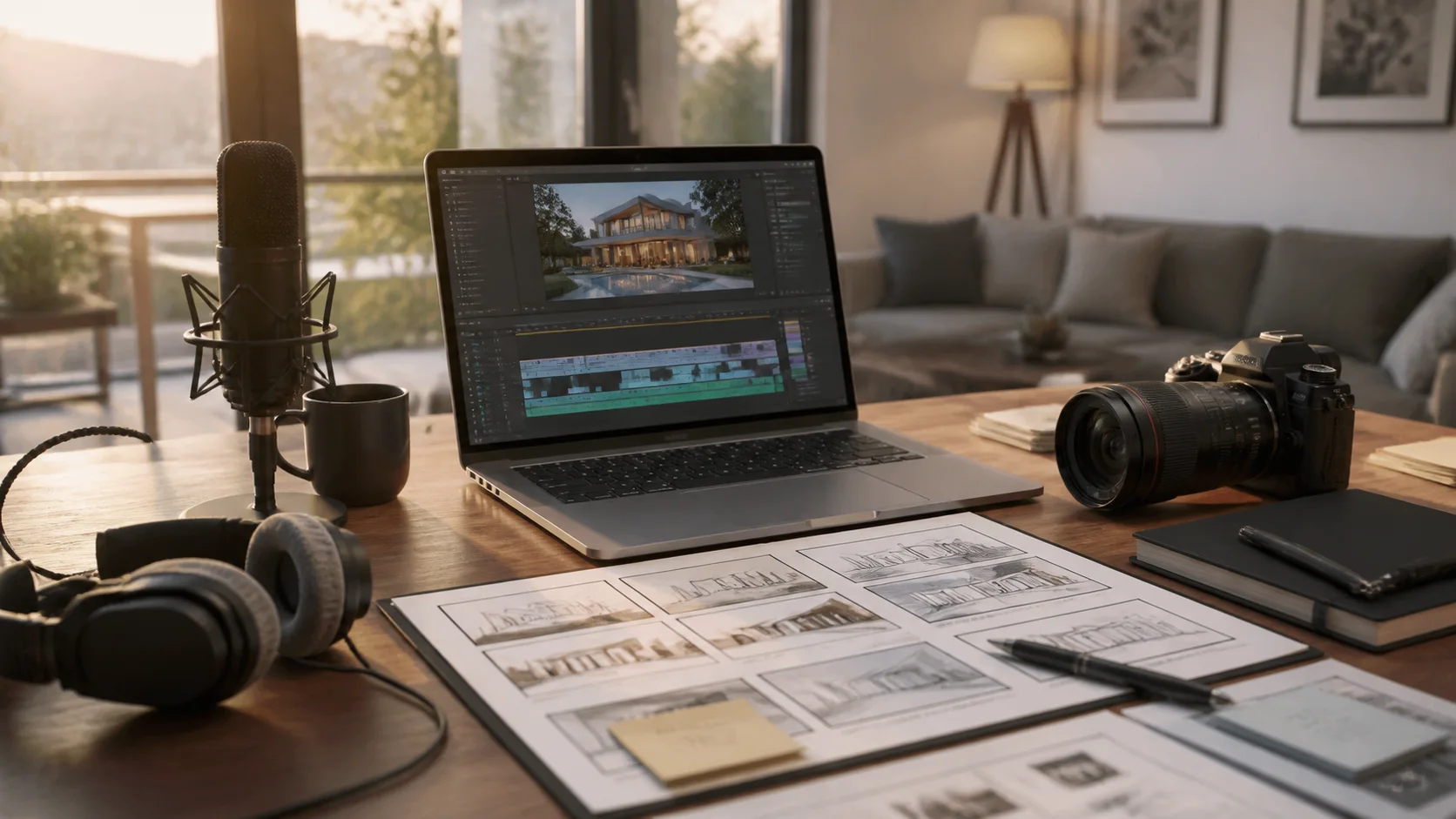
A thumbnail sets the expectation for the video. Its job is not to summarize every feature or manufacture excitement. It should help the right viewer recognize the property, campaign, or useful topic and understand why opening the video is worthwhile.
Choose the promise the video can keep
Select a frame that represents the defining visual idea of the video. An exterior can orient viewers; a strong kitchen, view, or commercial space can lead a feature story. Do not use a room, rendering, season, or angle that is absent from the current video or materially misrepresents the property.
A practical production sequence
- Identify the video's one promise and shortlist three source images that prove it.
- Crop each candidate at the intended display ratio while preserving architecture and focal detail.
- Add only the necessary label, event detail, or topic phrase in a simple hierarchy.
- Apply approved branding with enough contrast and without covering the property.
- Compare candidates at mobile size and verify the selected thumbnail against the final video.
Thumbnail elements to control
- Image: favor clear composition and recognizable property evidence over a busy montage.
- Crop: maintain straight lines, useful context, and room for any essential label.
- Text: keep it short, specific, current, and large enough to read at a glance.
- Brand: use consistent type, color, and logo treatment across the campaign.
- Variants: change the promise for feature, event, market, or audience-specific versions.
Mistakes that weaken the result
- Using a generic luxury home unrelated to the video.
- Filling the frame with tiny feature lists, badges, logos, and multiple calls to action.
- Embedding price, status, or event information without an update and withdrawal plan.
- Selecting a visually dramatic generated frame that changes the source property's appearance.
Distribution and measurement
Save the source image and editable thumbnail file with each video version. Where testing is available and appropriate, compare honest variants based on click quality and downstream viewing or inquiries, not clicks alone. Replace thumbnails when campaign facts or positioning change.
Pre-publish review checklist
- The thumbnail image appears in or accurately represents the final video.
- The property remains recognizable after the display-size crop.
- Any text is readable, current, spelled correctly, and approved.
- Brand elements do not obscure the feature or create false affiliation.
- The visual promise matches what the viewer receives after clicking.
Turn the plan into an editable property video
Start with approved property photos or a supported listing URL, shape the story for this campaign, and review every scene before publishing.