Keep the product central
Use a clean reference frame and describe the movement while asking the model to preserve the core product design.
Use a product image or written brief to create polished beauty visuals for launches, product pages, ads, and social posts—without rebuilding the concept in separate tools.
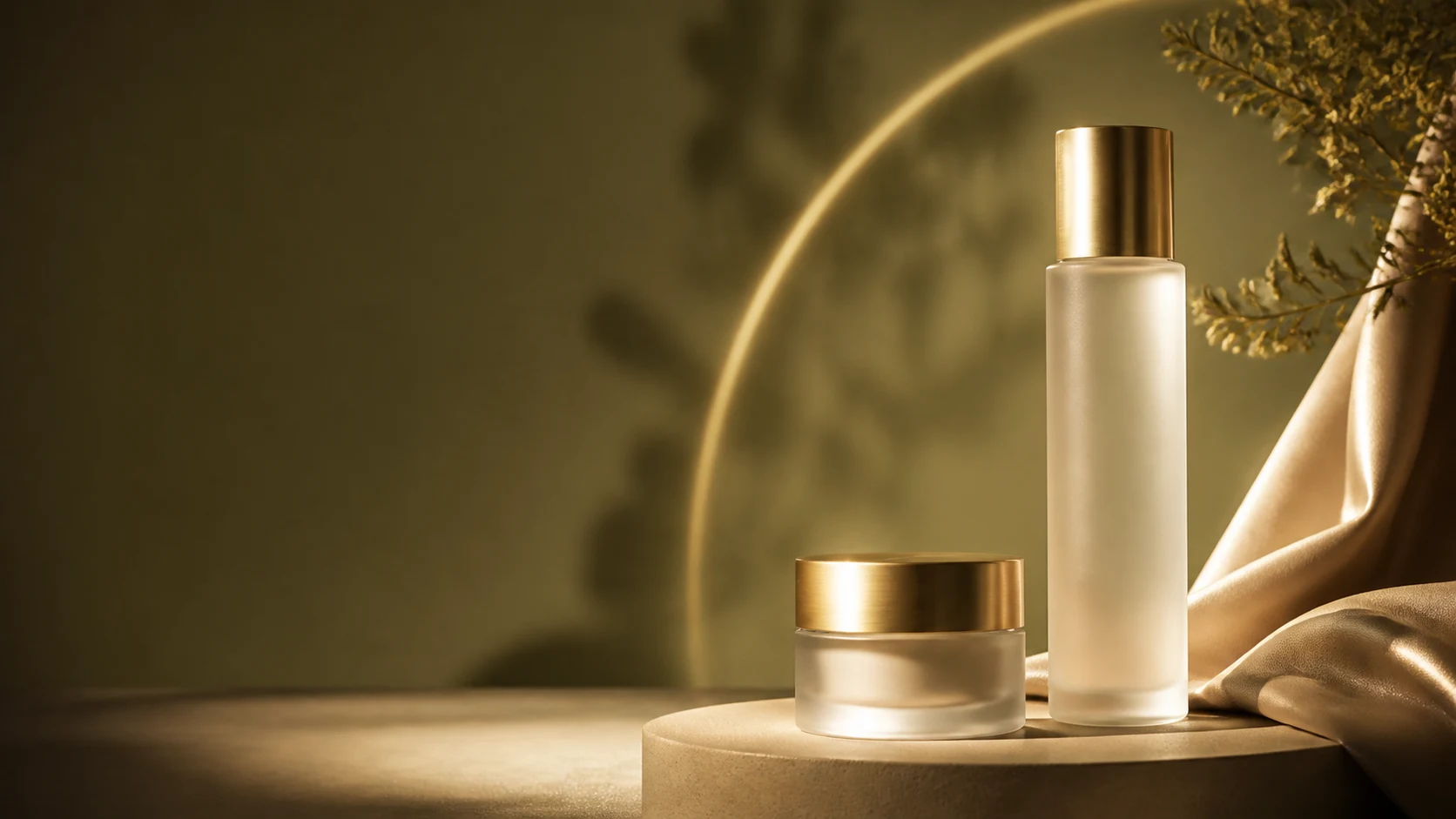
Product motion
Photo → launch asset
Frame · Move · Publish
Create focused motion assets that make packaging, texture, material, and light feel intentional.
Use a clean reference frame and describe the movement while asking the model to preserve the core product design.
Guide the push-in, orbit, rotation, light sweep, reveal, or environmental motion in plain language.
Generate around the duration, resolution, aspect ratio, and audio capabilities of the selected model.
Use one clear brief for the subject, camera, light, environment, and constraints.
Start from a clean product image or describe the exact product shot you want to create.
Specify what moves, what stays fixed, and how the camera should reveal the product.
Choose a generation model and its supported aspect ratio, duration, resolution, and sound settings.
Compare completed generations, then bring the chosen shot into your broader campaign edit.
Create compact, reusable visuals that support discovery, detail, mood, and conversion.
Short reveals that build anticipation around the product.
Controlled movement that shows packaging and material details.
Placement-aware vertical, square, and landscape concepts.
Atmospheric product moments for longer brand edits.
Call out what must remain consistent and make the desired motion easy to visualize.
“Slow camera orbit around this serum bottle, moving botanical shadows, keep the bottle shape and cap unchanged.”
“Warm light sweeps across the cream jar as the camera pushes in, premium olive and champagne palette.”
“Create a five-second vertical launch reveal with soft silk movement and no text.”
Choose the workflow that matches the asset you have and the story you want to publish.
Yes, when the selected model supports image-to-video. Upload a clean product image and describe the desired camera and environmental motion.
Reference-image generation can guide the result, but outputs should always be reviewed closely for packaging consistency before publication.
Yes. Aspect-ratio options vary by model, so choose a model that supports the placement you need before generation.
Some generation models include audio or music controls. You can also add and balance existing music later in the video editor.
Use a sharp, well-lit image with a clear silhouette, minimal occlusion, and enough space for the camera movement you plan to request.
Bring a product image or a focused prompt and create the campaign asset you need next.
Open AI video generator