Show the routine clearly
Remove setup and pauses while keeping application steps in a natural, useful order.
Upload your routine, product demo, testimonial, or campaign footage. Tell Reeloft what to cut, highlight, caption, resize, and polish—then review every change in the editor.
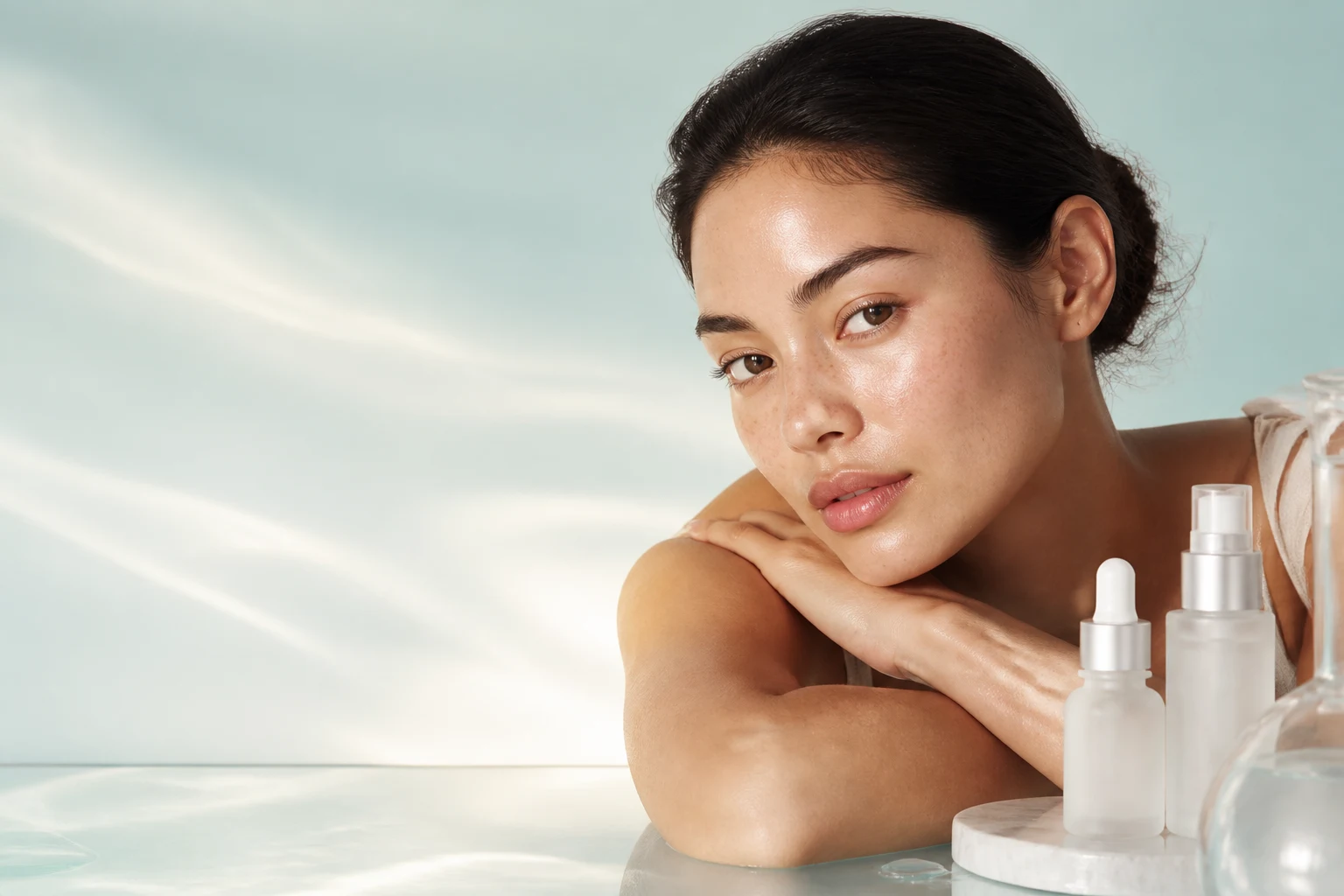
Skincare edit
Routine → polished Reel
Cut · Caption · Resize
Keep close-ups clean, explanations concise, and every product moment ready for mobile viewing.
Remove setup and pauses while keeping application steps in a natural, useful order.
Add editable captions, product names, step labels, and calls to action without baking them into a template.
Prepare 9:16 routines, square ads, widescreen demos, and shorter hooks from the same source footage.
Start with the footage you already have and direct the edit in everyday language.
Bring in a routine, dermatologist interview, product demo, testimonial, or creator clip.
Ask to remove pauses, lead with the result, keep a specific step, or create a shorter cut.
Add captions, product callouts, framing, music balance, fades, and on-brand colors.
Fine-tune any clip or text layer, then export the format each channel needs.
Use one editor for education, social proof, product discovery, and conversion-focused content.
Fast morning, evening, and step-by-step routines.
Texture, application, finish, and packaging close-ups.
Creator stories tightened around the strongest proof points.
Ingredient explainers and how-to content with readable captions.
Combine several requests in one message or refine the video one change at a time.
“Open with the final glow shot, then keep only the three application steps.”
“Make a 20-second vertical version with clean captions above the product.”
“Remove pauses, lower the music under speech, and add a gentle fade at the end.”
Choose the workflow that matches the asset you have and the story you want to publish.
You can edit routines, tutorials, testimonials, product demonstrations, founder videos, interviews, and campaign footage you upload.
Yes. Reframe the project to 9:16, adjust the crop, and place captions and product callouts where they remain readable on mobile.
Yes. Add editable title cards, captions, ingredient names, step labels, disclaimers, and calls to action with controlled timing and placement.
Reeloft edits the source footage you provide. You stay in control of the clips, crop, pacing, overlays, and final review before export.
Yes. Create different lengths and aspect ratios for organic social, ads, product pages, and presentations without rebuilding the story from scratch.
Upload the footage, describe the result, and keep creative control all the way to export.
Start editing free