Start from your product
Use a reference image when the selected model supports it, or begin with a prompt-only campaign concept.
Start with a written concept or a product image, choose the right generation model, and direct the motion, timing, format, and sound for your next cosmetic launch.
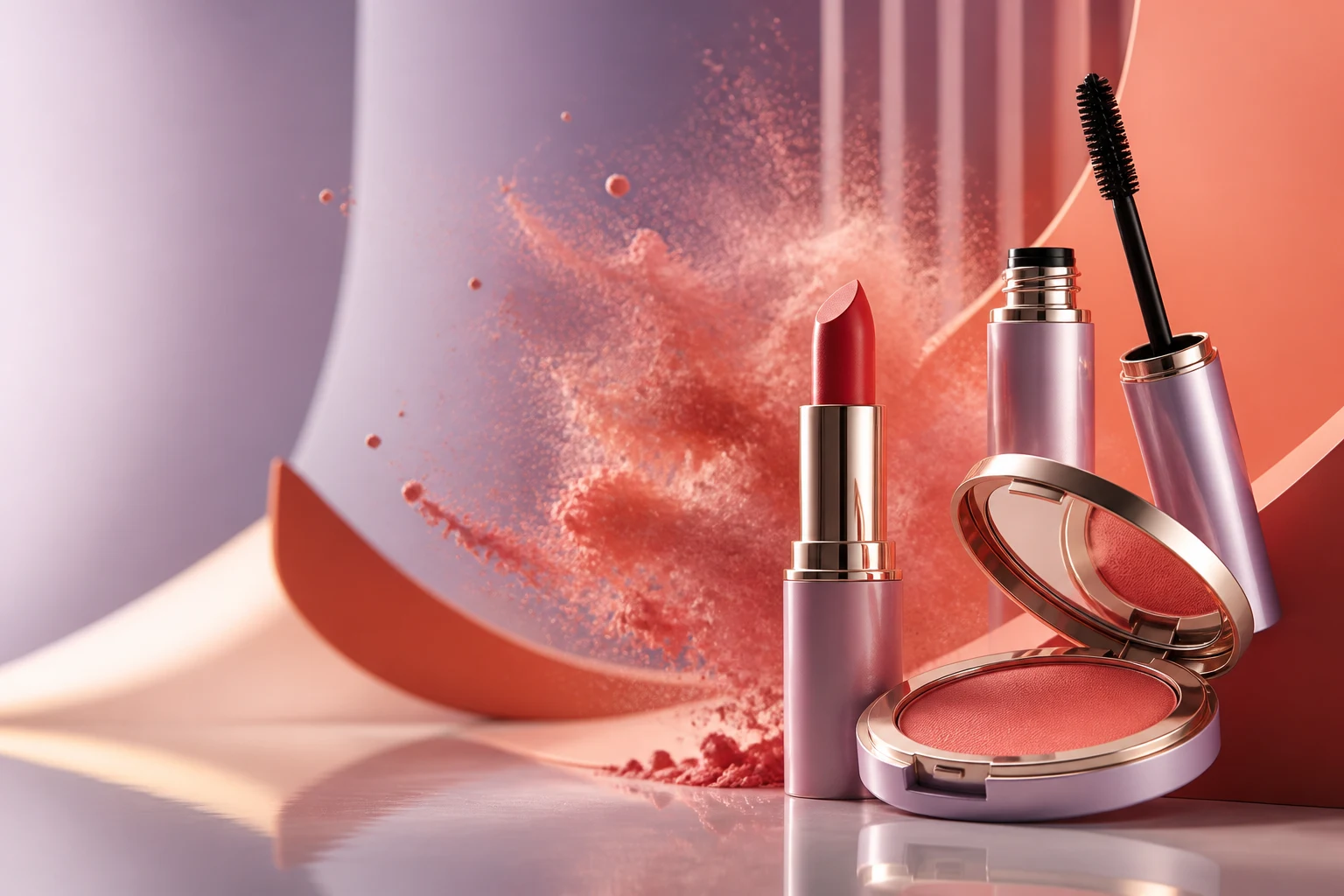
Campaign concept
Still image → motion
Prompt · Direct · Generate
Move from a visual idea to an original campaign asset with controls designed around the model you choose.
Use a reference image when the selected model supports it, or begin with a prompt-only campaign concept.
Describe camera movement, product rotation, pigment, light, texture, and the pace of the reveal.
Choose duration, resolution, aspect ratio, and available audio settings before generation.
Keep the brief focused, choose a compatible model, and compare finished assets from one workspace.
Describe the product, studio set, camera direction, lighting, palette, and desired mood.
Upload a product or keyframe image when you want the generation to begin from an existing visual.
Select the model and configure supported motion, duration, quality, sound, and format options.
Review completed shots in your asset library and use the strongest result in your campaign workflow.
Explore motion-led cosmetic visuals for launches, product pages, organic social, and paid campaigns.
Directed openings for new shades, formulas, and packaging.
Pigment, powder, gloss, shimmer, and liquid in controlled motion.
Short visual bridges for social edits and launch films.
Stylized light, material, and color moments around the product.
Name the subject, environment, movement, camera behavior, light, and constraints that matter.
“A lipstick rotates slowly as a ribbon of red pigment moves behind it, macro lens, glossy coral set.”
“Animate this compact with a gentle push-in and a controlled powder bloom, keep the packaging unchanged.”
“Three-second vertical product reveal with moving highlights, clean background, no text or logos.”
Choose the workflow that matches the asset you have and the story you want to publish.
Yes, when the selected generation model supports a reference image. Upload the image, describe the motion, and configure the available controls.
Yes. Choose a compatible text-to-video model and describe the product, set, movement, camera, lighting, and mood in your prompt.
Available controls depend on the model and can include motion, duration, resolution, aspect ratio, quality, audio, and music.
Completed generations are kept in your asset library so you can review and reuse them in your creative workflow.
Yes. Use the generated shot as a source asset in an editing project, then add editable captions, overlays, timing, and audio.
Start from a prompt or reference image and direct the generation settings that matter.
Open AI video generator