Find the strongest reveal
Open with the finished look, a before-and-after moment, or the clearest product result.
Upload a tutorial, GRWM, review, or transformation and describe the finished cut. Reeloft can tighten pauses, find the reveal, add captions, resize the frame, and balance the sound.
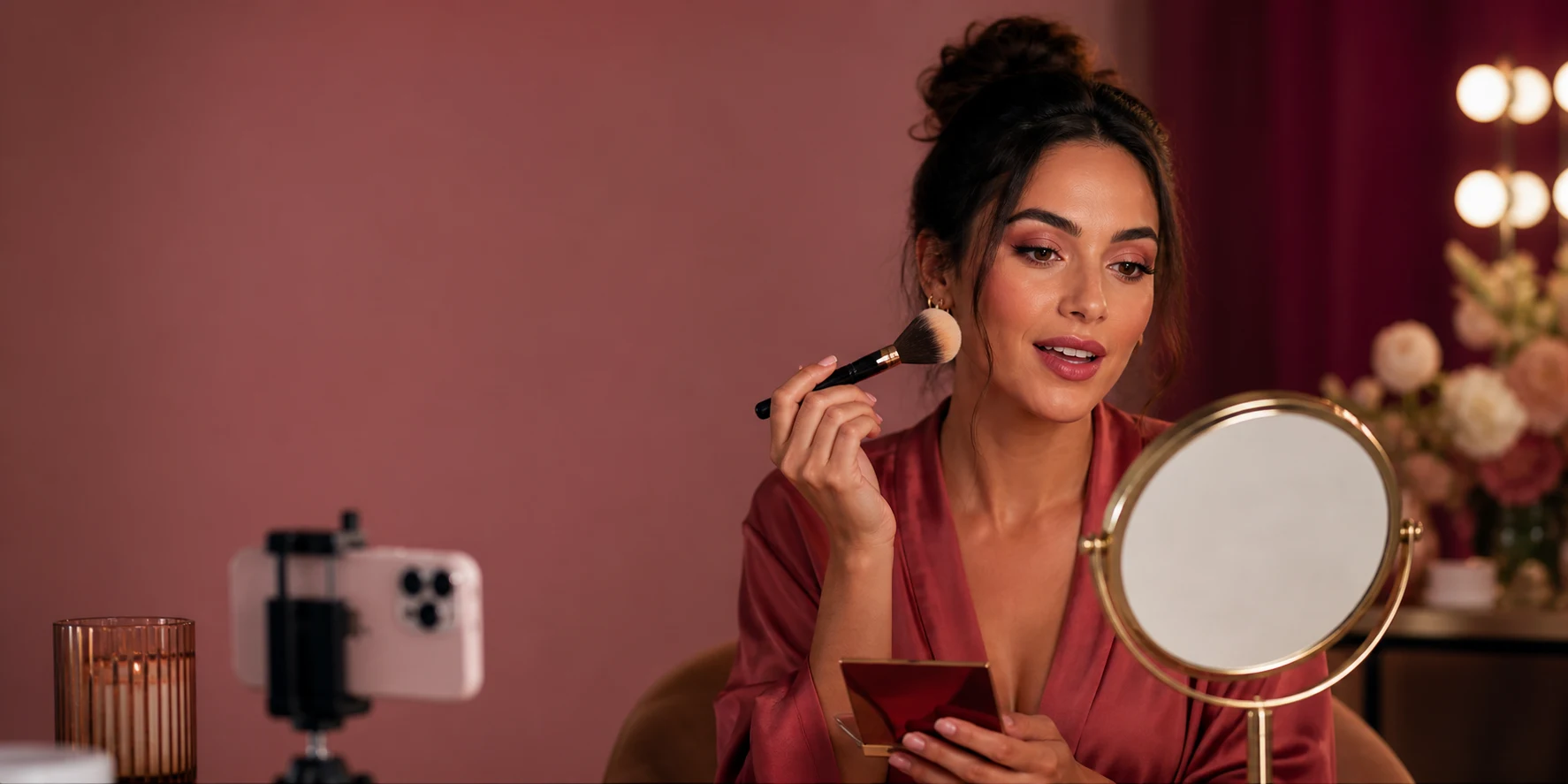
Creator edit
Long take → sharp tutorial
Trim · Hook · Caption
Keep the personality and technique while removing the parts that slow down the story.
Open with the finished look, a before-and-after moment, or the clearest product result.
Remove pauses, repeated lines, setup, and dead space while keeping the technique understandable.
Style editable captions, shade names, product callouts, and step labels for each platform.
Ask for one cleanup or describe the entire edit, then fine-tune the result yourself.
Bring in a tutorial, review, first impression, GRWM, livestream section, or transformation.
Tell Reeloft which steps, products, reactions, or reveal need to stay in the final cut.
Remove pauses, speed up repetitive application, add captions, reframe, and balance audio.
Export a full tutorial, short vertical edit, teaser, or product-focused cut from the source.
Move between education, entertainment, discovery, and product storytelling without changing workflows.
Personality-led edits with cleaner pacing and readable captions.
Before-and-after reveals built around the strongest visual moment.
Claims, shade details, reactions, and close-ups kept concise.
Long-form technique and short-form cutdowns from one take.
Reeloft understands the clip, transcript, timeline, and earlier requests as you refine the video.
“Start with the finished look, then cut back to the three most important steps.”
“Remove pauses and repeated takes, speed up blending, and keep the shade comparison at normal speed.”
“Make a 30-second vertical cut with bold captions and lower the music whenever I speak.”
Choose the workflow that matches the asset you have and the story you want to publish.
Yes. Ask it to remove pauses and repeated takes, keep specific steps, find a highlight, add captions, and create shorter versions.
Yes. Adjust clip speed for blending or repeated steps while keeping explanation, comparison, and reveal moments at normal speed.
Yes. Add editable text overlays and captions with controlled font, color, position, background, and timing.
Yes. Reframe to 9:16, adjust the crop and overlays for mobile, and create a shorter hook-led version from the same footage.
Yes. AI changes remain reviewable in the editor, and you can undo the latest edit or adjust the timeline manually.
Upload the take, describe the cut, and review every change before you publish.
Start editing free